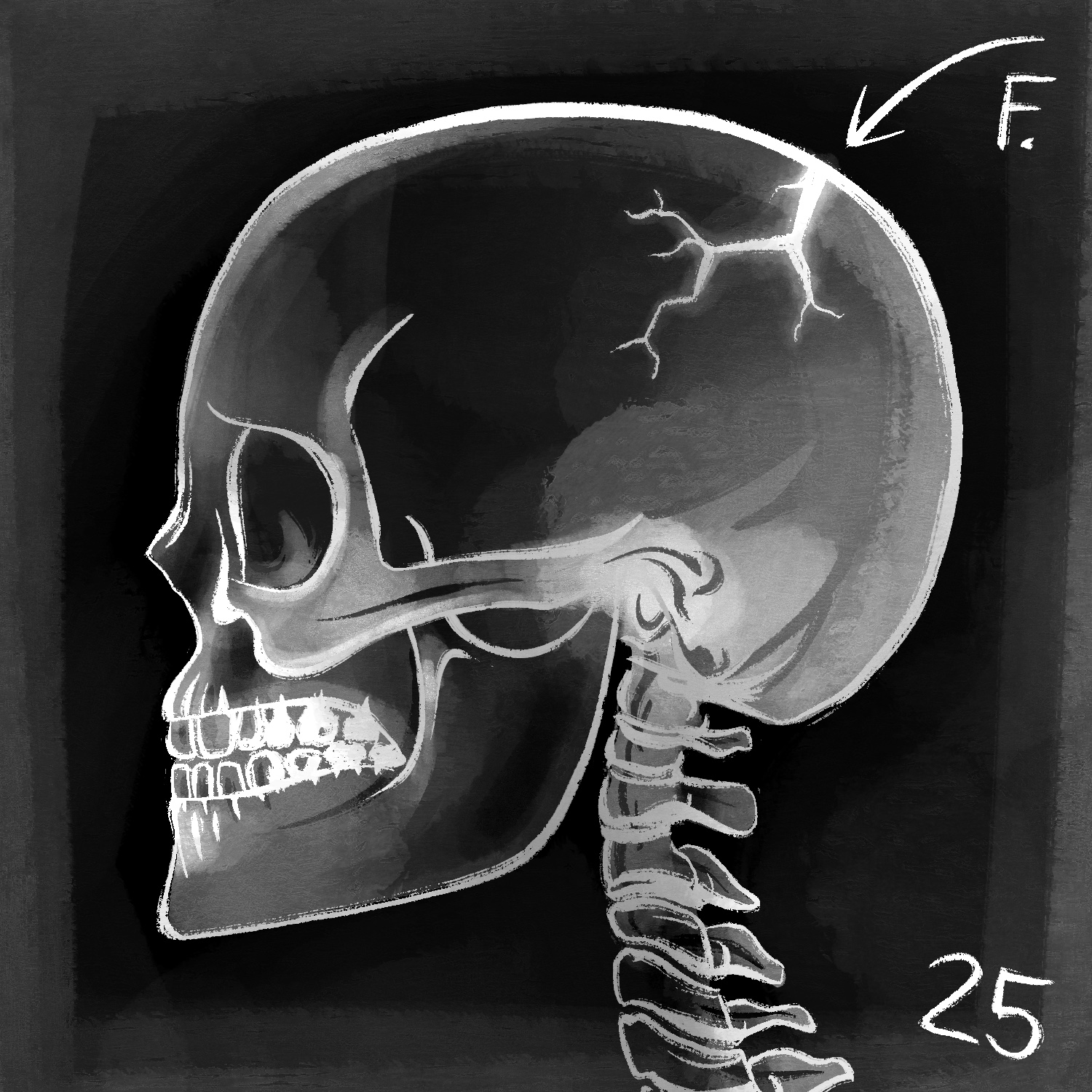
For today's Inktober illustration, I draw an x-ray of a skull with a giant fracture in the top/back. He doesn't look too happy about it. 💀
This was created in Procreate with an iPad Pro and Apple Pencil, using the Procreate Pencil brush for sketching, the Inka brush for linework, and the Gouache brush for shading.
If you'd like to see how I drew this one, you can watch the time-lapse below:
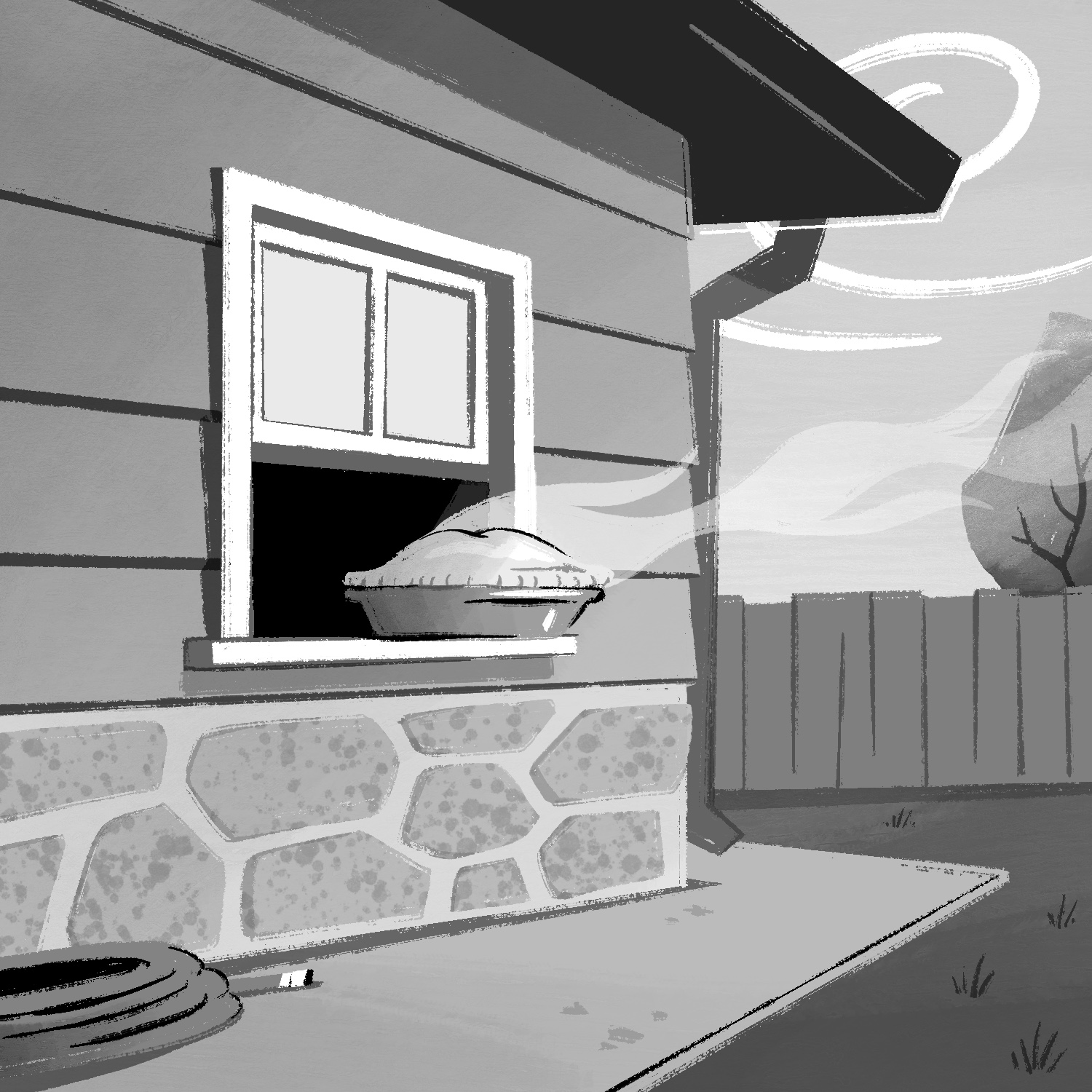
Today's Inktober prompt was "bake", so I drew a pie cooling on a windowsill, in an attempt to ape the style of an old Looney Tunes cartoon.
The backgrounds in those cartoons always looked so effortless but not in a bad way. They conveyed what they needed to in an artful/stylish manner without getting in the way of the cartoons in the foreground. I find them inspirational.
Anyway, this was created in Procreate with an iPad Pro and Apple Pencil, using the Procreate Pencil brush for sketching, the Inka brush for linework, and the Gouache brush for shading.
If you'd like to see how I drew this one, you can watch the time-lapse below:
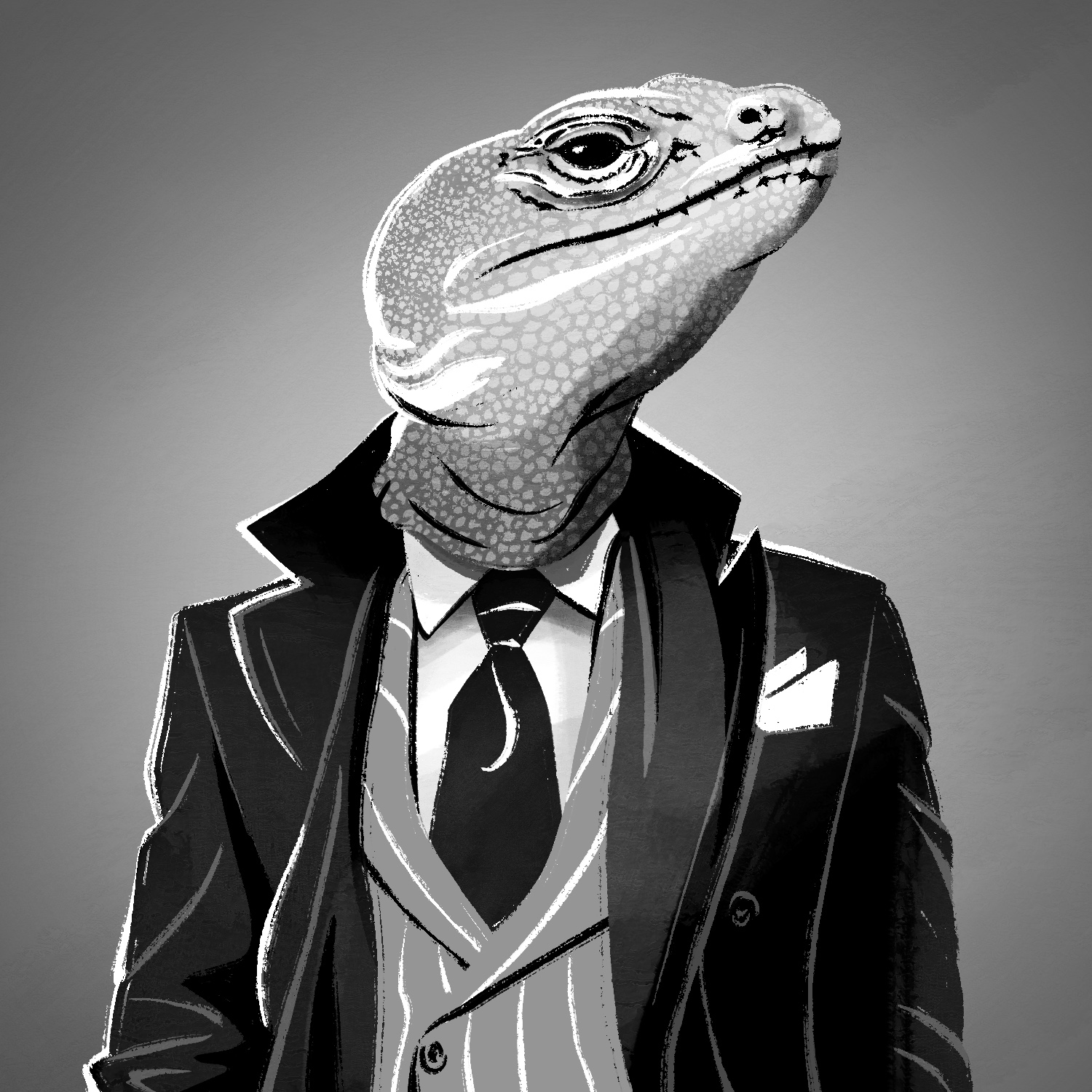
For today's Inktober illustration, I used a mashup of references to draw a lizard wearing a suit. Pretty dapper, eh?
This was created in Procreate with an iPad Pro and Apple Pencil, using the Procreate Pencil brush for sketching, the Inka brush for linework, and Gouache brush and Soft air brush for shading.
If you'd like to see how I drew this one, you can watch the time-lapse below:
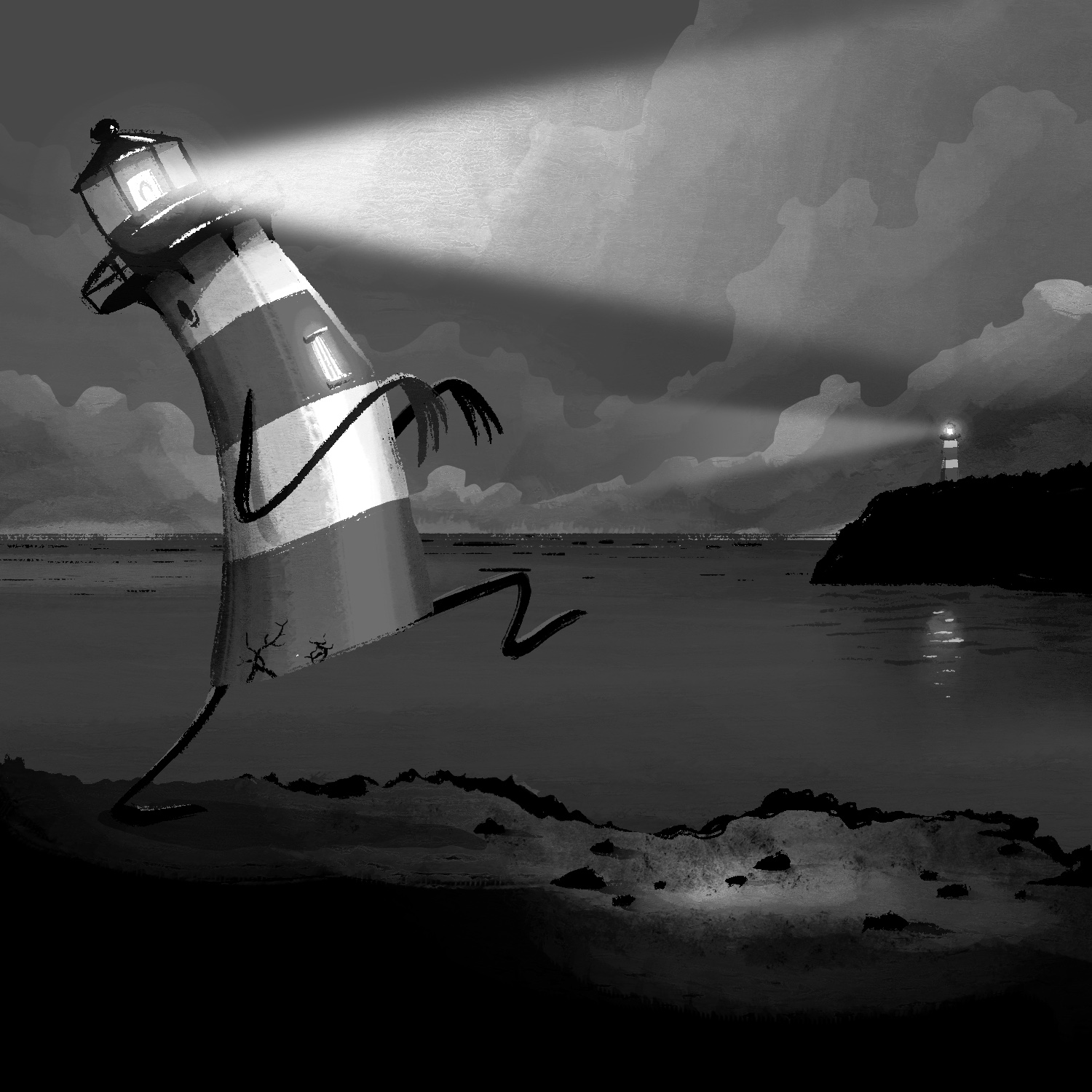
Today's Inktober prompt, "beacon", was another tough one for me. I spent the day brainstorming ideas and sat down at my iPad figuring that I would just do something basic because I wasn't feeling particularly inspired.
I settled on drawing a lighthouse, and while I was sitting there trying to come up with a way to make it interesting, I remembered Keeper, a game recently released by Double Fine Productions. I didn't want to copy their concept completely, but I did borrow the idea of an anthropomorphic lighthouse to try to make my own.
I've actually not played the game as much as I'd wanted yet, so hopefully my illustration comes off at least a little unique. 😊
Anyway, this was created in Procreate with an iPad Pro and Apple Pencil, using the Procreate Pencil brush for sketching, the Inka brush for linework, the Gouache brush and Soft air brush for shading, and the Hartz brush for texture.
If you'd like to see how I drew this one, you can watch the time-lapse below:
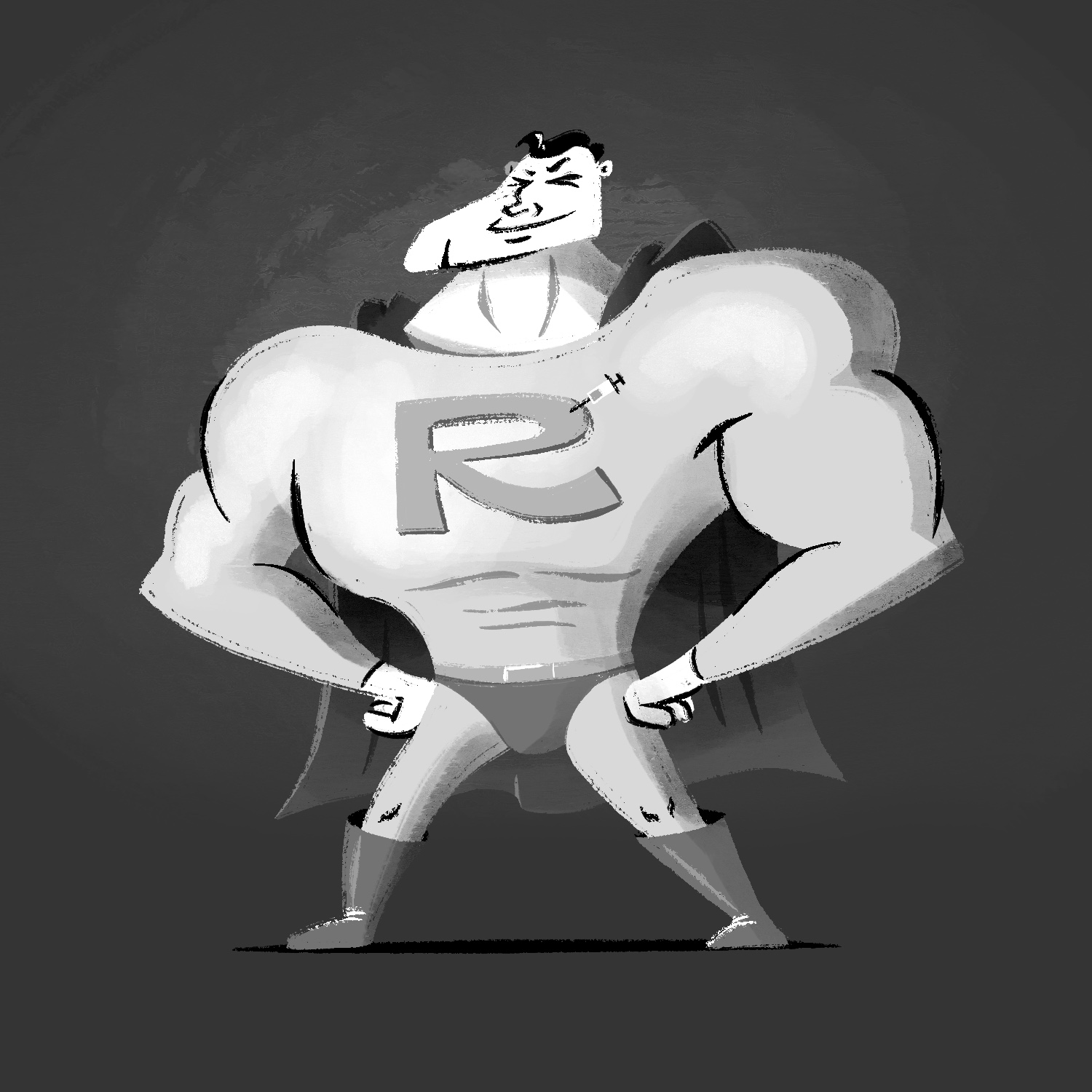
Today's Inktober prompt is "hero", and I really didn't want to draw a dude in a cape for it... but I did, because my other idea (drawing a sandwich in a cape) sounded even less fun. 😆
With that out of the way, I present 'Roid Man! He's here to do all your local hero stuff in the most pointlessly violent way possible.
That's three weeks of Inktober done!
This was created in Procreate with an iPad Pro and Apple Pencil, using the Procreate Pencil brush for sketching, the Inka brush for linework, and the Gouache brush and Soft air brush for shading.
If you'd like to see how I drew this one, you can watch the time-lapse below:
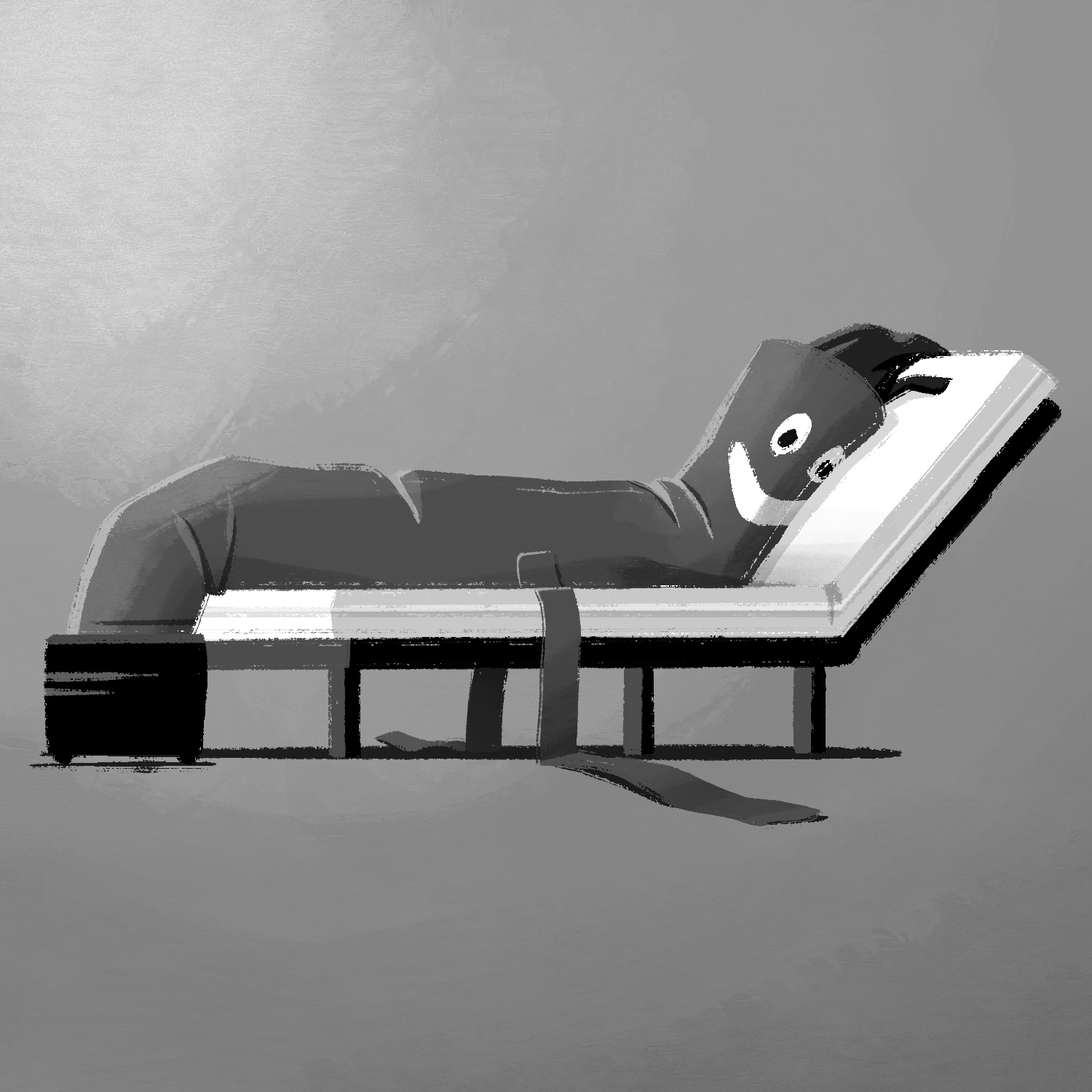
For today's Inktober prompt, "lounge", I drew an air tube wavy arm guy taking a break on a lounge chair. All that waving around is hard work!
This was created in Procreate with an iPad Pro and Apple Pencil, using the Procreate Pencil brush for sketching, the Inka brush for linework, and the Gouache brush for shading.
If you'd like to see how I drew this one, you can watch the time-lapse below:
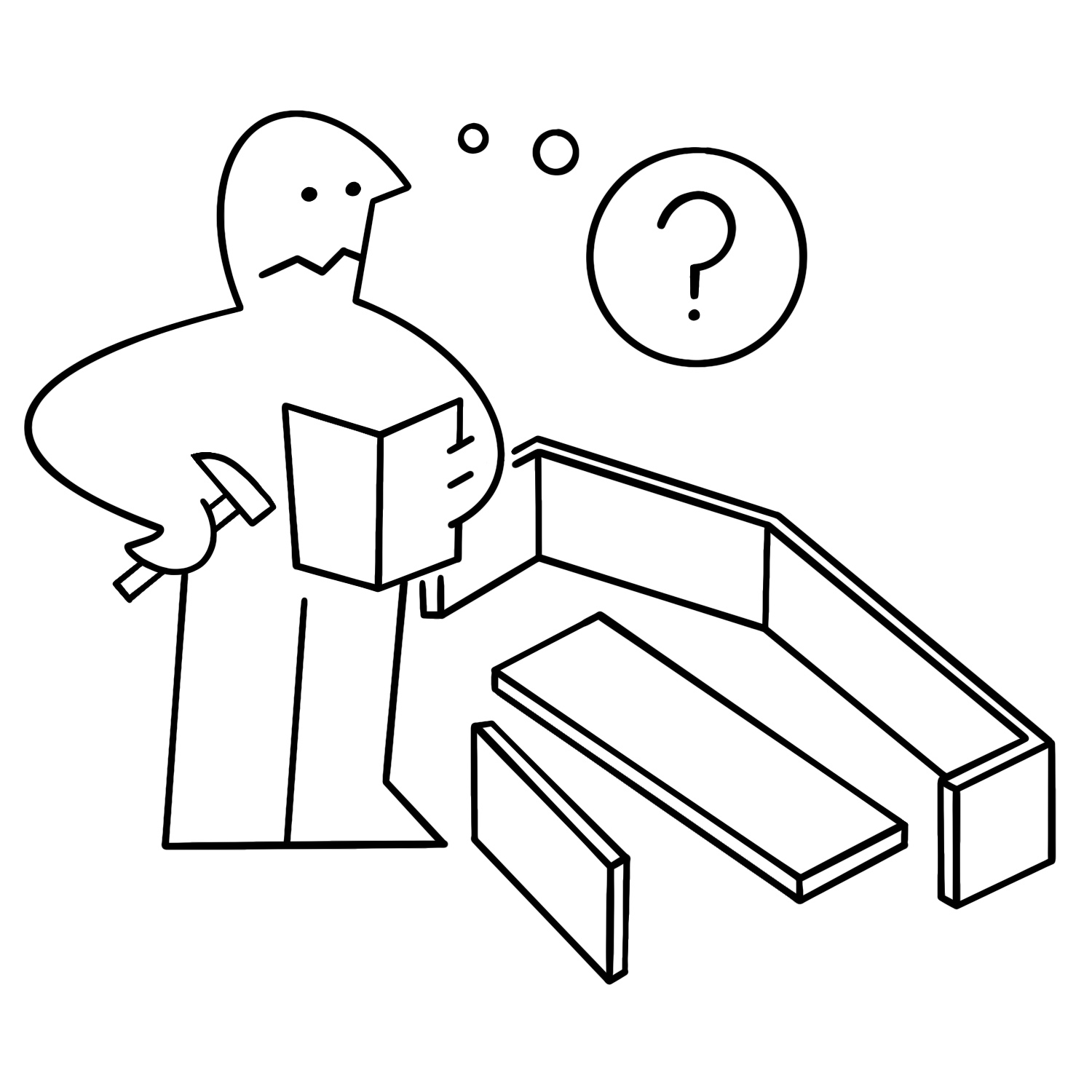
For today's Inktober illustration, I drew a confused IKEA manual guy trying to assemble a... coffin? Come on, it's October! 🎃
This one is regrettably a little plain, but I wanted to honor the IKEA manual art style as closely as possible. Probably would've been more fun to draw in vectors though!
Anyway, this was created in Procreate with an iPad Pro and Apple Pencil, using the Procreate Pencil brush for sketching and the Studio Pen brush for everything else.
If you'd like to see how I drew this one, you can watch the time-lapse below:
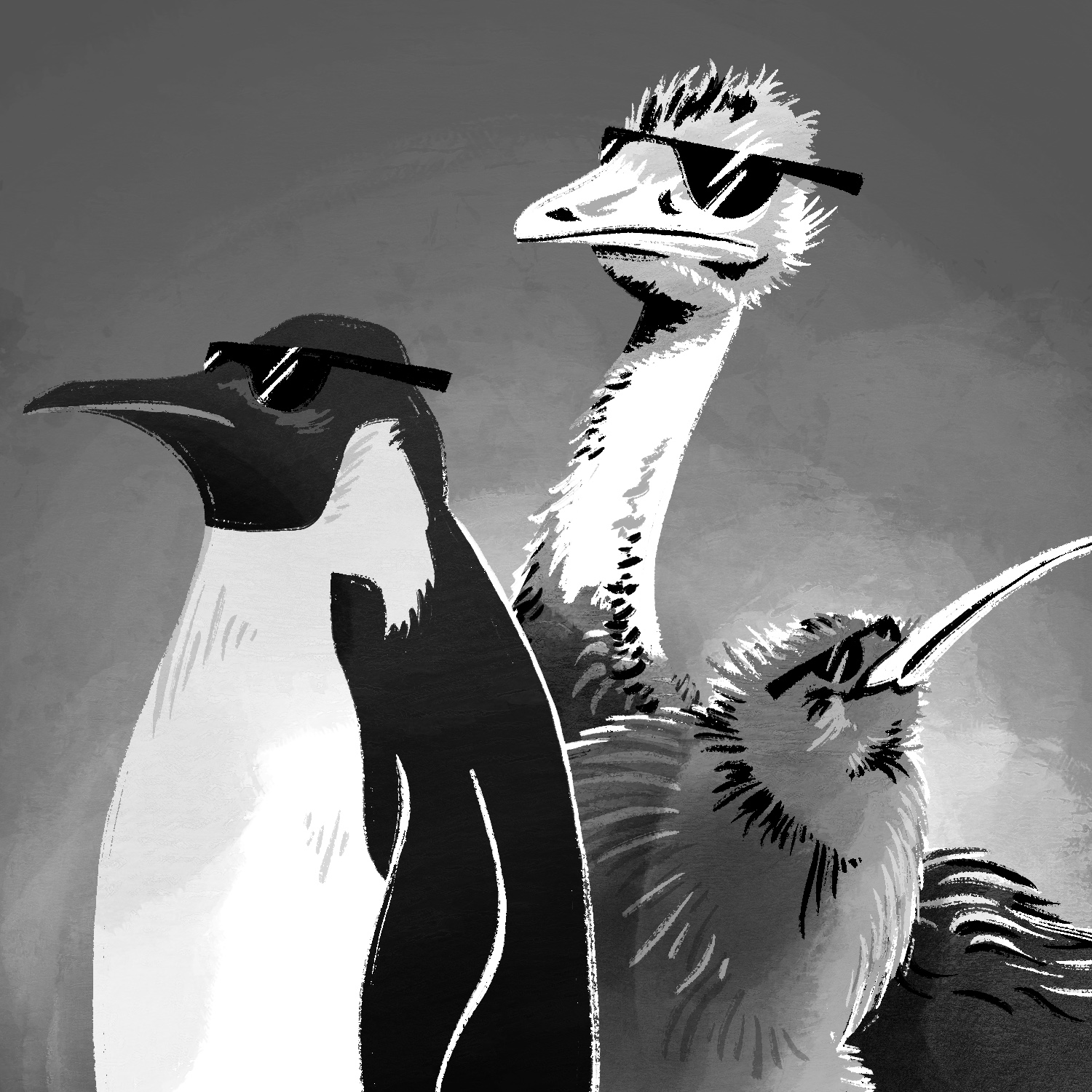
Today's Inktober prompt was "flightless", and rather than trying to be clever about it, I decided to just draw three flightless birds. They're wearing sunglasses, of course. 😎
This was created in Procreate with an iPad Pro and Apple Pencil, using the Procreate Pencil brush for sketching, the Inka brush for linework, the Gouache brush and Soft air brush for shading, and the Splatter spray paint brush for background texture.
If you'd like to see how I drew this one, you can watch the time-lapse below:
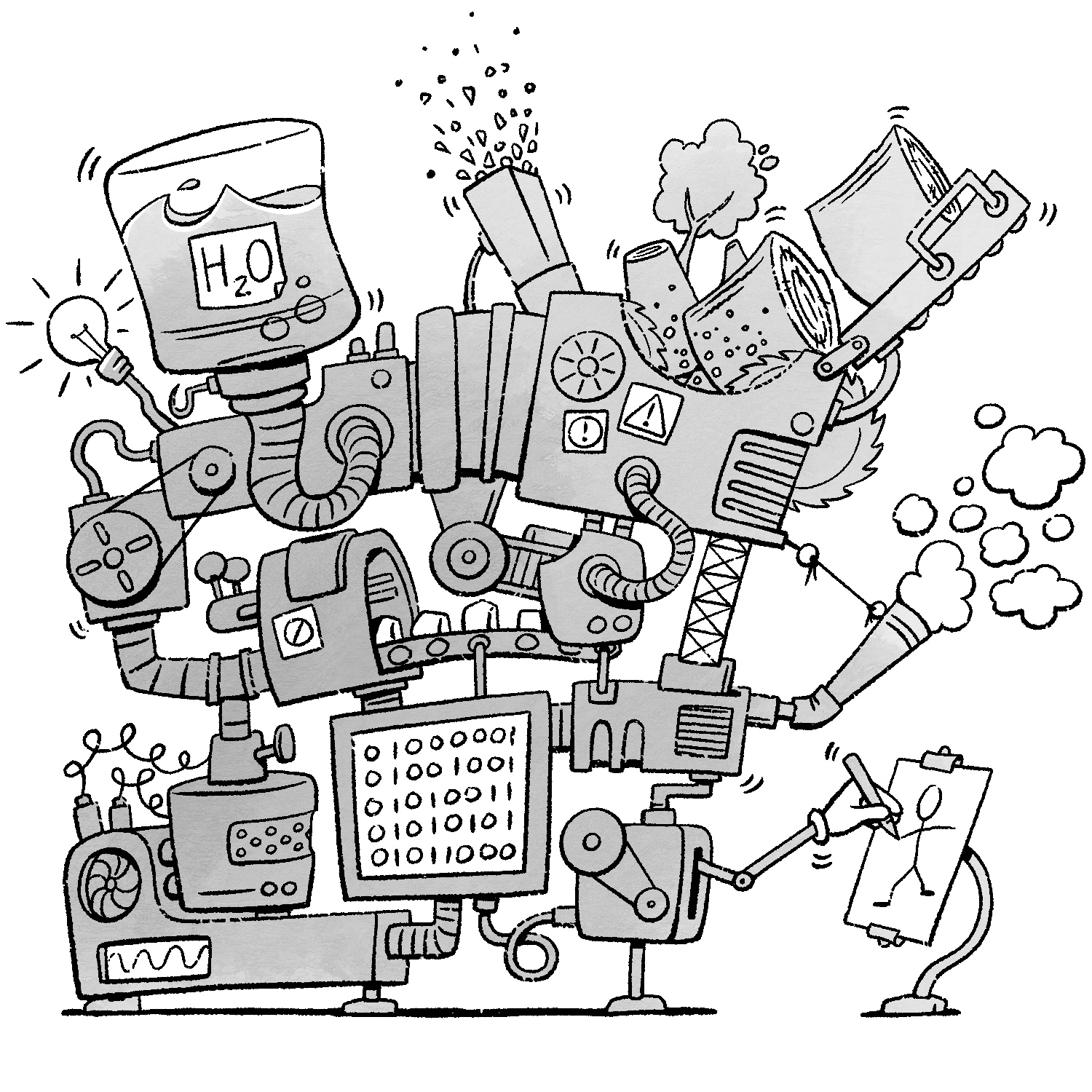
Today's Inktober prompt was "contraption", and after thinking about it for a bit, I remembered an old poem by Shel Silverstein about a Homework Machine (which turned out to be very prescient of these modern times, by the way). It was accompanied by a drawing of a massive machine that I always loved looking at when I was younger.
My contraption is like that one: large, many silly parts, and some questionable output. 😄
This was created in Procreate with an iPad Pro and Apple Pencil, using the Procreate Pencil brush for sketching, the Rusty Nib 1 brush for linework, and the Gouache brush for shading. The Rusty Nib brush is from the Rusty Nib pack, by True Grit Texture Supply.
If you'd like to see how I drew this one, you can watch the time-lapse below:
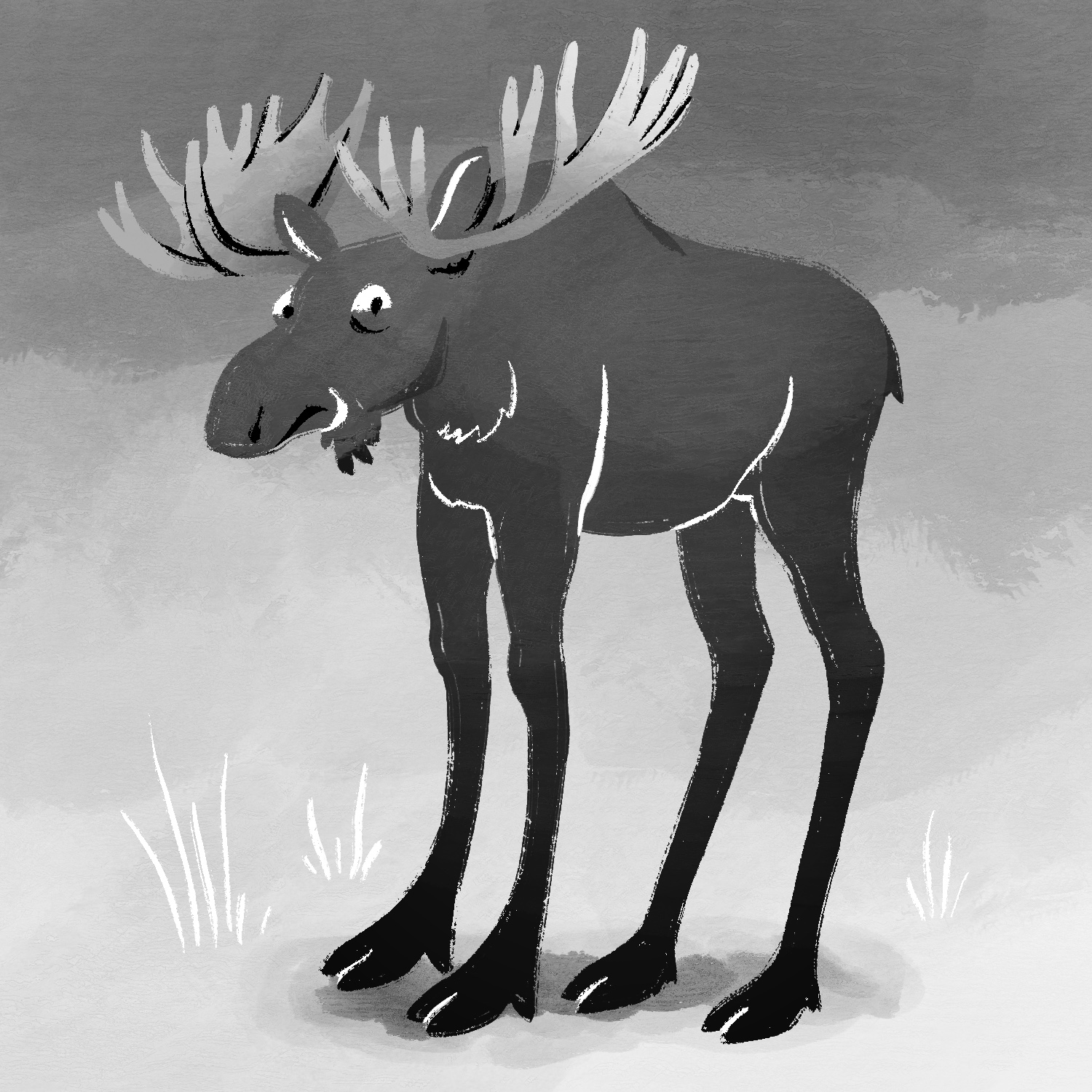
Today's Inktober prompt was "gangly", so I drew a moose with long, gangly legs. He doesn't look too happy about it. 😅
This was created in Procreate with an iPad Pro and Apple Pencil, using the Procreate Pencil brush for sketching, the Inka brush for linework, and the Gouache brush and Soft air brush for shading.
If you'd like to see how I drew this one, you can watch the time-lapse below: