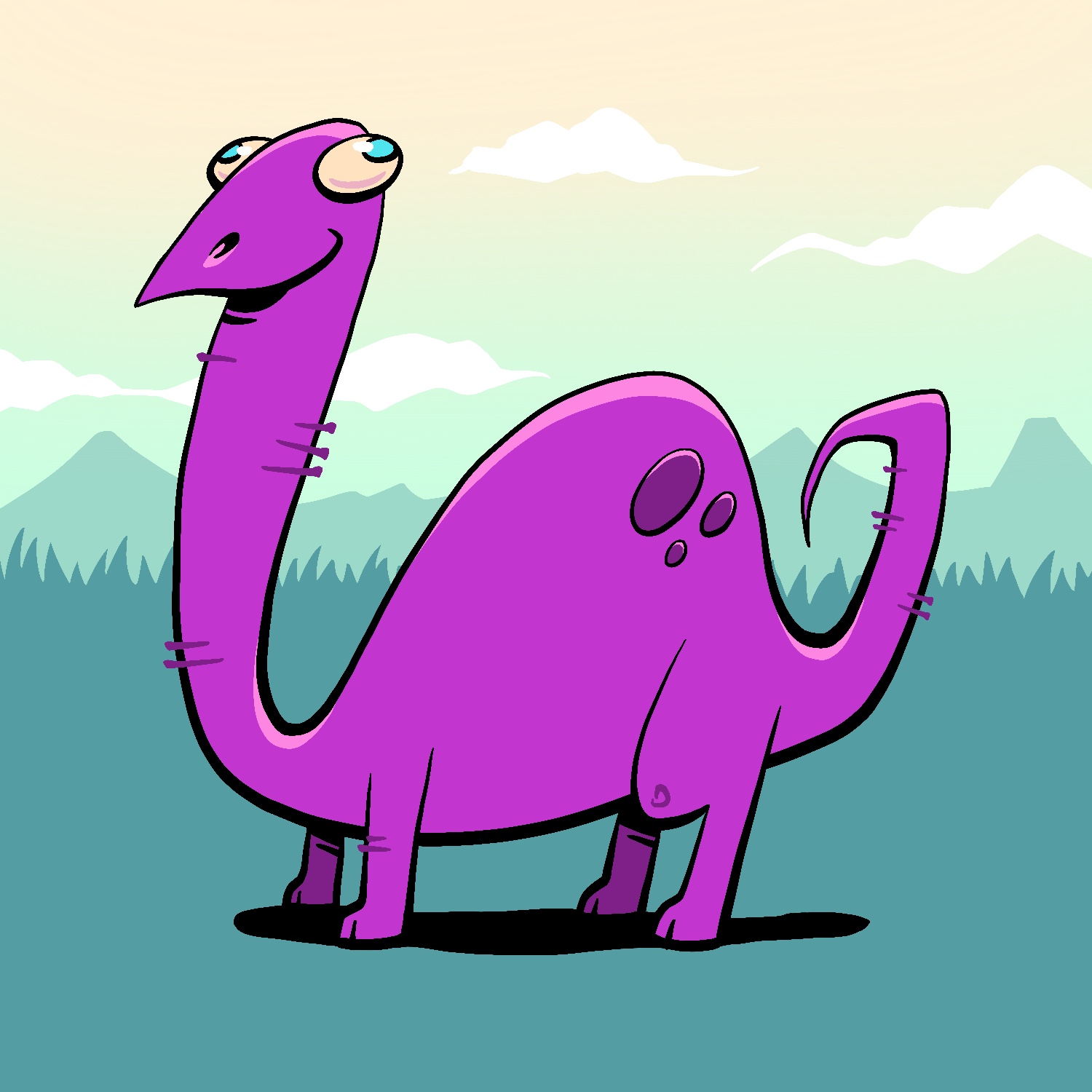
Today's June Toons cartoon is... a dopey dinosaur! Who needs brains when you're really huge and purple, though?
This was created in Procreate with an iPad Pro and Apple Pencil, using the Procreate Pencil brush for sketching, the Syrup brush for linework, and the Soft air brush for shading.
If you'd like to see how I drew this one, you can watch the time-lapse below:
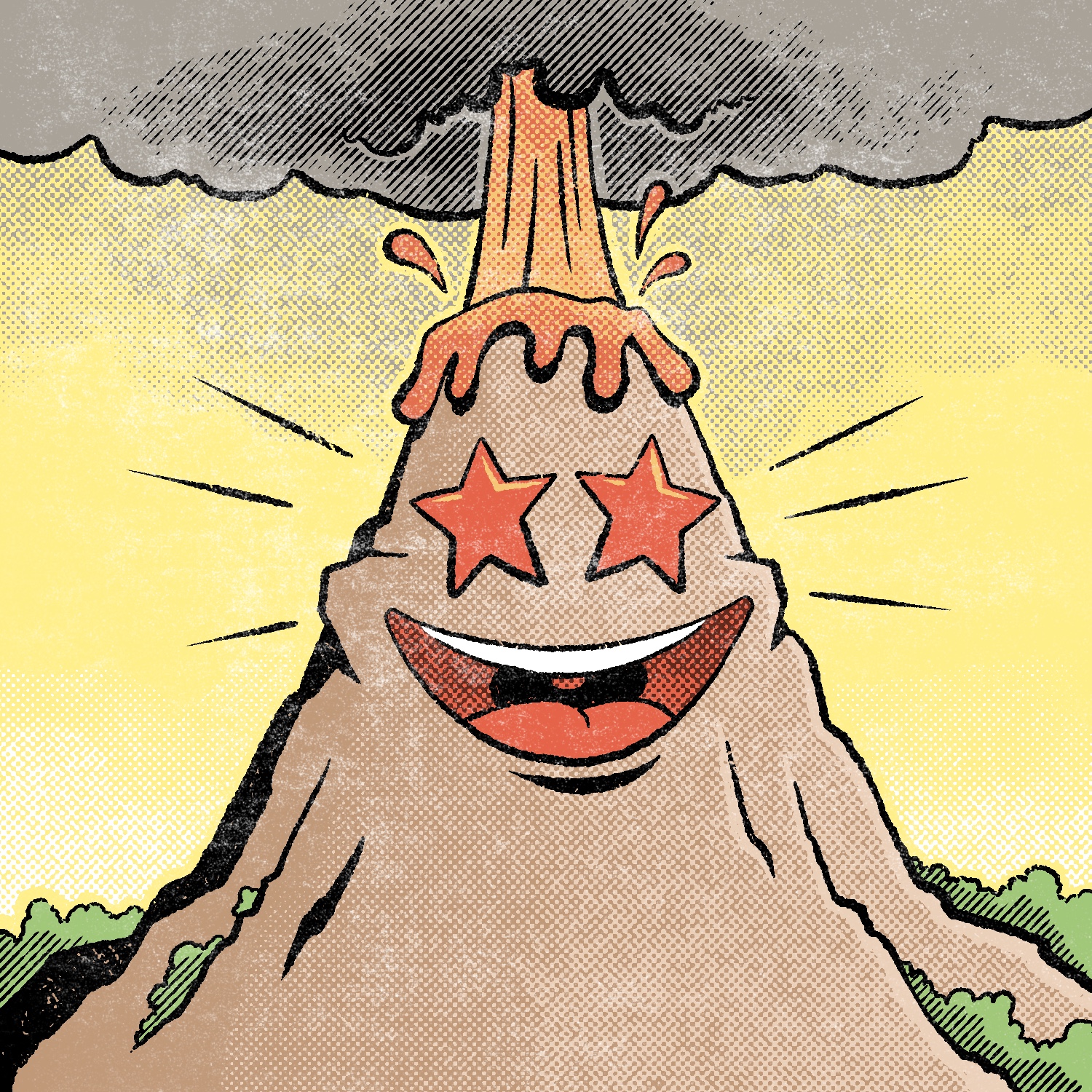
Today's June Toons illustration is of a volcano who is feeling enchanted. That's why they explode sometimes. It's science!
This was created in Procreate with an iPad Pro and Apple Pencil, using the Procreate Pencil brush for sketching, the Rusty Nib 1 brush for linework, the Syrup brush for fills, the Rough Dot Shader 45° - Light and the 145° Line Shader - Light brushes for shading, and the Worn 1 - Subtle brush for texture.
The Rusty Nib brush is from the Rusty Nib pack, the Rough Dot Shader and Line Shader brushes are from the Beat Tones pack, and the Worn brush is from the Fast Grit pack. Those are all by True Grit Texture Supply.
If you'd like to see how I drew this one, you can watch the time-lapse below:
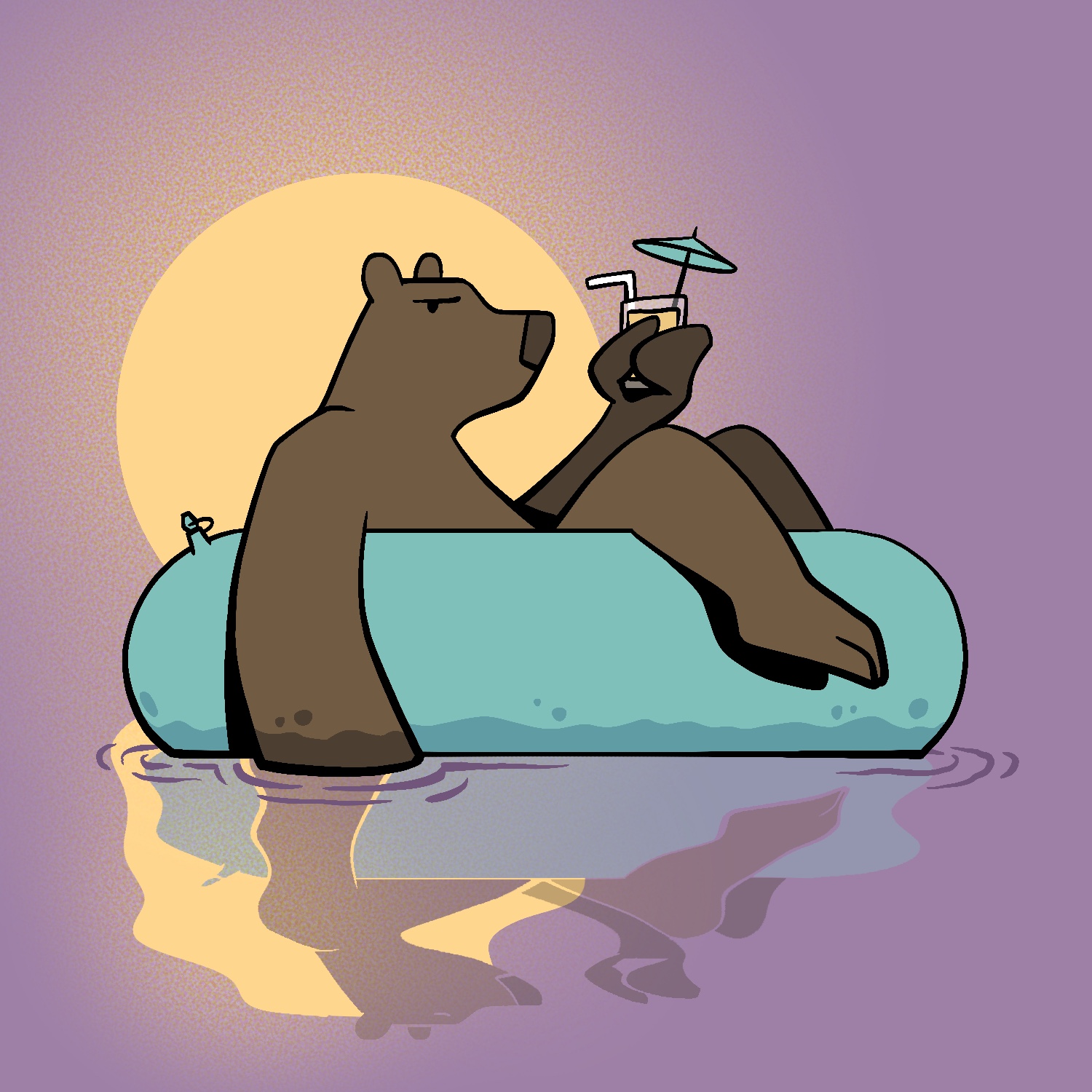
Today's June Toons illustration is of a bear floating in the water and having a drink, though I can't say he's enjoying it much.
I started out feeling a bit uninspired for this one, but the shapes and colors pulled me back in. I think the reflection added a lot to it as well.
This was created in Procreate with an iPad Pro and Apple Pencil, using the Procreate Pencil brush for sketching, the Syrup brush for linework, and the Soft air brush for shading.
If you'd like to see how I drew this one, you can watch the time-lapse below:
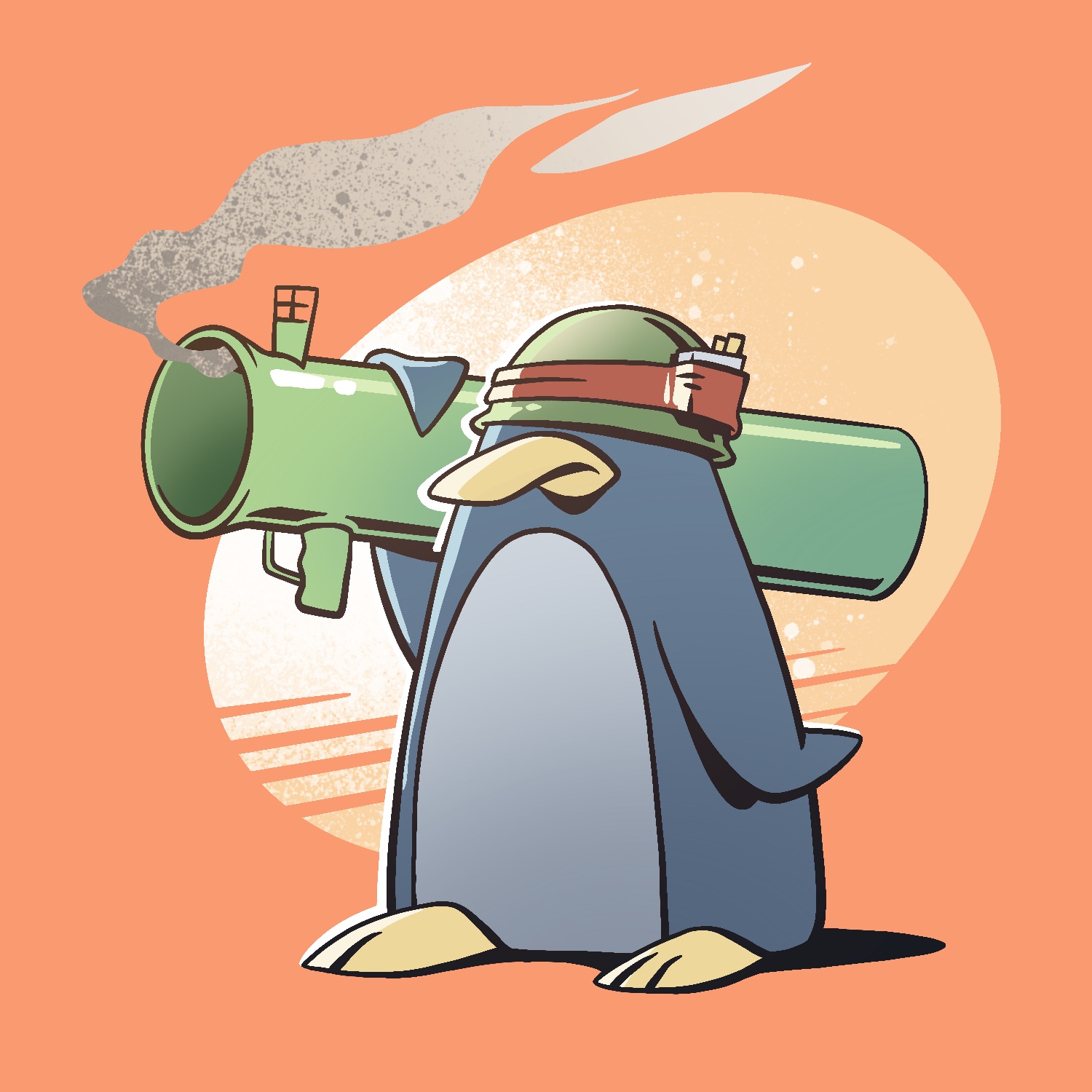
Today's June Toons illustration is a penguin. With a bazooka. And it looks like he... used it? 😱
This was created in Procreate with an iPad Pro and Apple Pencil, using the Procreate Pencil brush for sketching, the Syrup brush for linework, the Soft air brush for shading, and the Fat Nozzle spray paint brush for texture.
If you'd like to see how I drew this one, you can watch the time-lapse below:
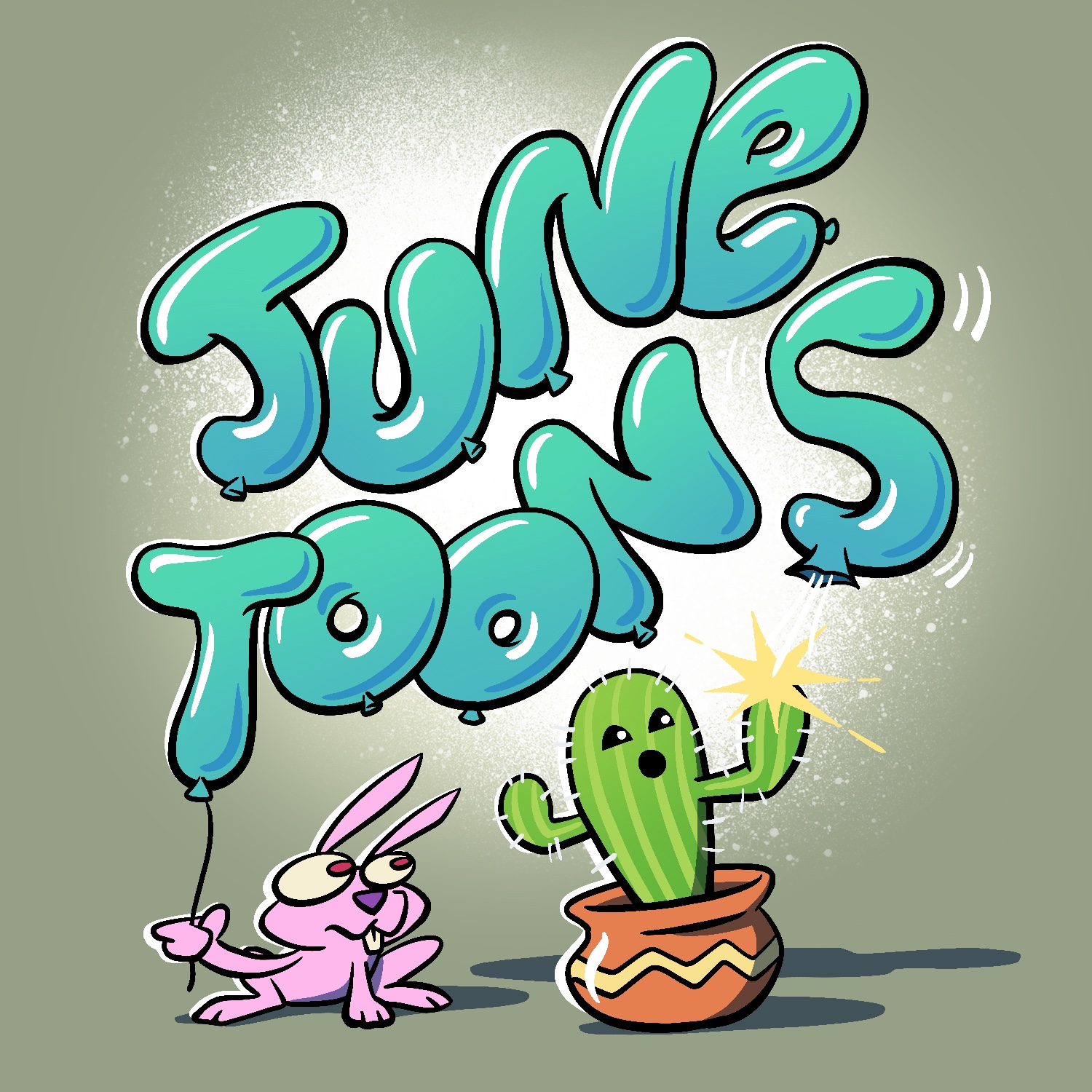
It's June again and that means it's time for another June Toons project - the 5th that I've done, to be precise.
I almost forgot to get started tonight, so I got off to a late start and am posting this quite late. I'm hoping I can catch up a bit tomorrow (and maybe catch a nap too 🥱).
As usual, this was created in Procreate with an iPad Pro and Apple Pencil, using the Procreate Pencil brush for sketching, the Syrup brush for linework, the Soft air brush for shading, and the burst spray paint brush for background texture.
If you'd like to see how I drew this one, you can watch the time-lapse below:
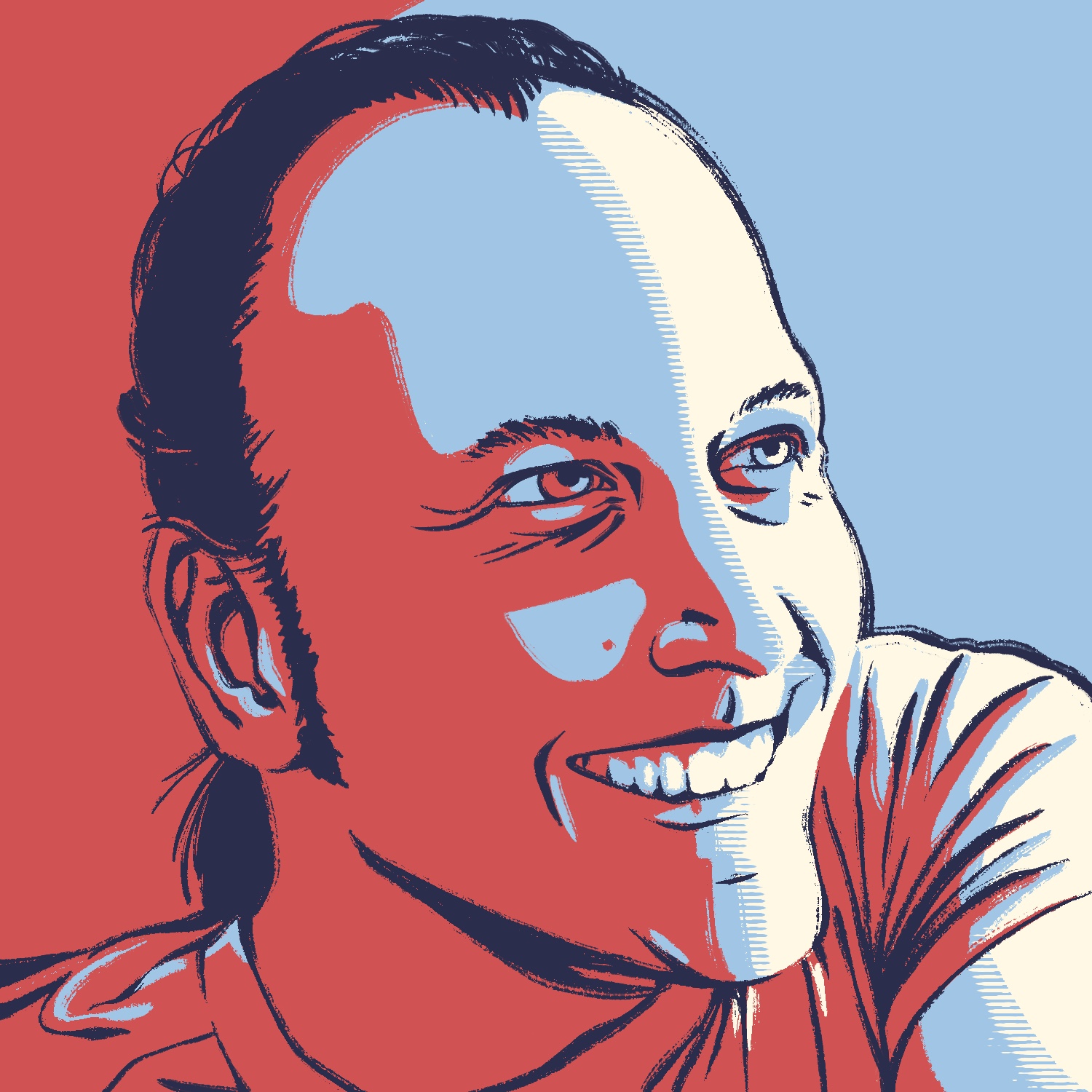
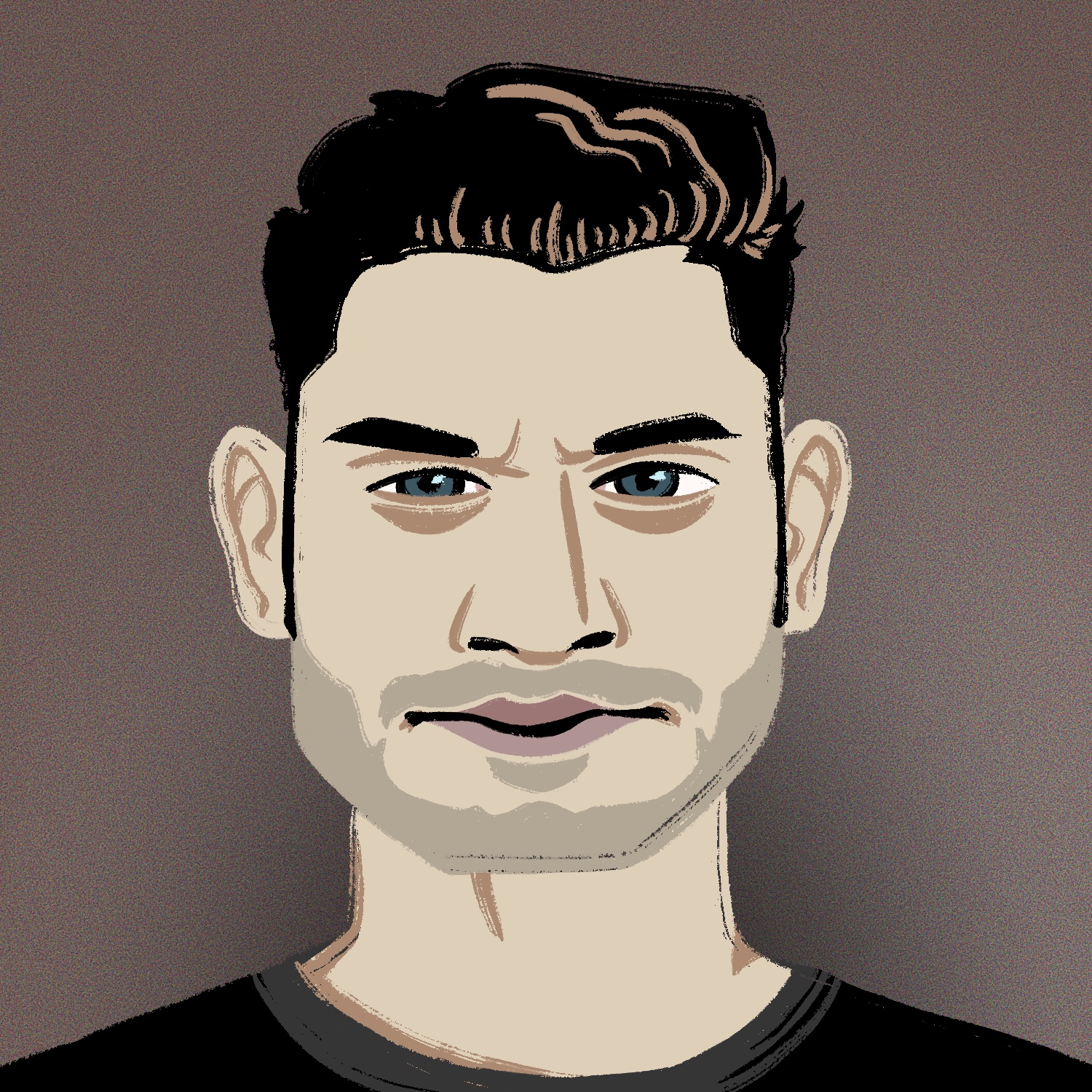
Today's Drawrch is the last one for this series, and as is customary, I drew a self-portrait for it.
I didn't know what style I was going to choose for this one when I started working on it, but as the sketch came along, I began looking more closely at the values in the reference selfie and thought it might be cool to give it a posterized look. And since I've never attempted a portrait in the famous Barack Obama "hope" poster style, I thought it'd be worth a try.
So here it is, my last drawing for Drawrch 2026. I'm pretty happy with how this turned out, though I probably could've spent another 30 minutes tweaking the sketch. It's good though, and my wife actually thinks it looks like me this time, so I mission accomplished, I guess. 😅
As always, this was created in Procreate with an iPad Pro and Apple Pencil, using the Procreate Pencil brush for sketching, the Inka brush for linework, and the Vertical Line Shader Light brush for the line shading effect. The Vertical Line Shader brush is from the Beat Tones pack, by True Grit Texture Supply.
For some reason, the horizontal and vertical brushes in this pack are swapped for me... maybe I missed a pack update somewhere, or my Procreate is just weird.
If you'd like to see how I drew this one, you can watch the time-lapse below:
And you can re-watch all of the drawing time-lapses for Drawrch 2026 at my Drawrch 2026 YouTube playlist, or by scrolling through the other blog entries on this website.
Thanks again to everyone who followed along with and enjoyed the project this year! Looking back at all of the drawings I made, I'm proud of what I was able to make. I hope that you'll join me for the next one!
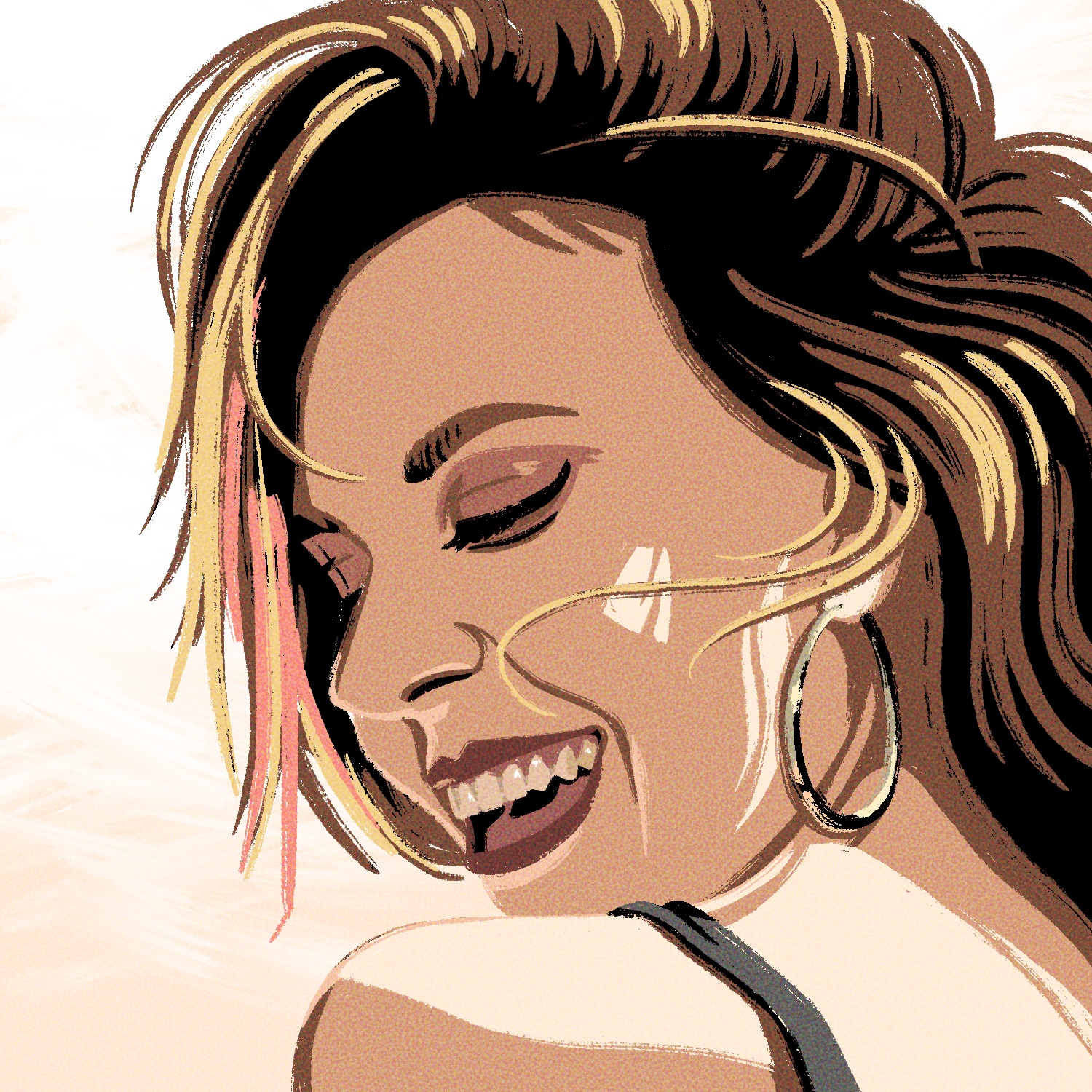
Today's Drawrch illustration is of a woman smiling over her shoulder.
This is yet another reference image that I wanted to draw for a while but didn't feel confident about until I was sufficiently warmed up for drawing faces. It's not precisely the same, but it's close enough, and I like how it turned out.
This project is just about over, by the way - only one more to go!
This was created in Procreate with an iPad Pro and Apple Pencil, using the Procreate Pencil brush for sketching, the Inka brush for linework, and the Old Brush paint brush for background blending/texture.
The photo I used as a reference for this drawing is from SketchDaily.
If you'd like to see how I drew this one, you can watch the time-lapse below:
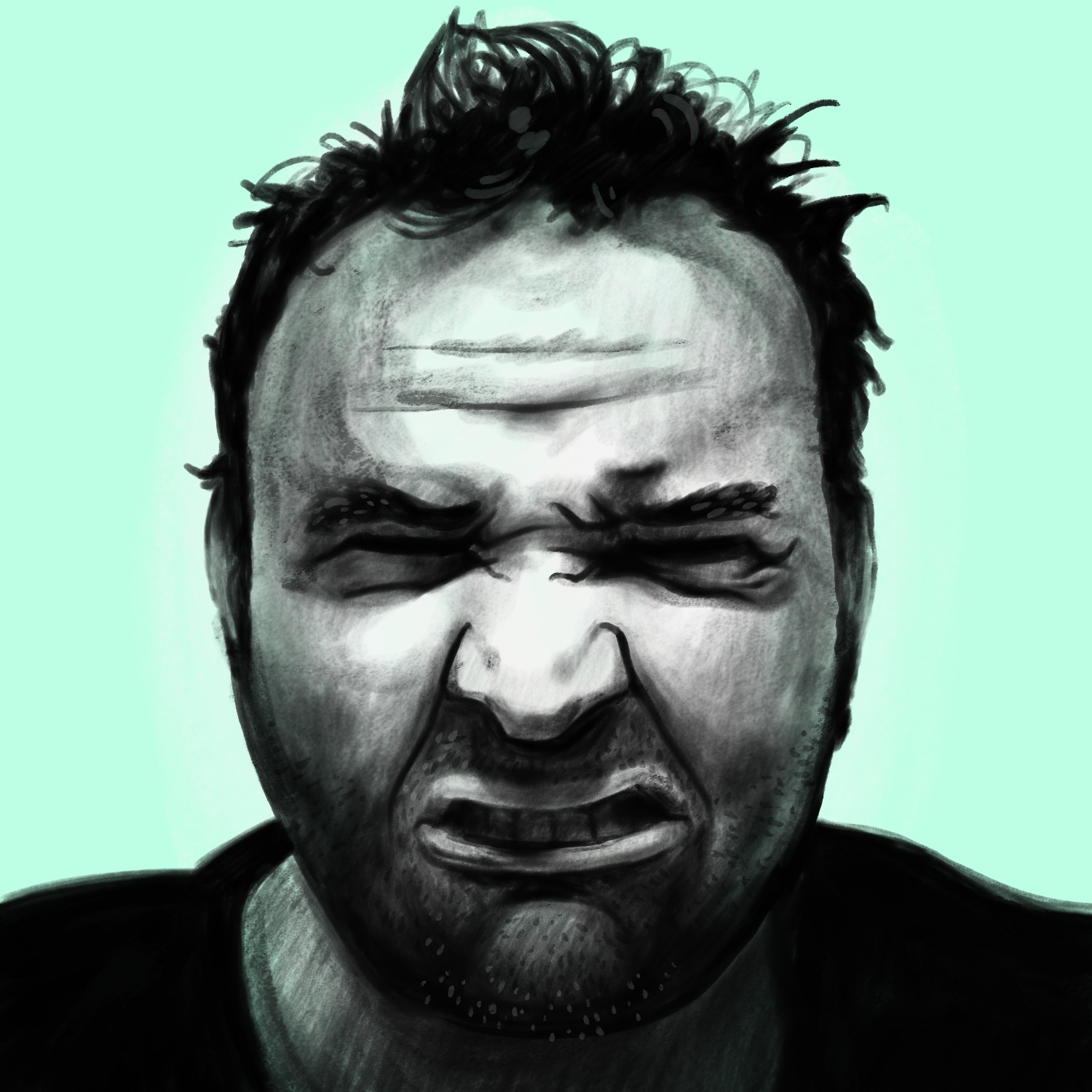
Today's Drawrch illustration is of a man scrunching his face together in pain or sadness.
I said the other day that I wasn't going to do another drawing in this style for this project, but the reference image for this one was in black and white and I couldn't resist the temptation to do more values drawing. I did try a new gouache brush for this one though, and I actually really enjoyed it. More so than the charcoal brush from the other illustrations, even though the outcome is roughly the same.
This was created in Procreate with an iPad Pro and Apple Pencil, using the Procreate Pencil brush for sketching, and the Night Heron brush for everything else.
The photo I used as a reference for this drawing is from SketchDaily.
If you'd like to see how I drew this one, you can watch the time-lapse below:
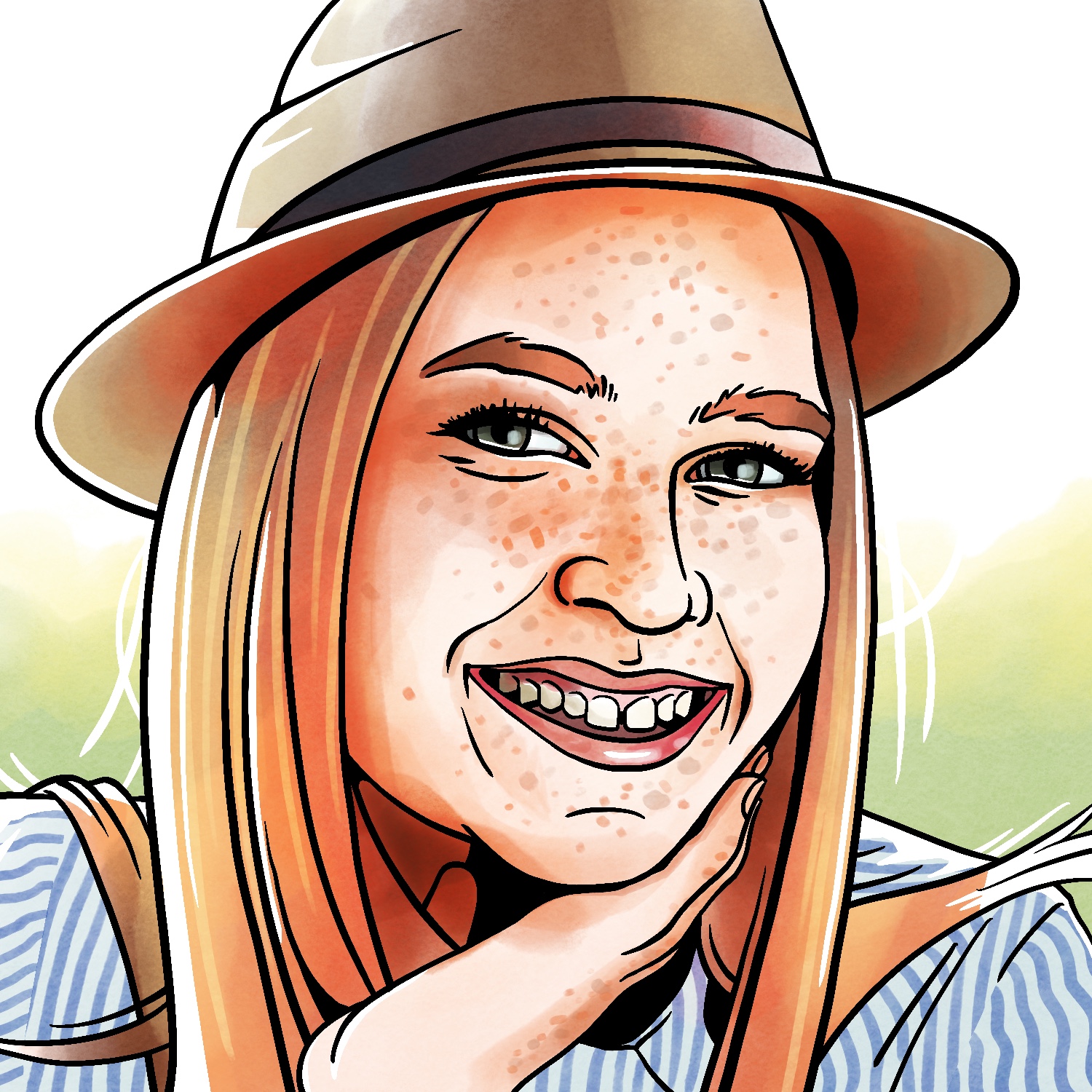
For today's Drawrch illustration, I tried a different shading technique: Procreate's new-ish watercolor brushes. I still stuck with the Syrup brush for my linework, but I like the watercolor effect a lot!
As mentioned above, this was created in Procreate with an iPad Pro and Apple Pencil, using the Procreate Pencil brush for sketching, the Syrup brush for linework, and the Pacific Golden brush for colors and shading.
The photo I used as a reference for this drawing is from SketchDaily.
If you'd like to see how I drew this one, you can watch the time-lapse below:
I really wanted to get back to basics with today's Drawrch illustration - the last few have been too detailed and taken way too long for me to finish on time. So today, I focused on getting basic shapes from the reference into the illustration, eschewing realism and just getting the elements in there.
The result is maybe a little flat for my taste at this point, but I like that I was able to get the essence of the reference in there. Looking back at it now, I'd probably make the mouse a little less wide. Otherwise, I think overall it's pretty much what I set out to make. And I got it done super early, which is a massive win right now. 😎
This was created in Procreate with an iPad Pro and Apple Pencil, using the Procreate Pencil brush for sketching, the Soft air brush for background shading, and the Inka brush for linework and everything else. The photo I used as a reference for this drawing is from SketchDaily.
If you'd like to see how I drew this one, you can watch the time-lapse below: