Today's Februdoodle illustration is a large barrel full of toxic slime, on fire.
This was created in Procreate with an iPad Pro and Apple Pencil, using the Procreate Pencil brush for sketching, the Syrup brush for linework, the Soft air brush for shading, and the Inka brush for the background.
If you'd like to see how I drew this one, you can watch the time-lapse below:
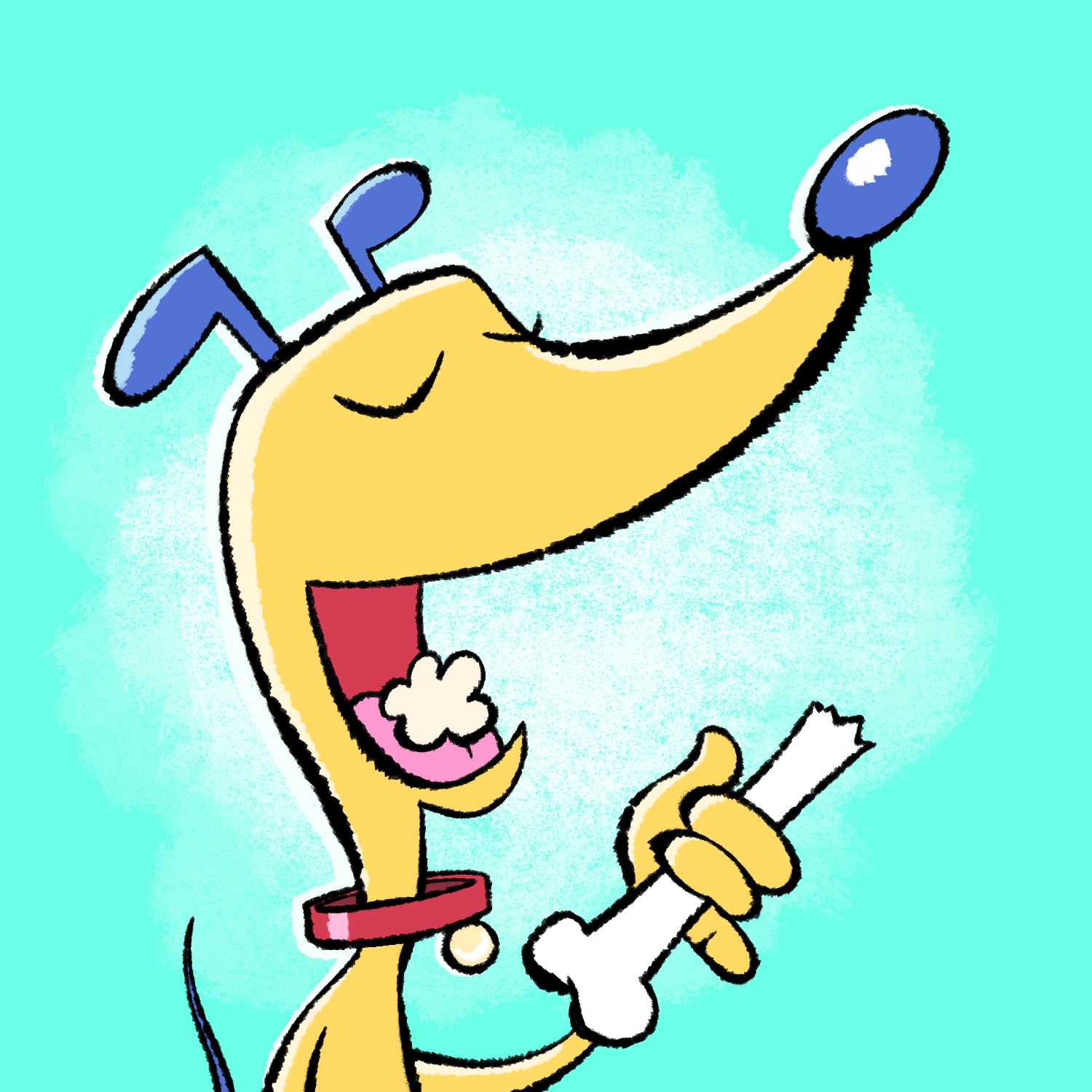
Today's Februdoodle illustration is a quick cartoon of a dog eating a bone!
Yes, yes, more "food" drawings. I just thought this was a funny idea. 😎
This was created in Procreate with an iPad Pro and Apple Pencil, using the Procreate Pencil brush for sketching, the Chisel Nib Cleaner brush for linework, the Sassafras brush for shading, the Worn 4 Bold brush for background texture, and the Syrup brush for fills and other utility.
The Chisel Nib brush is from the Rusty Nib pack, and the Worn brush is from the Fast Grit pack. Those are by True Grit Texture Supply.
If you'd like to see how I drew this one, you can watch the time-lapse below:
Today's Februdoodle is a drawing of a kid holding a backpack that's way too big for him. There's always at least one kid like that.
This was a long day, and I needed to do this drawing quickly but still wanted to make it something fun, so I experimented a bit with a slightly looser style than my usual. I like drawing like this, but it's really hard for me to stick with it from start to finish. Usually, by the time I'm done with the sketch, my brain has faded back into my normal drawing conventions, and I start getting hung up on all sorts of technical details that don't really matter. But I like how it turned out anyway! 😅
This was created in Procreate with an iPad Pro and Apple Pencil, using the Procreate Pencil brush for sketching, the Syrup brush for linework, the Soft air brush for shading the lines, and the Worn 1 Bold brush for texture.
That last brush is from the Fast Grit pack, by True Girt Texture Supply.
If you'd like to see how I drew this one, you can watch the time-lapse below:
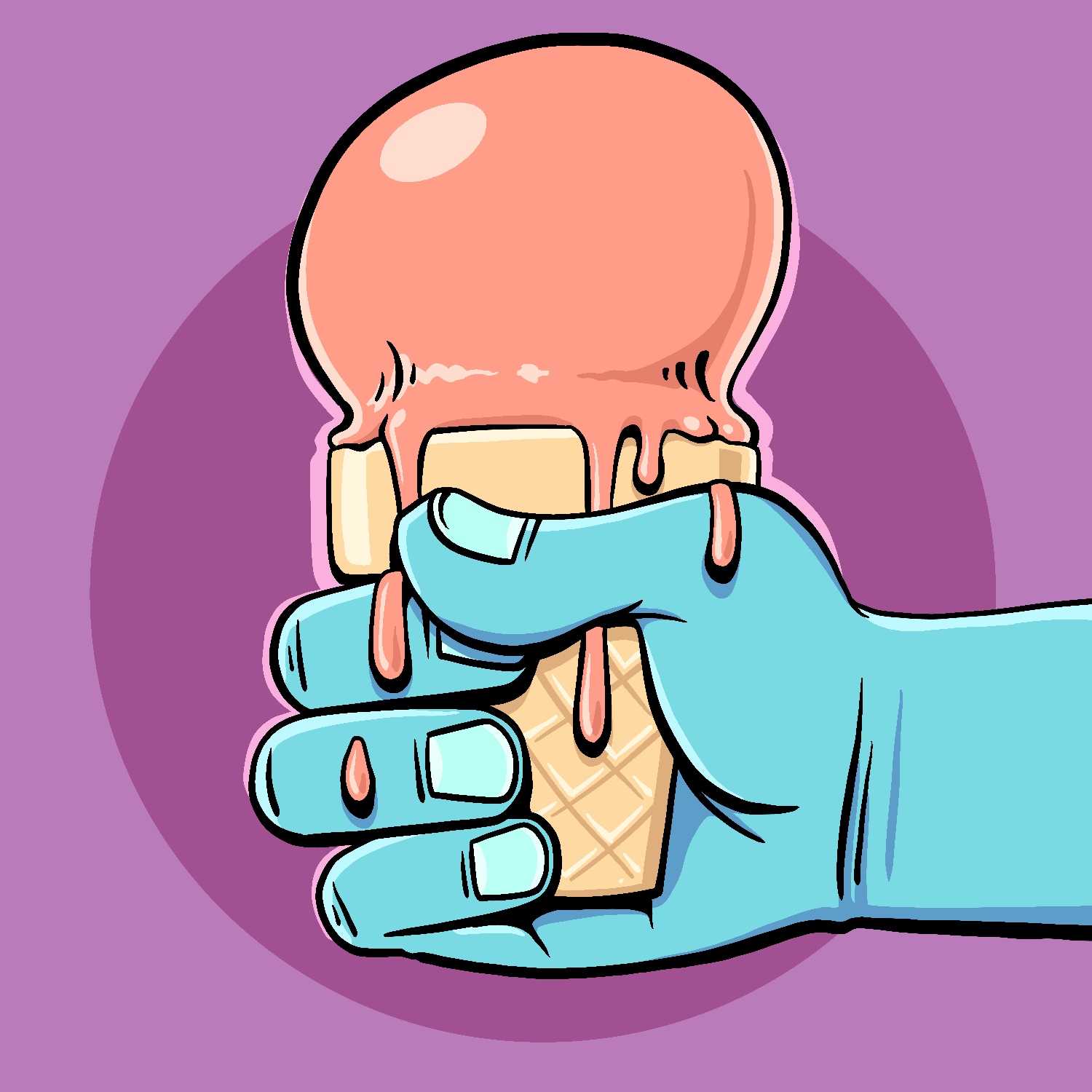
I feel like I'm drawing food a lot for this year's Februdoodle, but that's just what I've been feeling. 🤷 Anyway, here's a melty ice cream cone.
This was created in Procreate with an iPad Pro and Apple Pencil, using the Procreate Pencil brush for sketching, and the Syrup brush for everything else.
If you'd like to see how I drew this one, you can watch the time-lapse below:
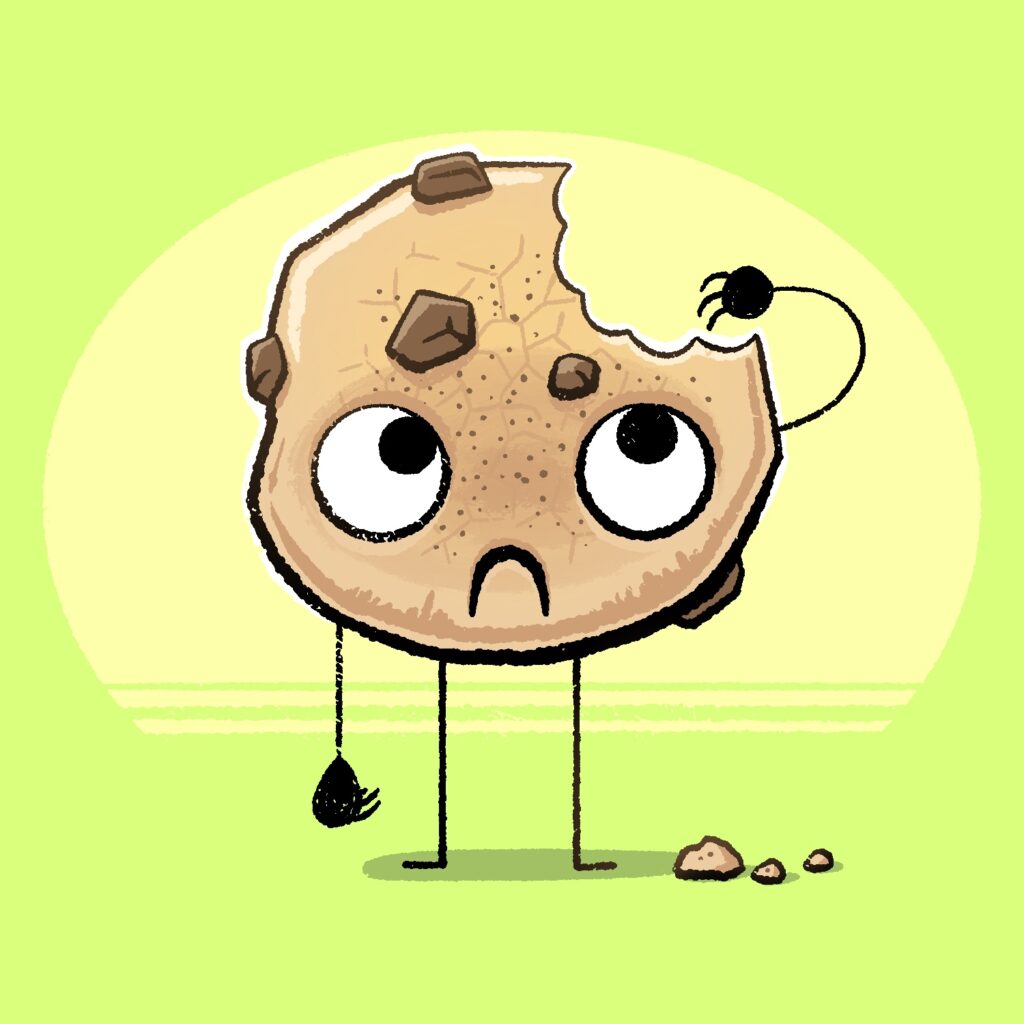
Today's Februdoodle illustration is of a cookie with a single bite taken out of it. And it's kinda sad about it, TBH.
This was created in Procreate with an iPad Pro and Apple Pencil, using the Procreate Pencil brush for sketching, the Rusty Nib 1 brush for linework, the Syrup brush for fills, and the Sassafras brush for some light shading.
The Rusty Nib brush is from the Rusty Nib pack, by True Grit Texture Supply.
If you'd like to see how I drew this one, you can watch the time-lapse below:
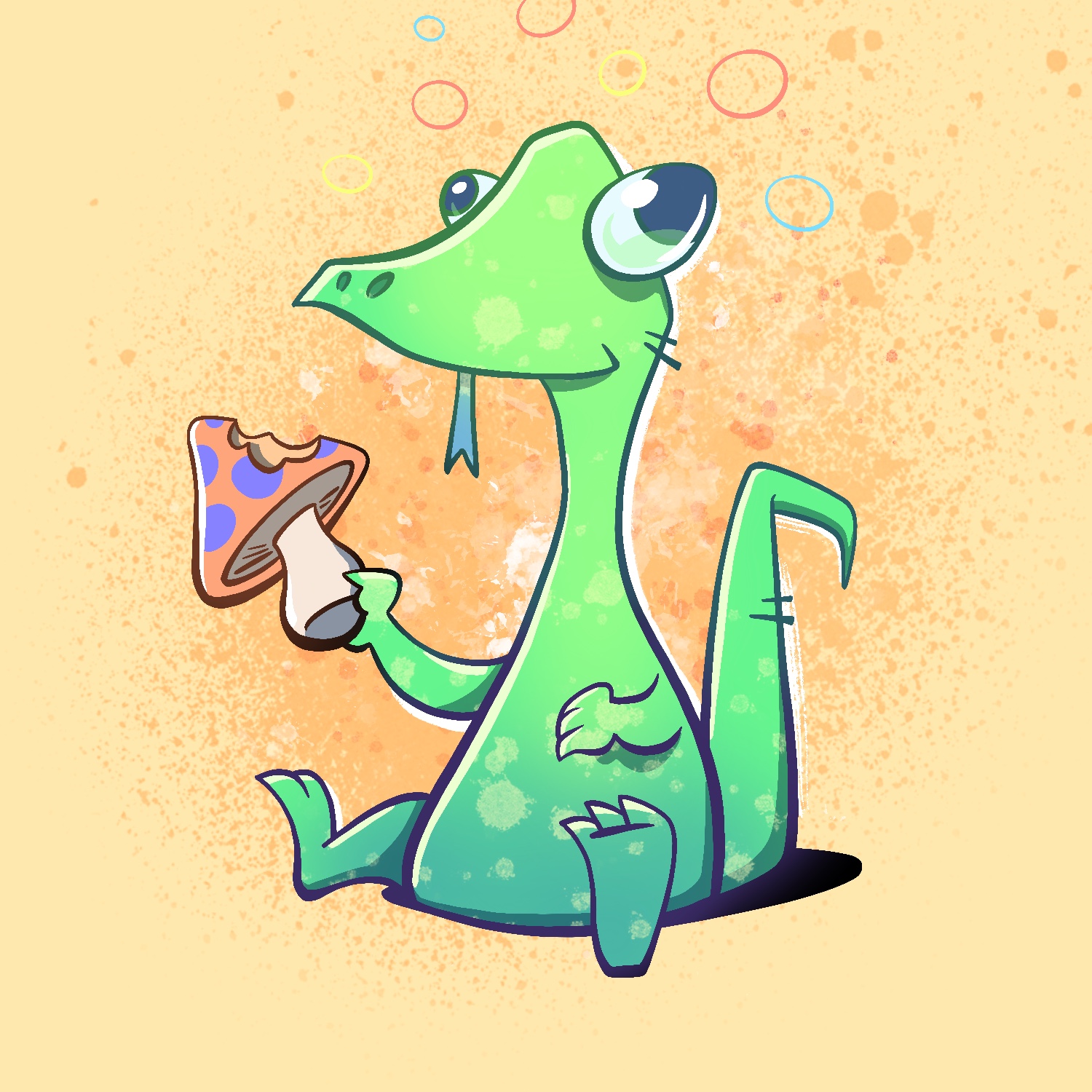
Today's Februdoodle illustration is of a lizard having a bite of mushroom and going on a trip.
This was created in Procreate with an iPad Pro and Apple Pencil, using the Procreate Pencil brush for sketching, the Syrup brush for linework, the Soft air brush for shading, and the Fat Nozzle, Splatter, and Flicks spray paint brushes for background texture.
If you'd like to see how I drew this one, you can watch the time-lapse below:
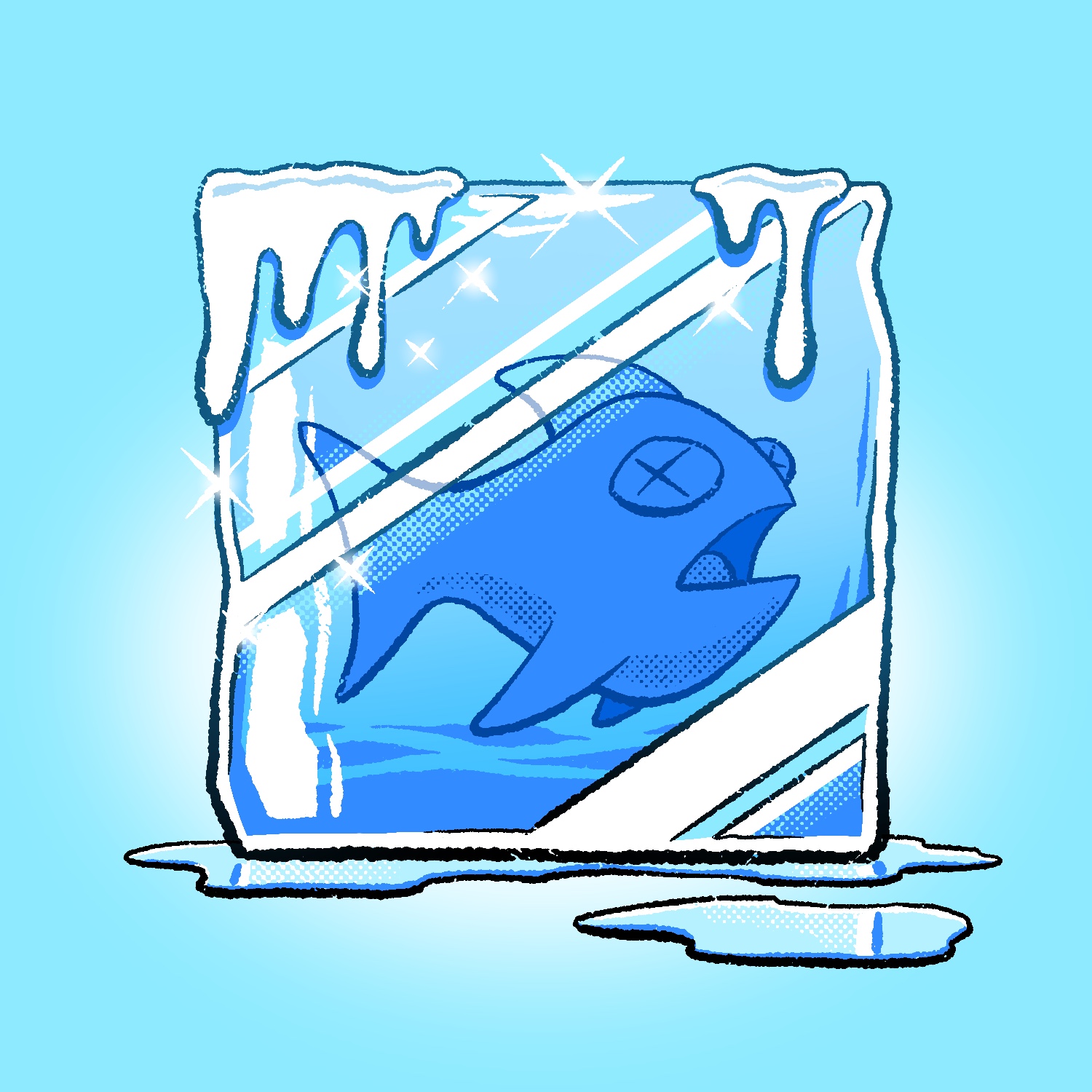
Today's Februdoodle illustration is of a fish frozen in a block of ice!
This was created in Procreate with an iPad Pro and Apple Pencil, using the Procreate Pencil brush for sketching, the Rusty Nib 1 brush for linework, the Syrup brush for fills, the Soft air brush for some light shading, and the Rough Dot Shader 45 Light brush for added texture.
The Rusty Nib brush is from the Rusty Nib pack, and the Dot Shader brush is from the Beat Tones pack, both by True Grit Texture Supply.
If you'd like to see how I drew this one, you can watch the time-lapse below:
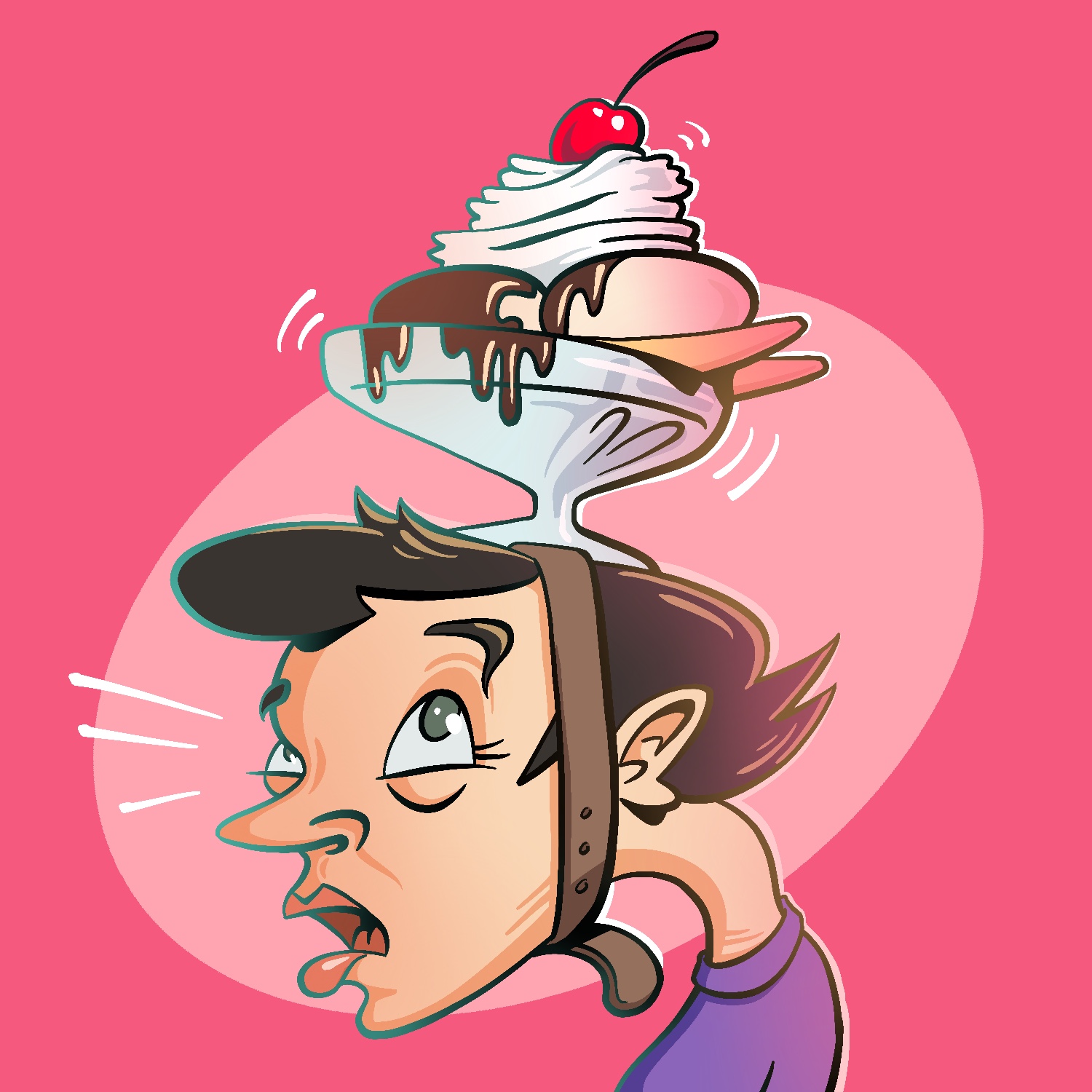
Today's Februdoodle illustration is a woman wearing an ice cream sundae as a hat.
This was created in Procreate with an iPad Pro and Apple Pencil, using the Procreate Pencil brush for sketching, the Syrup brush for linework, and the Soft air brush for shading.
If you'd like to see how I drew this one, you can watch the time-lapse below:
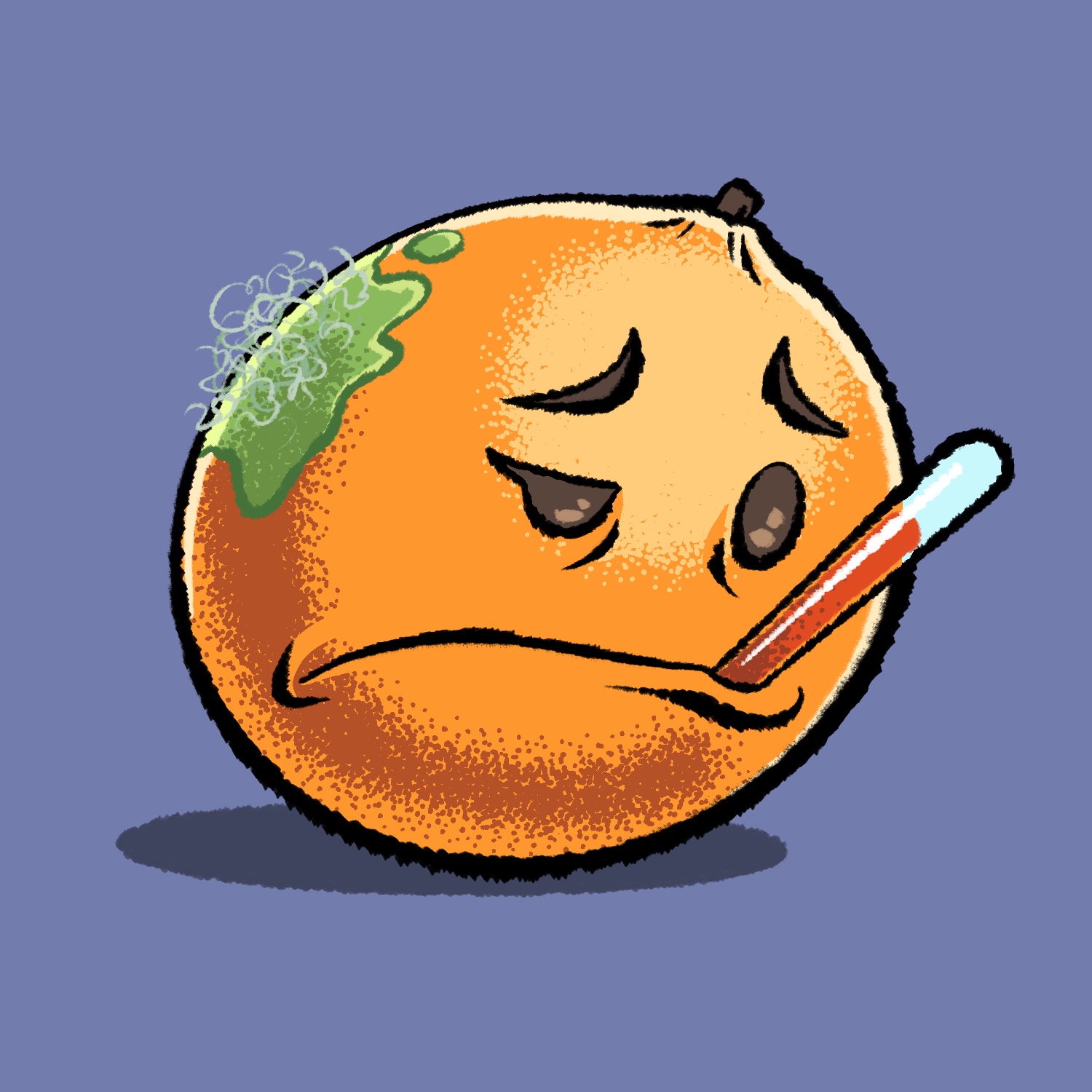
I wanted to try out some different brushes for today's Februdoodle and thought an orange would be the perfect subject for some stippling. But sometimes oranges get sick with hairy mold! 🤒
This was created in Procreate with an iPad Pro and Apple Pencil, using the Procreate Pencil brush for sketching, the Chisel Nib Cleaner brush for linework, the Syrup brush for fills, and the Sharpee Spray Regular brush for stippling/shading.
The Chisel Nib brush is from the Rusty Nib pack, and the Sharpee Spray brush is from the Stipple Studio pack, both by True Grit Texture Supply.
If you'd like to see how I drew this one, you can watch the time-lapse below:
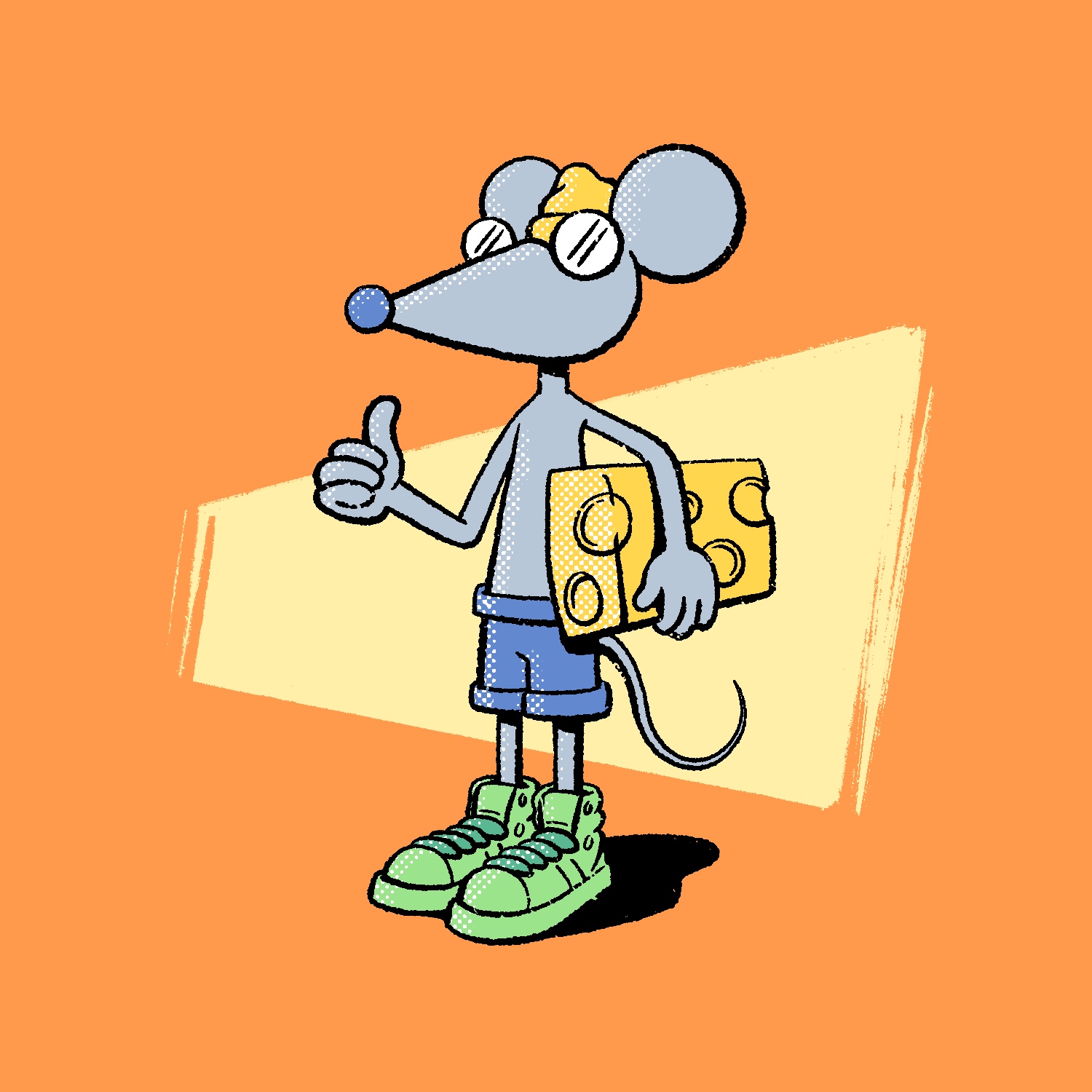
Today's Februdoodle was inspired by a book that my kid loves reading, Time To Pee!, by Mo Willems. There are hundreds of little mice doing all sorts of things in that book, and I was thinking about them when I sat down to draw tonight. It's a silly book about an important subject and I sorta love it.
This was created in Procreate with an iPad Pro and Apple Pencil, using the Procreate Pencil brush for sketching, the Rusty Nib 1 brush for linework, the Inka brush for background texture, and the Rough Dot Shader 45 Light brush for the halftone shading.
The Rusty Nib brush is from the Rusty Nib pack, and the Rough Dot Shader is from the Beat Tones pack. Both of those are by True Grit Texture supply.
If you'd like to see how I drew this one, you can watch the time-lapse below: