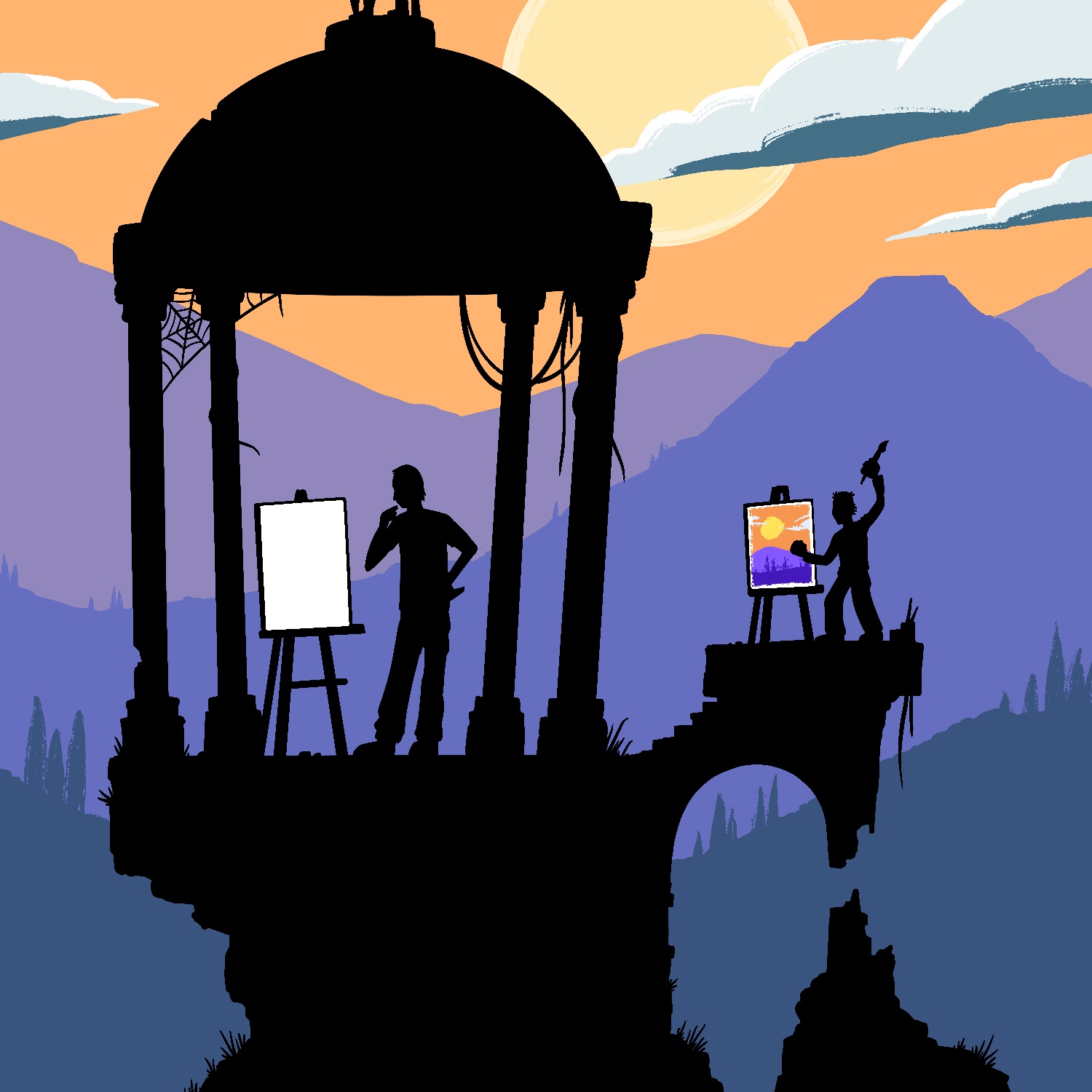
Today's Februdoodle was an idea that popped into my head last night: an artist and his child working side by side. I didn't think about the idea of leaving one canvas black until I started working on it, but I really like the idea of the child having less trouble just getting started on something. Especially as many of these illustrations start with me staring at a blank canvas for a long time.
This was created in Procreate with an iPad Pro and Apple Pencil, using the Procreate Pencil brush for sketching, the Syrup brush for linework, and the Inka brush for texture.
If you'd like to see how I drew this one, you can watch the time-lapse below:
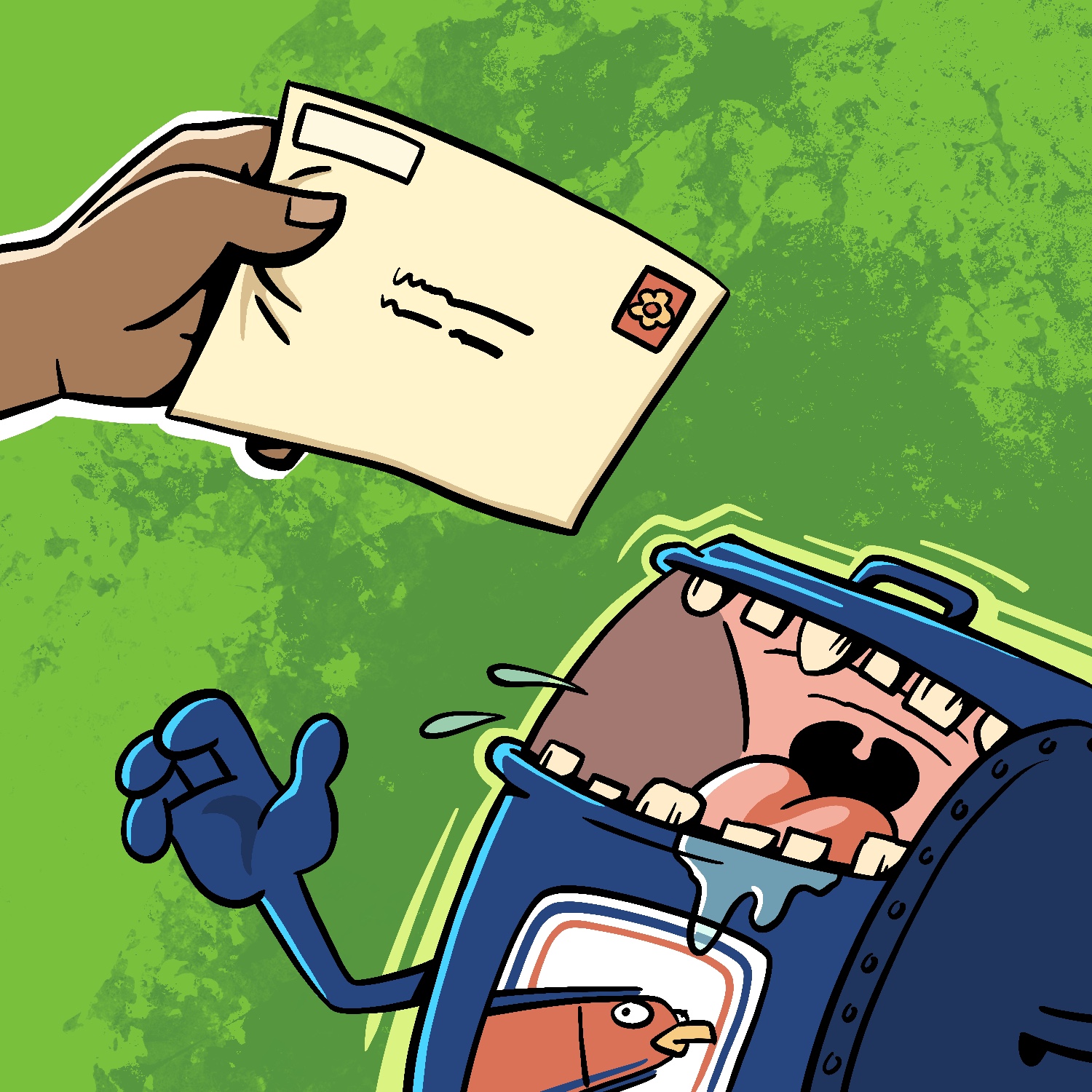
Today's Februdoodle is a little late, so I didn't have that much time to think about what I might do, let alone to work on it. Still, I like how it turned out, though I do feel like it's missing something in the background. Oh well!
I was mildly inspired by the mailbox monster from the original Toejam & Earl game, and also from the mimic monsters found in various fantasy movies and games.
This was created in Procreate with an iPad Pro and Apple Pencil, using the Procreate Pencil brush for sketching, the Syrup brush for linework, and the Hartz brushe for background texture.
If you'd like to see how I drew this one, you can watch the time-lapse below:
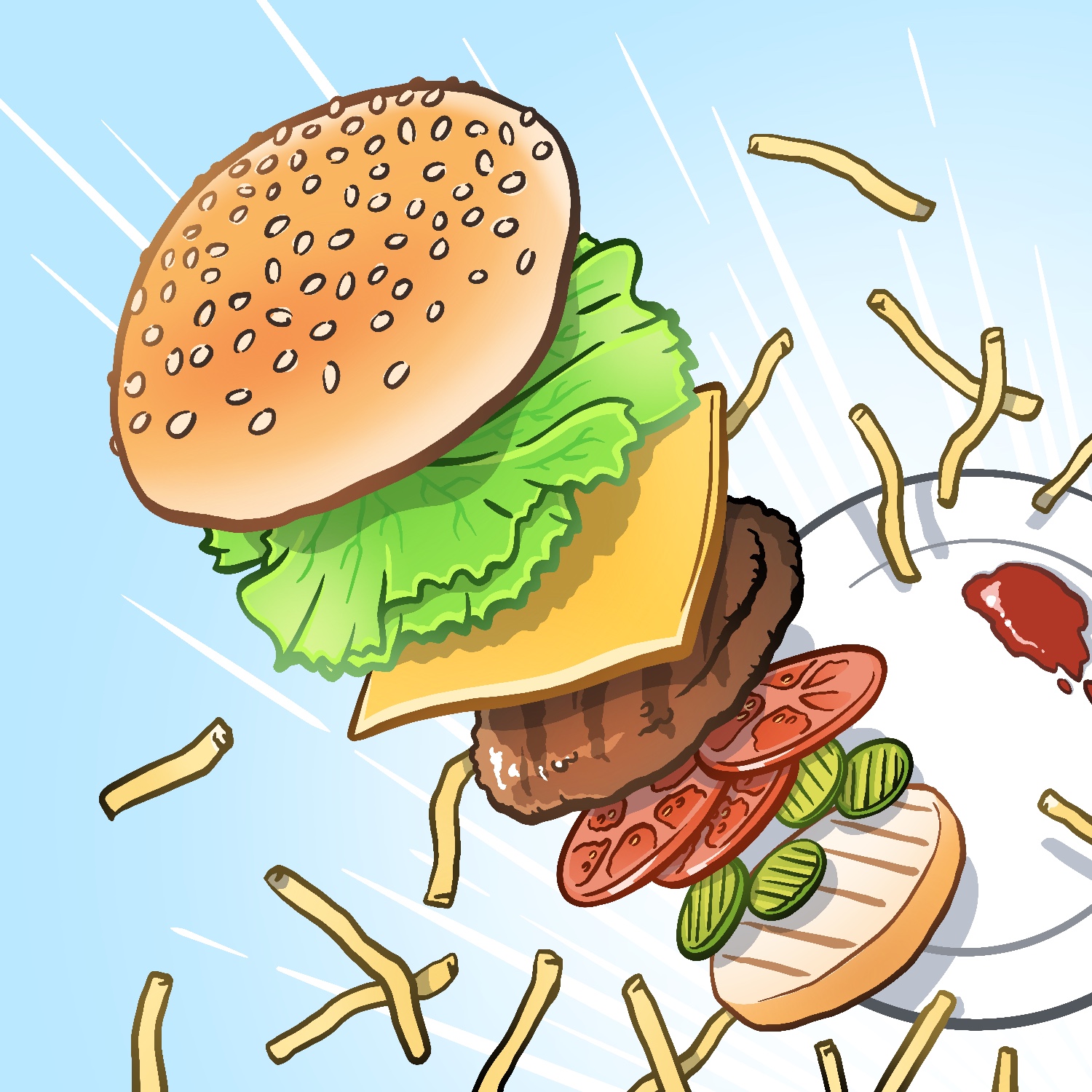
I had a hamburger for lunch today, so I thought I'd draw one for Februdoodle. I'm glad this didn't happen at the restaurant! 😆
This was created in Procreate with an iPad Pro and Apple Pencil, using the Procreate Pencil brush for sketching, the Syrup brush for linework, and the Soft airbrush for gradients.
If you'd like to see how I drew this one, you can watch the time-lapse below:
Last year I started an illustration project in February called "Februdoodle", and I am continuing it this year! Each day I create a new a new doodle and post it online. No theme or stories, just (hopefully) fun.
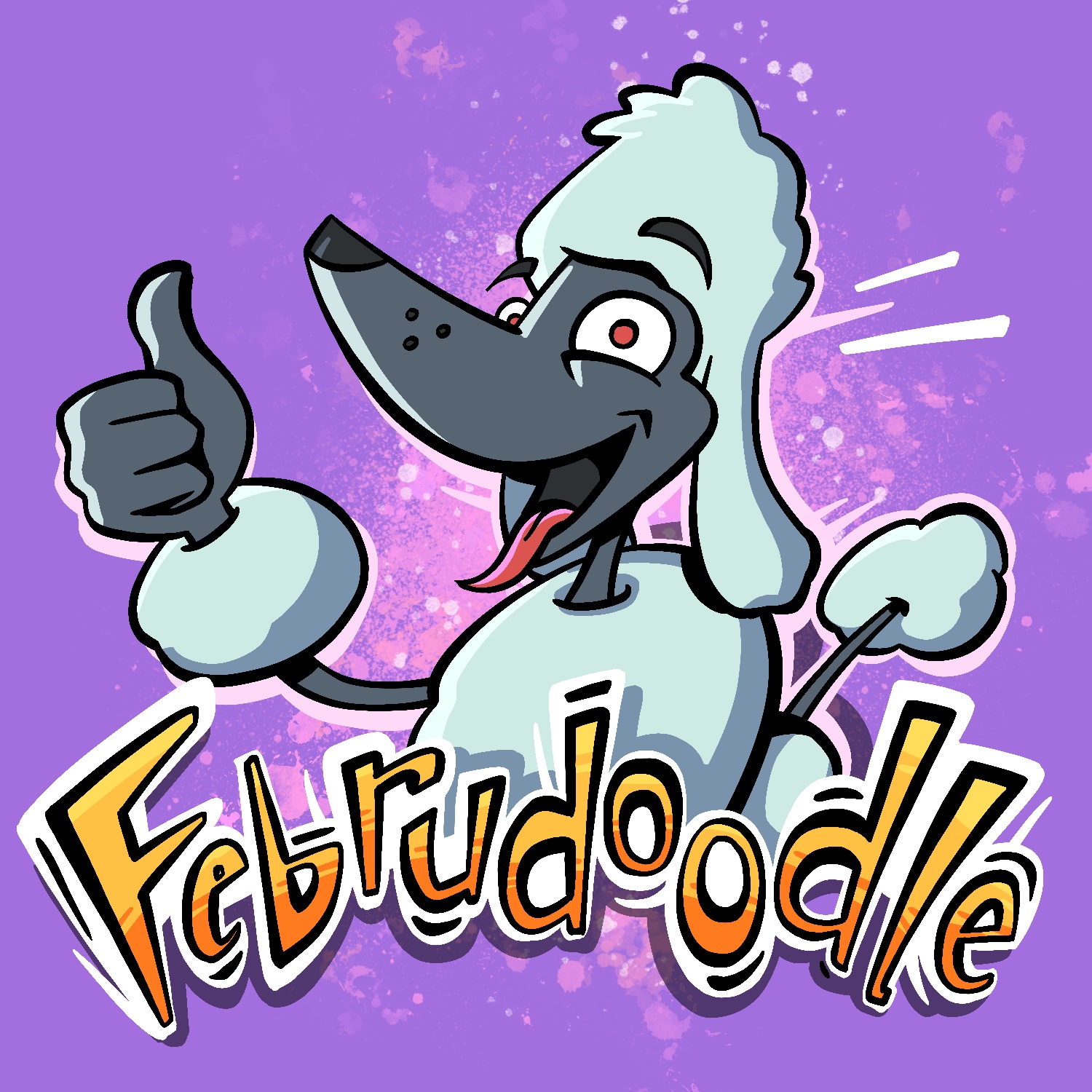
My first Februdoodle drawing for 2024 is a Februdoodle Poodle. Maybe he can be the mascot? 😆
This was created in Procreate with an iPad Pro and Apple Pencil, using the Procreate Pencil brush for sketching, the Syrup brush for linework, and the Fat Nozzle, Splatter, and Flicks spray paint brushes for background texture.
If you'd like to see how I drew this one, you can watch the time-lapse below:
Here's my final illustration for Februdoodle: See the Moon!
This one was a suggestion from my mother-in-law, who thought this would be a neat idea for a drawing: me, my wife, and our son looking at the moon and stars (which is one of his recent obsessions).
It's nice to be done with this project. I know that I will miss doing it every day - and I should honestly keep doing more drawings just to keep up my skill - but I also need a little break to recharge.
As with the others, this was created in Procreate with an iPad Pro and Apple Pencil, using the Procreate Pencil brush for sketching, the Syrup brush for linework, and the Watercolor brush for background texture.
If you'd like to see how I drew this one, you can watch the time-lapse below:
If you've been following along with these, thanks for stopping by to see them all! I'm sure I'll have another project ready to start soon, so stay tuned!
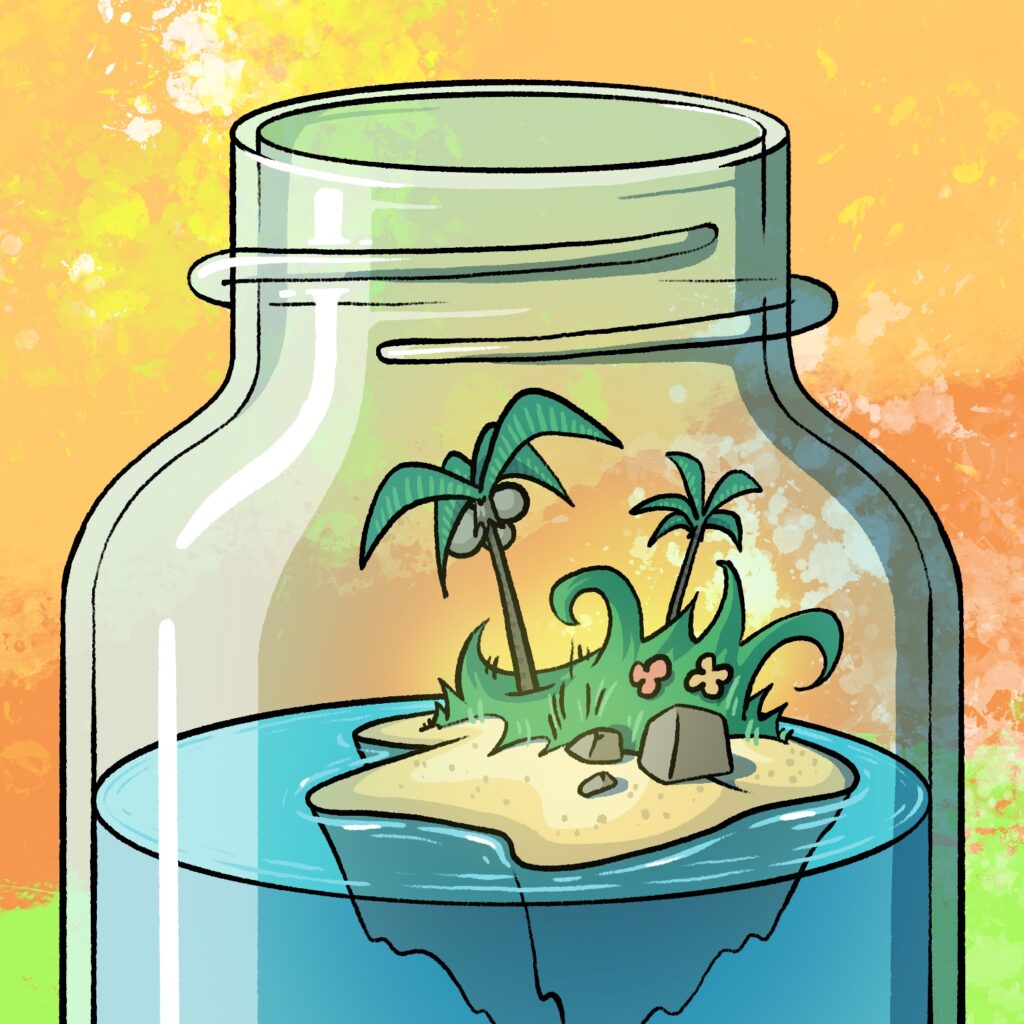
For my twenty-seventh Februdoodle illustration, I drew an island paradise (inside a bottle).
I can't believe this project is almost over! I've been weighing continuing the effort into March over the last couple of days, but it took a lot to get this one done - and in the end it's still not quite how I would have liked it. I think my creative fuel tank is just running a little dry.
While I was drawing this one, I also realized just how much I've grown to like doing my "ink" work with the Sryup brush. I used to use the modified Mercury brush that I used for this illustration almost exclusively, in part because the clumpy nature of the texture it has reminded me of the gel pens I used to use when I'd draw on paper, and in part because the texture hides the imperfections in the lines.
I think that the Mercury brush variant I used to use had a more uniform thickness to it though, because I had a hard time controlling that with this one. In places where I wanted the lines to go thinner, I found the virtual ink running super thin and splotchy, which looked bad and made it harder to fill with color later on. Oh well!
Like all the others, this was created in Procreate with an iPad Pro and Apple Pencil, using the Procreate Pencil brush for sketching, a modified Mercury brush for linework, and the Hartz and Splatter spray paint brushes for background texture, with a few assists from the Soft air brush here and there.
If you'd like to see how I drew this one, you can watch the time-lapse below:
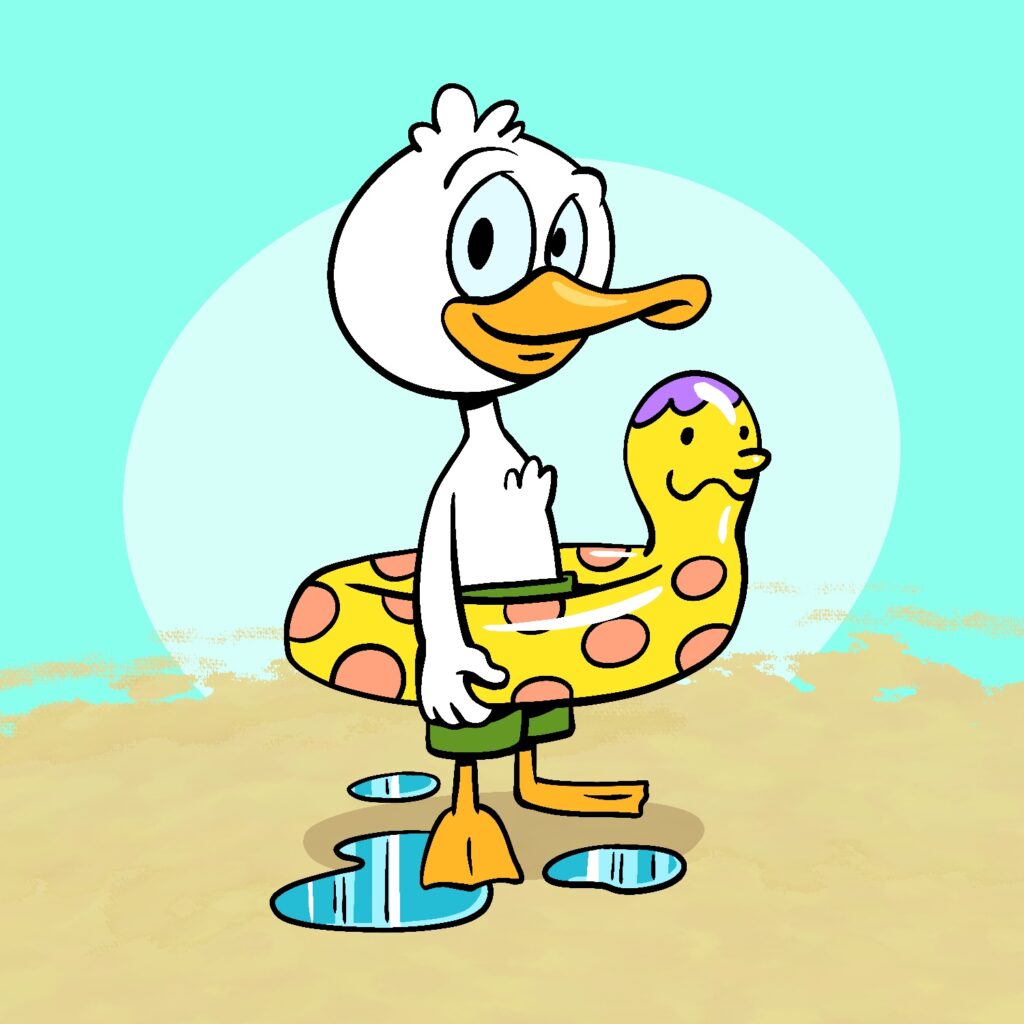
My twenty-sixth illustration for Februdoodle is a duckling wearing a fun human-headed inner tube.
I channeled all my years of watching DuckTales and reading Donald Duck/Uncle Scrooge comics for this one.
This was created in Procreate with an iPad Pro and Apple Pencil, using the Procreate Pencil brush for sketching, the Syrup brush for linework, and the Leatherwood brush for background texture.
If you'd like to see how I drew this one, you can watch the time-lapse below:
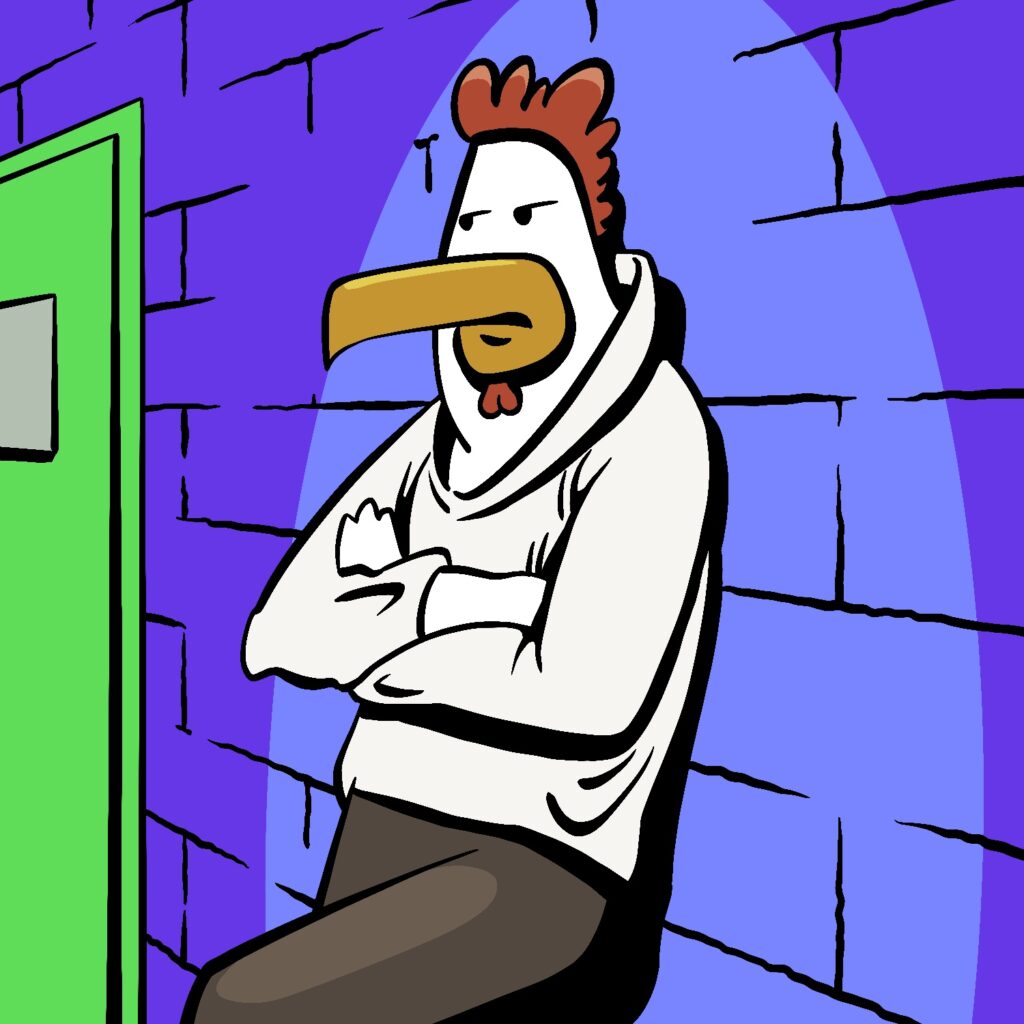
My twenty-fourth illustration for Februdoodle is a rooster leaning up against a wall, waiting.
I'm barely making it under the wire today, so I wanted to keep this one simple. I'm happy with how the colors turned out though, and I feel like I'm getting a little more confident with my color choices.
As usual, this was created in Procreate with an iPad Pro and Apple Pencil, using the Procreate Pencil brush for sketching, and the Syrup brush for linework/fills.
If you'd like to see how I drew this one, you can watch the time-lapse below. You will see a sketch I made at the beginning that I chose to abandon in lieu of the finished piece above!
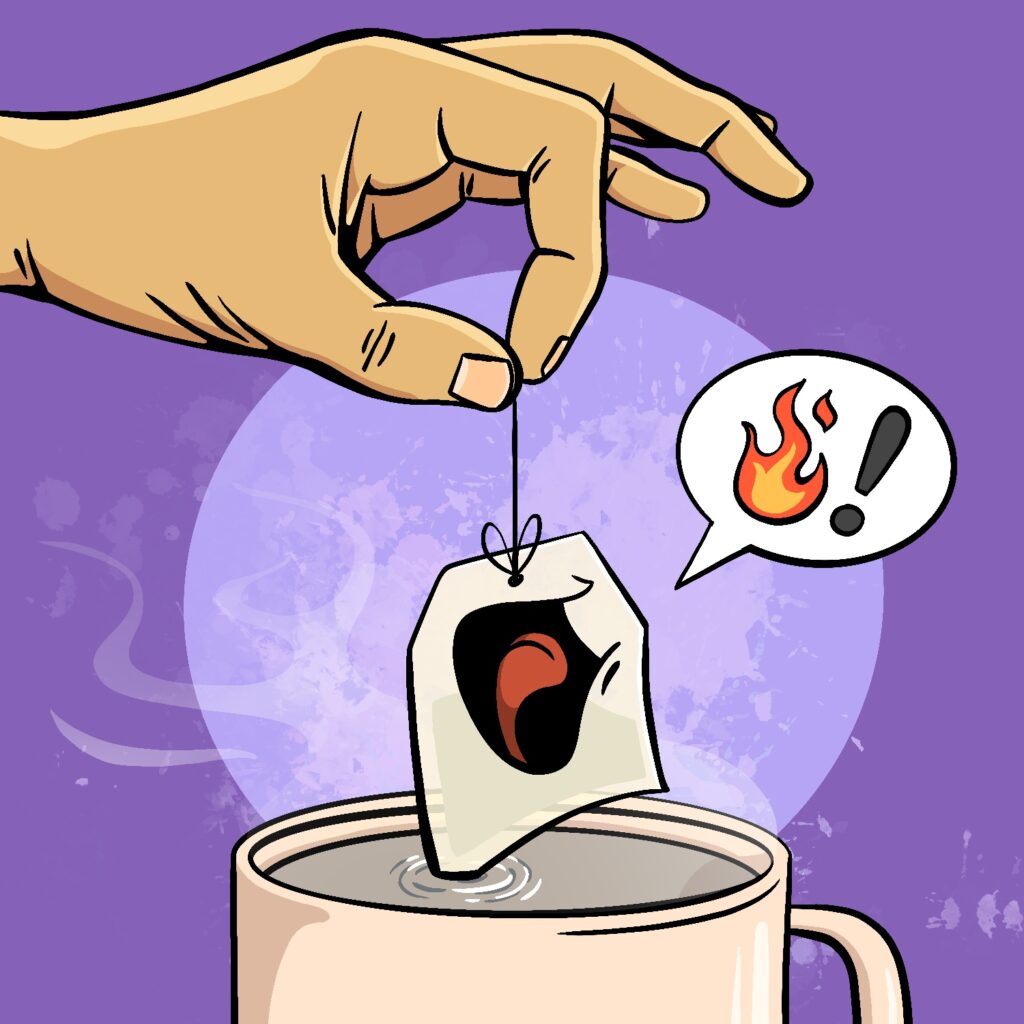
For my twenty-third Februdoodle illustration, I drew a tea bag who is not very happy about being dunked into the hot water!
This was created in Procreate with an iPad Pro and Apple Pencil, using the Procreate Pencil brush for sketching, the Syrup brush for linework, the Soft air brush for some masking, and the Splatter spray paint brush for background texture.
If you'd like to see how I drew this one, you can watch the time-lapse below: