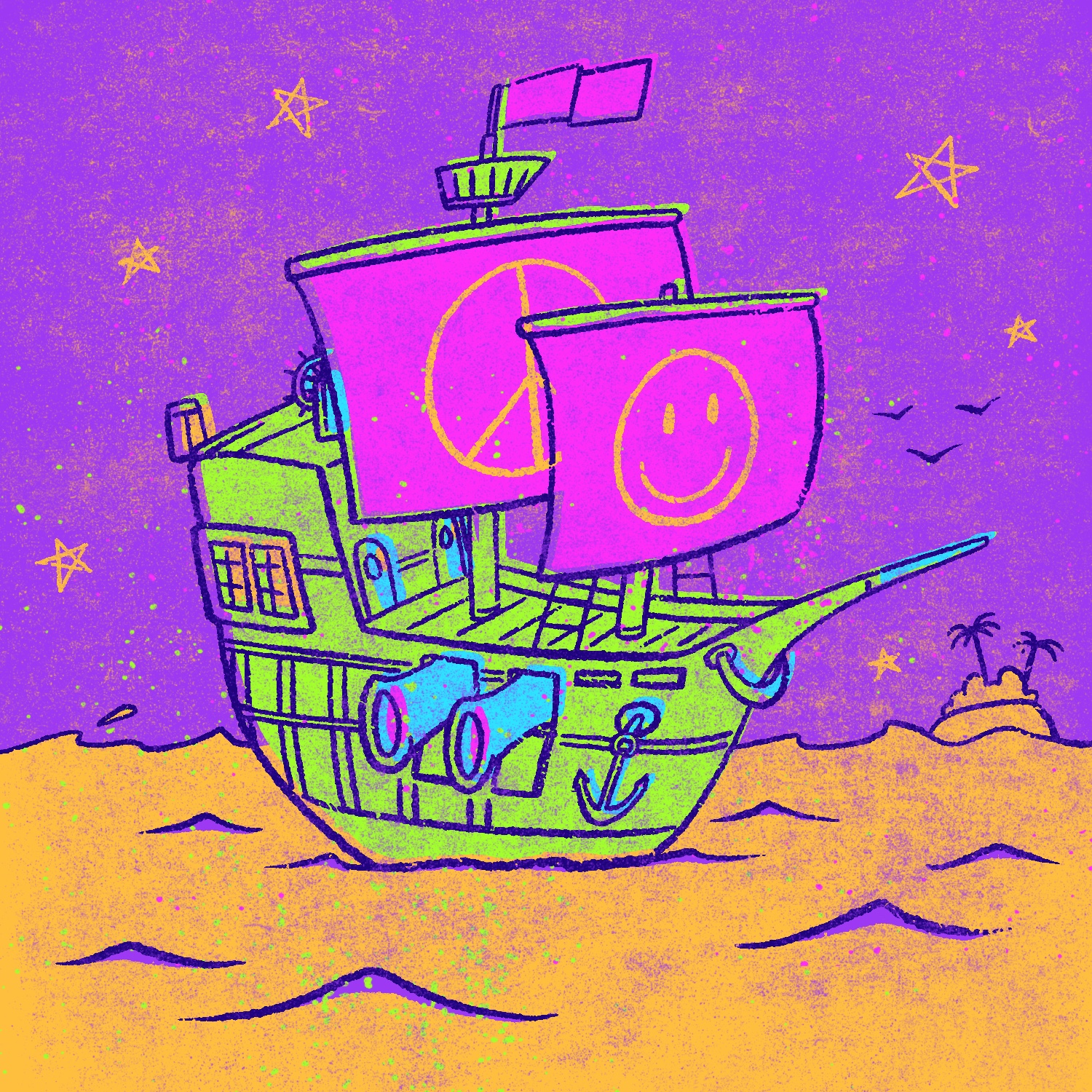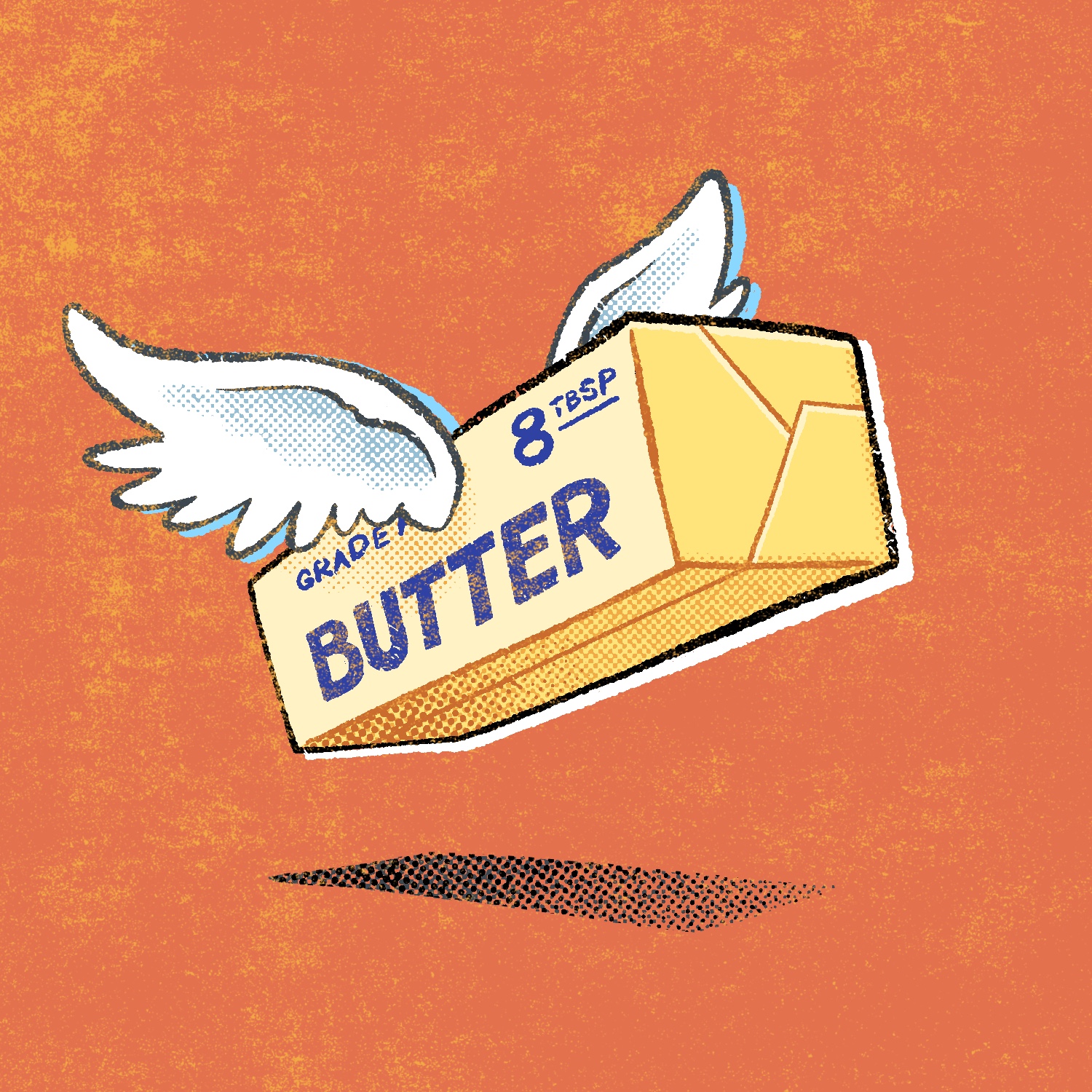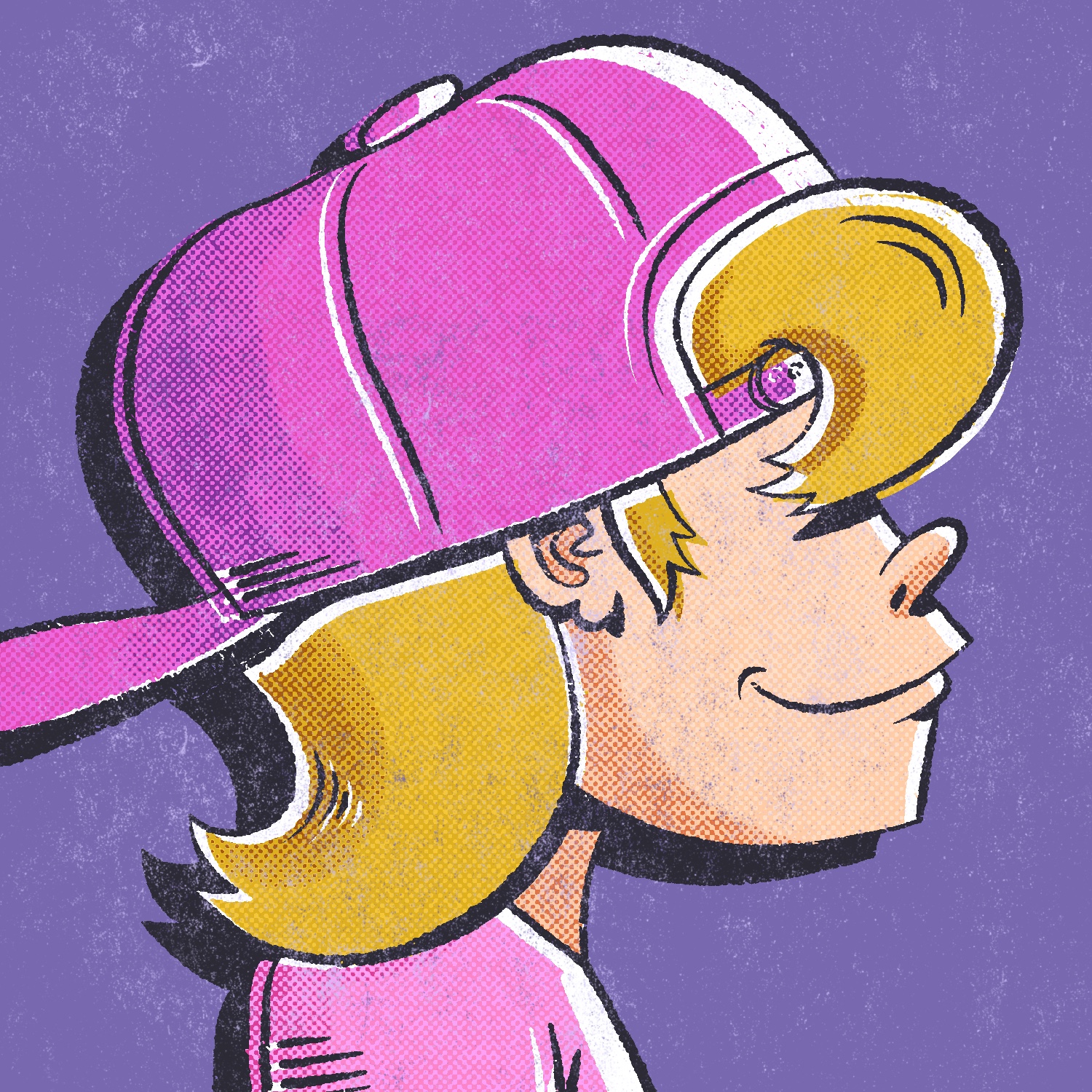
For today's Februdoodle illustration, my wife and I asked our son to see what he thought I should draw, and he suggested Punxsutawney Phil. So here it is!
Originally, I intended to draw him in a top hat, but then I felt like that's too many top hats to start Februdoodle with. 😆
This was created in Procreate with an iPad Pro and Apple Pencil, using the Procreate Pencil brush for sketching, the Syrup brush for linework, and the Soft Air Brush for shading.
If you'd like to see how I drew this one, you can watch the time-lapse below:
I'm kicking off this year's Februdoodle a day late - yahoo!
I had a busy day yesterday and just totally forgot to start the project. I didn't remember it until I was getting ready for bed! That's fine though, it happens. I will catch up soon!
Today's drawing is in the style of a Monopoly Community Chest card. It's almost identical to the "Opera Opening Night" card, except this one features a cell phone with a stopwatch app instead of a stopwatch, and a large billboard introducing Februdoodle.
This was created in Procreate with an iPad Pro and Apple Pencil, using the Procreate Pencil brush for sketching, Chisel Nib Cleaner brush for linework, the Drrrty 1 and Grainy 1 Dense Fine Grain brushes for the grit, and the Rough Dot Shader 45 Light brush for the halftone pattern.
The Drrrty and Grainy brushes are from the Fast Grit pack, and the Rough Dot Shader is from the Beat Tones pack, both by True Git Texture Supply.
If you'd like to see how I drew this one, you can watch the time-lapse below:
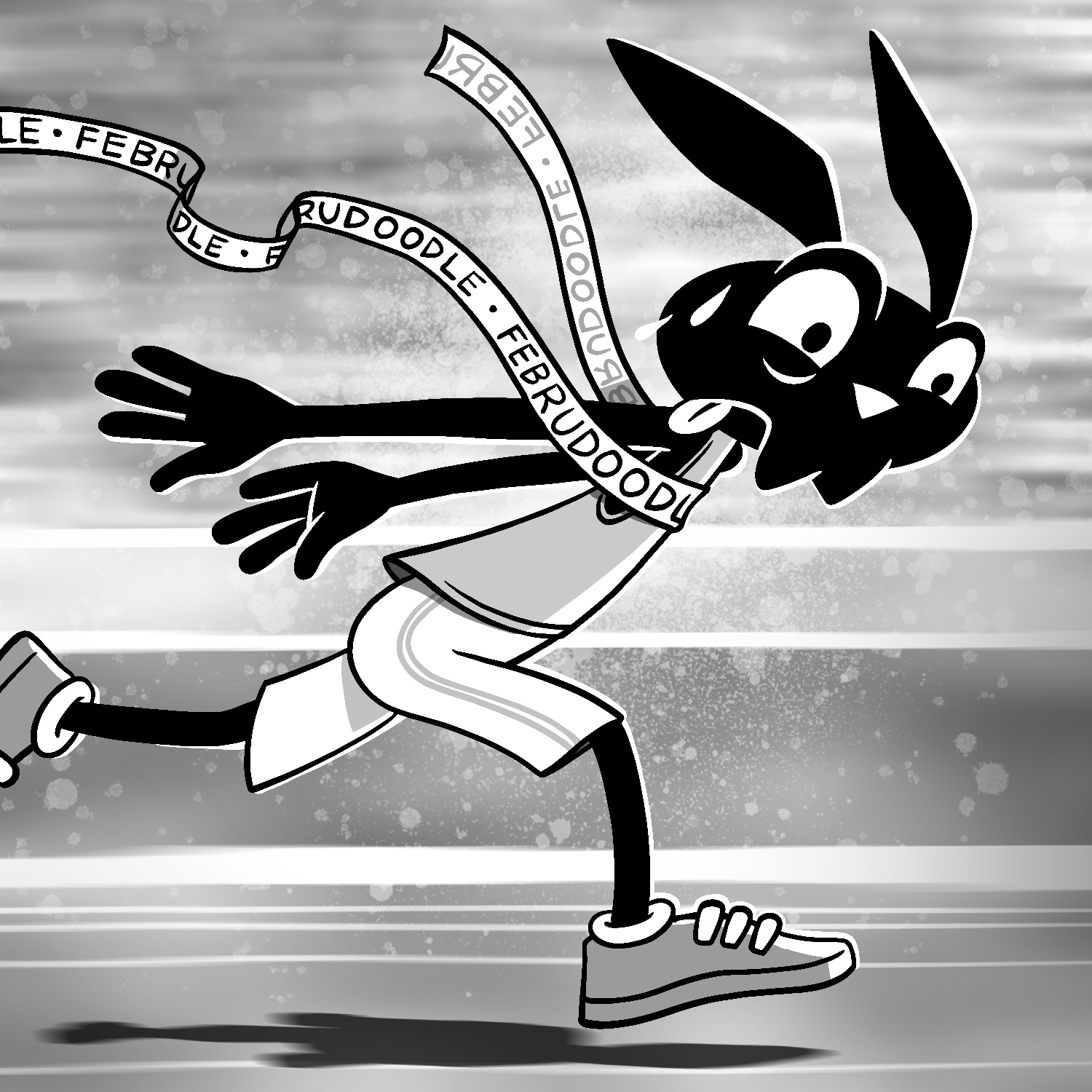
This is my last drawing for Inktober 2025, for the prompt "award".
I drew this because, earlier today, I realized this was my tenth year doing Inktober - which is kind of crazy!
Anyway, thanks to everyone who followed along and enjoyed the art this year. I had a great time drawing it and, of course, seeing everyone's reactions! 😊
This was created in Procreate with an iPad Pro and Apple Pencil, using the Procreate Pencil brush for sketching, the Soft air brush for shading, and Gouache brush for background texture.
If you'd like to see how I drew this one, you can watch the time-lapse below:
And if you'd like to watch all the time-lapse replays in one place, you can watch them on this YouTube playlist.
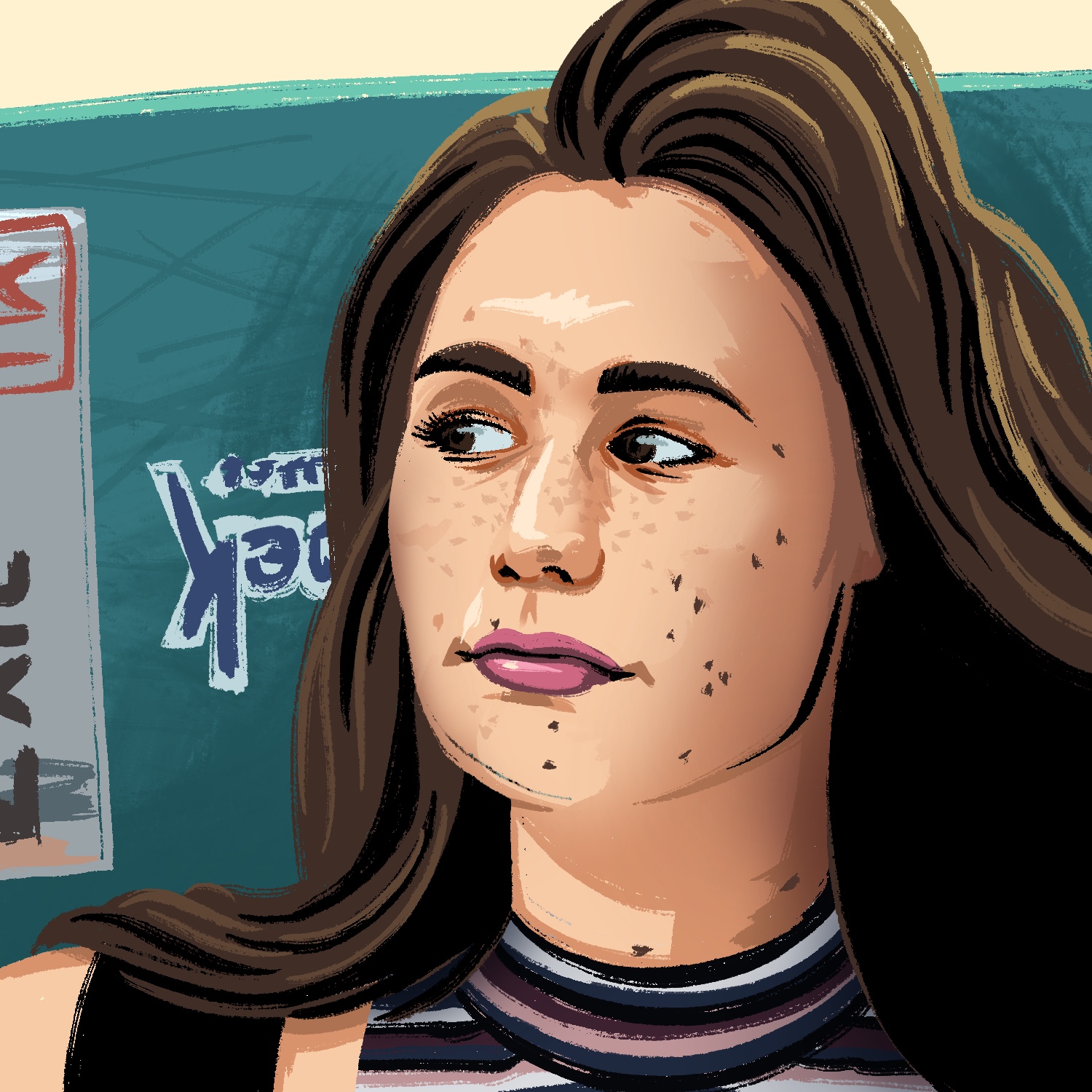
For today's Inktober prompt, "vacant", I drew a cartoon girl with a very vacant look on her face.
Originally, I thought I might draw a dark, moody, and empty parking lot at night. But then I sat down and I just wasn't feeling it. So I fell back to an idea my wife had: draw a vacant face. 😐
This was created in Procreate with an iPad Pro and Apple Pencil, using the Procreate Pencil brush for sketching, the Syrup brush for linework, and the Quoll brush for background texture.
If you'd like to see how I drew this one, you can watch the time-lapse below:
It's the abstract Inktober prompts that always give me a hard time, and todays was a doozy: "lesson". How do you draw a concept like "lesson" in a single picture?
I thought about drawing kids being taught something, but I've seen others do this already and it felt like cribbing their work. I thought about drawing a schoolhouse, suffering some natural disaster that it (somehow) was denying the existence of. A friend suggested a similar concept, but with an AI datacenter.
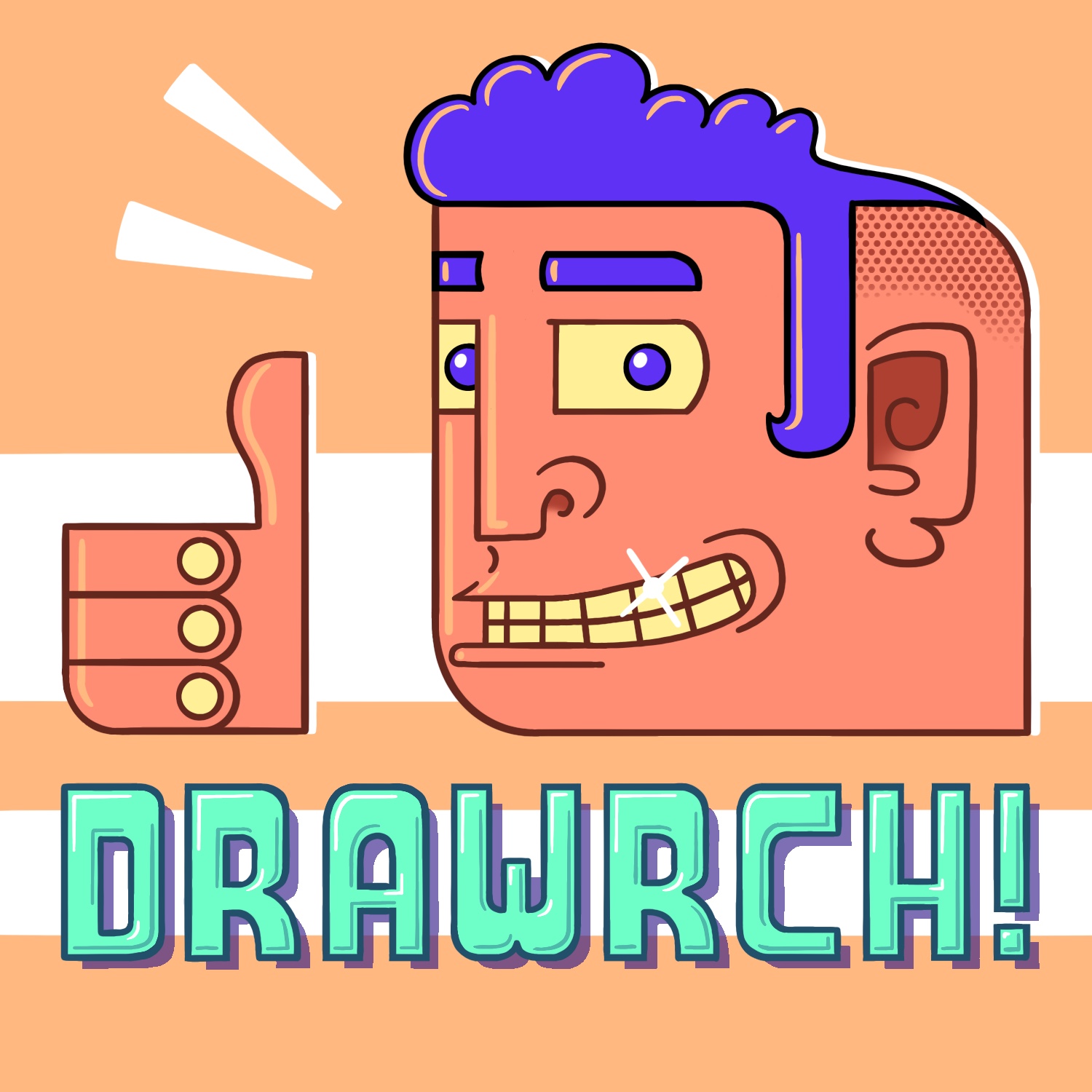
It all felt like trying to cram too many ideas into a single drawing, and so I sat there for quite a while, staring at a blank canvas, until I thought of this. It's a bit basic and I wish the linework/background was better, but in the end, it came out how I pictured it. And I think it very clearly illustrates the prompt. 😎
Anyway, this was created in Procreate with an iPad Pro and Apple Pencil, using the Procreate Pencil brush for sketching, the Syrup brush for everything else.
Just two more drawings left for this year's Inktober! 🤯
If you'd like to see how I drew this one, you can watch the time-lapse below:
Today's Inktober prompt was "skeletal", and it got me thinking about one of my favorite games of the year, Blueprint. One of the items you can eventually pick up is a "skeleton key", and as you might imagine, it's a very useful item indeed. This isn't the key from the game, but it is my own interpretation of such a key!
As always, this was created in Procreate with an iPad Pro and Apple Pencil, using the Procreate Pencil brush for sketching, the Syrup brush for linework, the Gouache brush for shading, and the Worn 4 Bold brush for texture.
The Worn brush is from the Fast Grit pack, by True Grit Texture Supply.
Today's Inktober prompt was "onion". Early on in my brainstorming, I was thinking about an anthropomorphic onion, but I also wanted to incorporate crying somehow. This is the obvious result! 🥲
This was created in Procreate with an iPad Pro and Apple Pencil, using the Procreate Pencil brush for sketching, and the Syrup brush for everything else.
If you'd like to see how I drew this one, you can watch the time-lapse below:
This is my entry for today's Inktober prompt, "puzzling". I thought it would be fun to play off the idea of a puzzle, but in an off-the-wall context. Pun intended. 😎
This was created in Procreate with an iPad Pro and Apple Pencil, using the Procreate Pencil brush for sketching, the Rough Nib Bleedy brush for linework, and the Gouache brush for shading. Also, shoutout to the Syrup brush for assisting me with some of the fills.
The Rough Nib Bleedy brush is from the Rusty Nib pack, by True Grit Texture Supply.
If you'd like to see how I drew this one, you can watch the time-lapse below:

Today's Inktober prompt was "inferno", so here's my drawing: a giant fireball burning the top of a basic house. This was another tough one and I just didn't have any idea what to do with it. 🙃
This was created in Procreate with an iPad Pro and Apple Pencil, using the Procreate Pencil brush for sketching, the Inka brush for linework, the Gouache brush for shading, and the Fat Nozzle spray paint brush for background texture.
If you'd like to see how I drew this one, you can watch the time-lapse below:
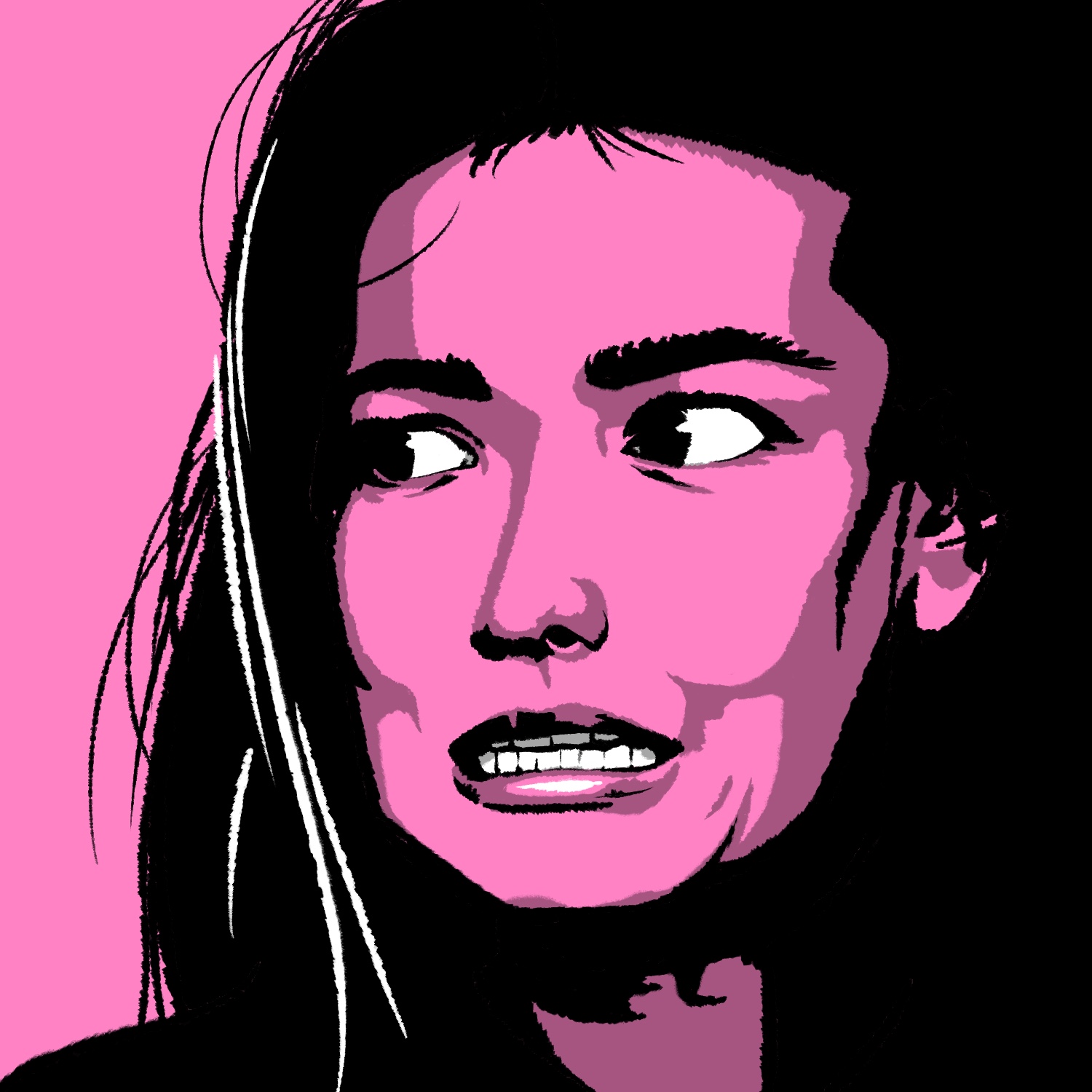
I took some inspiration from Rampage for today's Inktober illustration. The prompt was "rowdy", which was a tough one to visualize. But what are giant city-destroying monsters, if not rowdy?
As always, this was created in Procreate with an iPad Pro and Apple Pencil, using the Procreate Pencil brush for sketching, the Rusty Nib 1 brush for linework, and the Watercolor and Rough Dot Shader 45 Light brushes for shading.
The Rusty Nib brush is from the Rusty Nib pack, and the Rough Dot Shader brush is from the Beat Tones pack, by True Grit Texture Supply.
If you'd like to see how I drew this one, you can watch the time-lapse below: