Today's June Toons cartoon is of a boy riding on the back of a robot, telling it what to do. Inspired, in part, by my son.
Initially, I asked my son if he had a robot who would do whatever he wanted, what would he have it do. And his answer was to have it pick up all his toys, which I didn't think would make for a very compelling drawing, so I went with this instead. 😆
I always try to get in at least one robot drawing for these projects, and since this one is just about wrapped up, it was time! Normally I draw my robots pretty rigid and geometric, but I wanted to do something looser this time, and ended up with a SCUD-like, stretchy look.
This was created in Procreate with an iPad Pro and Apple Pencil, using the Procreate Pencil brush for sketching, the Smooth Natural Nib brush for linework, the Pin Linear 0.5 Pressure Spray brush for stippled shading, and the Fat Nozzle spray paint brush for background texture.
The Smooth Natural Nib brush is from the Rusty Nib pack, and the Pin Linear brush is from the Stipple Studio pack. Both of those are by True Grit Texture Supply.
If you'd like to see how I drew this one, you can watch the time-lapse below:
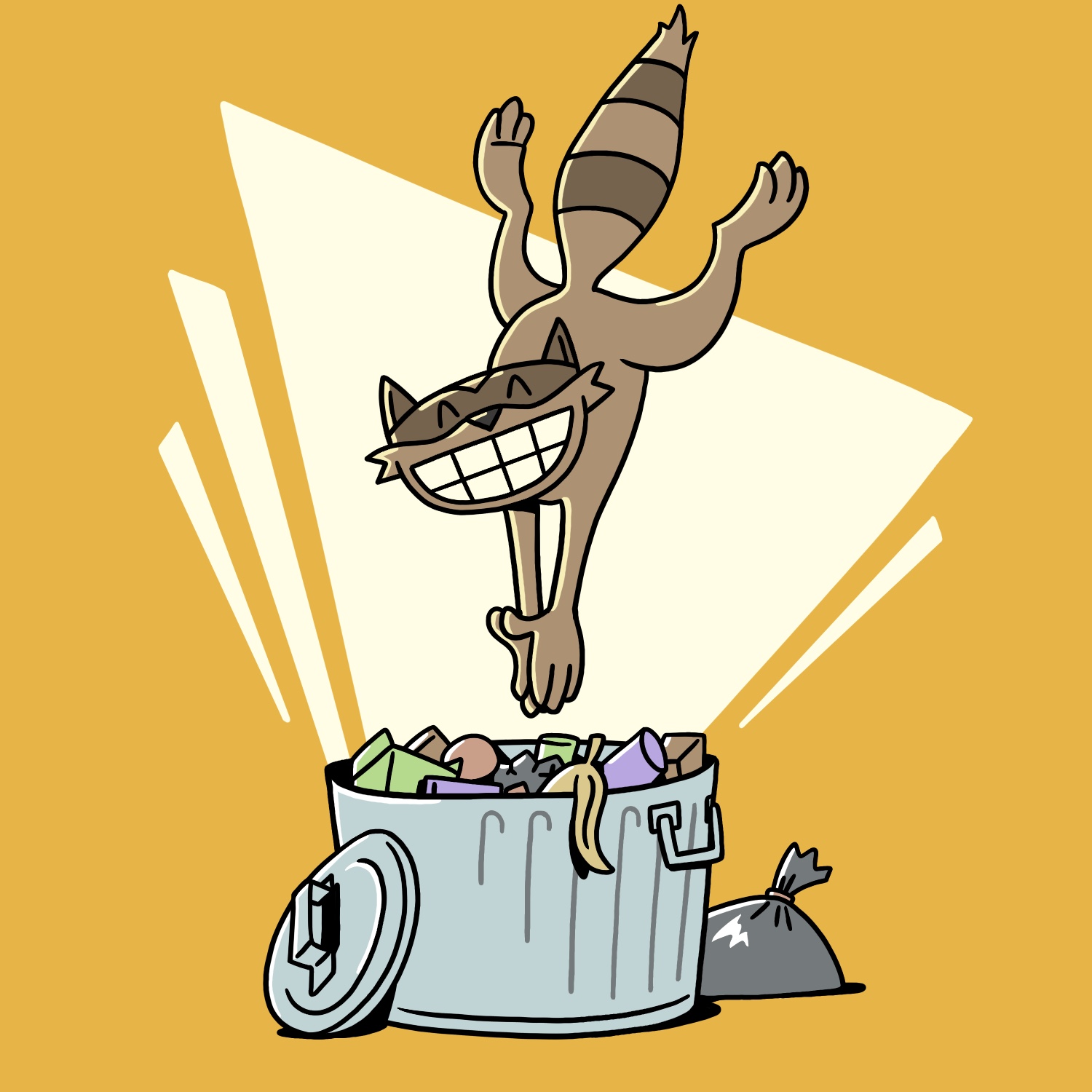
For today's June Toons cartoon, I drew an ecstatic raccoon diving into a trash can!
I could've used a little more vertical space for this one, to have the can be taller and the raccoon be a little farther away from it. Having to work within a square forced me to make some interesting choices though, and I like the absurdity of this large raccoon jumping into such a shallow trash can.
This was created in Procreate with an iPad Pro and Apple Pencil, using the Procreate Pencil brush for sketching and the Studio Pen brush for everything else.
If you'd like to see how I drew this one, you can watch the time-lapse below:
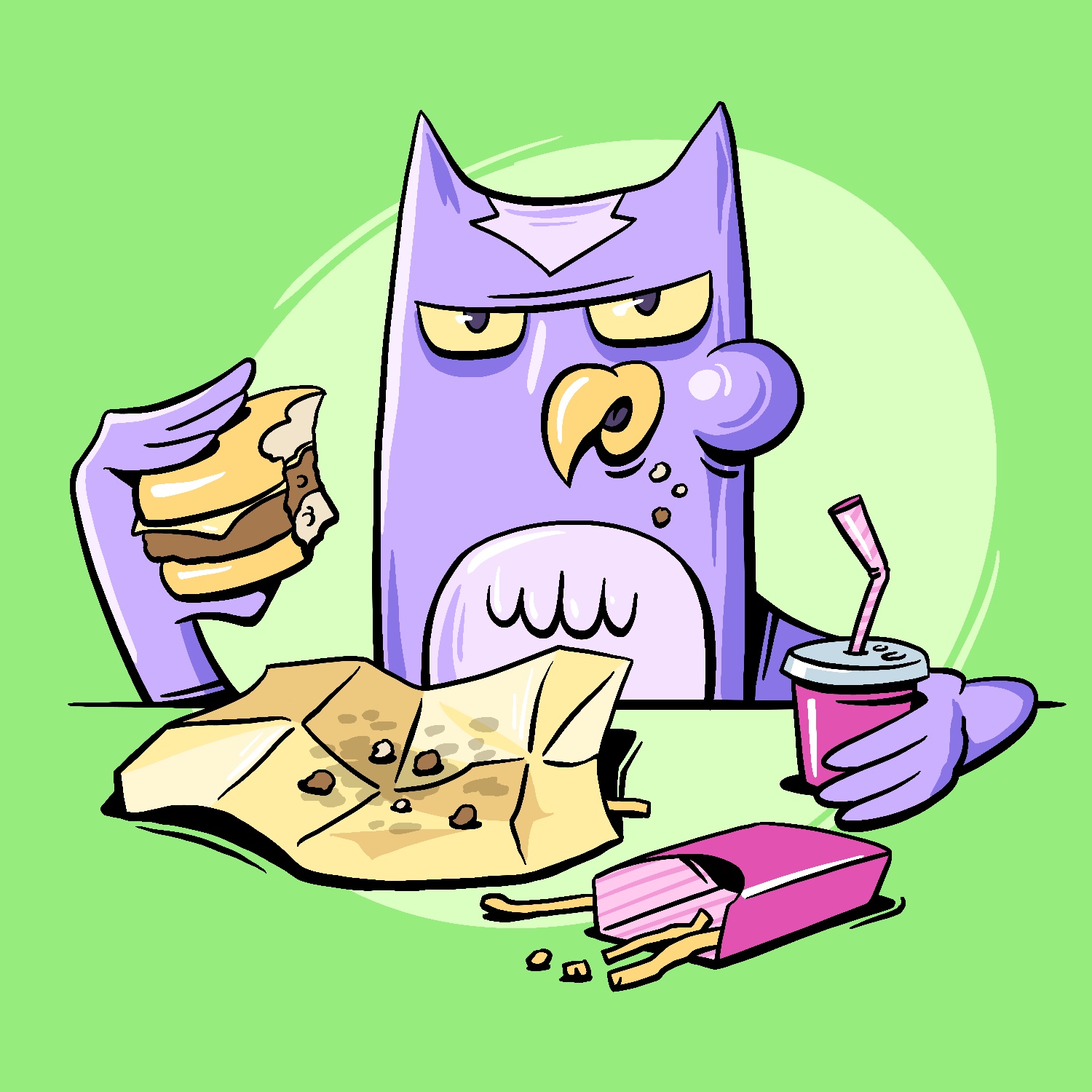
Today's June Toons cartoon, for no reason at all, is a grumpy owl eating a fast-food burger and fries.
Sometimes these ideas just come to me, what can I say? 😆
As always, this was created in Procreate with an iPad Pro and Apple Pencil, using the Procreate Pencil brush for sketching and the Syrup brush for everything else.
If you'd like to see how I drew this one, you can watch the time-lapse below:
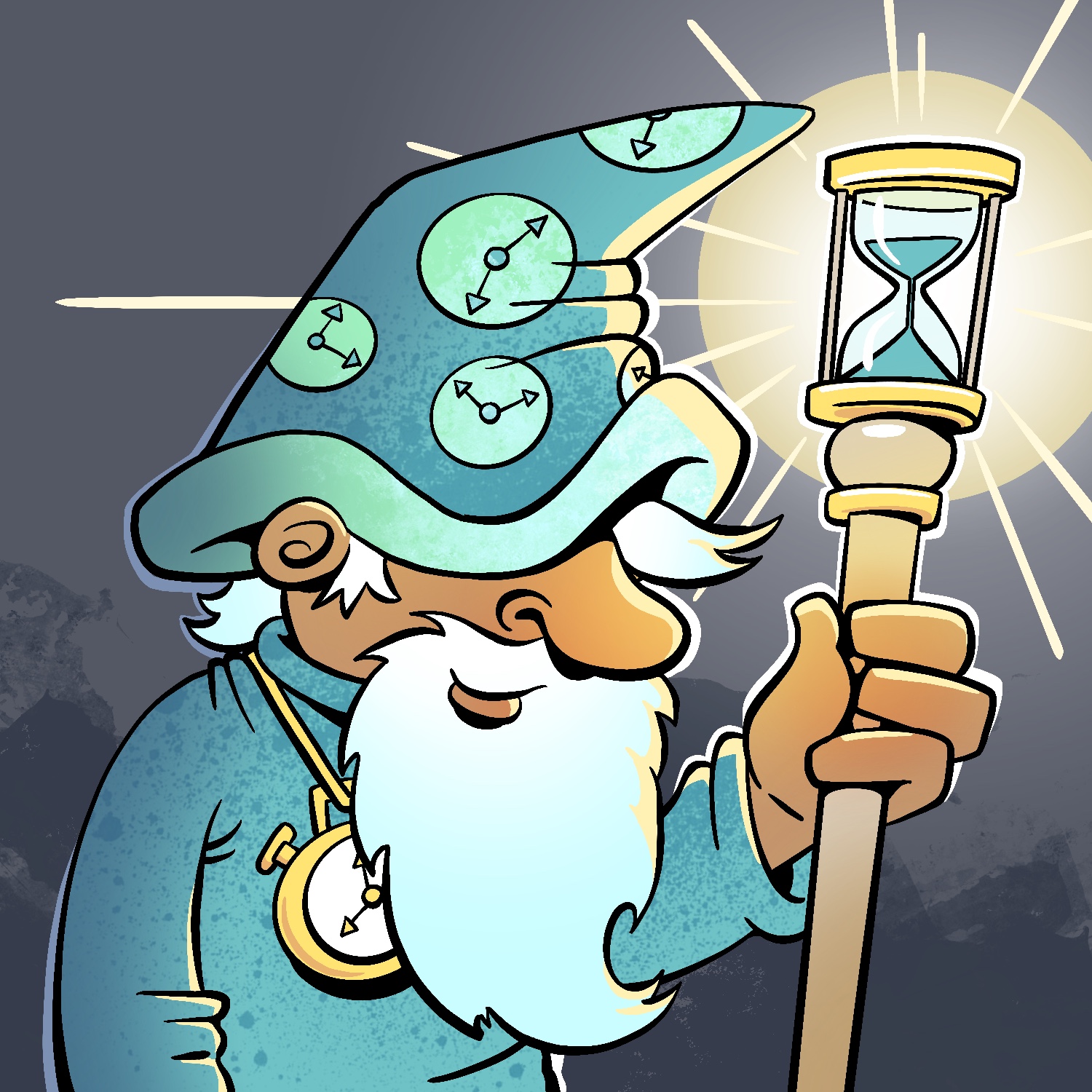
Today's June Toons illustration is of Father Time!
This was created in Procreate with an iPad Pro and Apple Pencil, using the Procreate Pencil brush for sketching, the Syrup brush for linework, the Soft air brush for shading, the Fat Nozzle spray paint brush for texture, and the Hartz brush for background texture.
If you'd like to see how I drew this one, you can watch the time-lapse below:
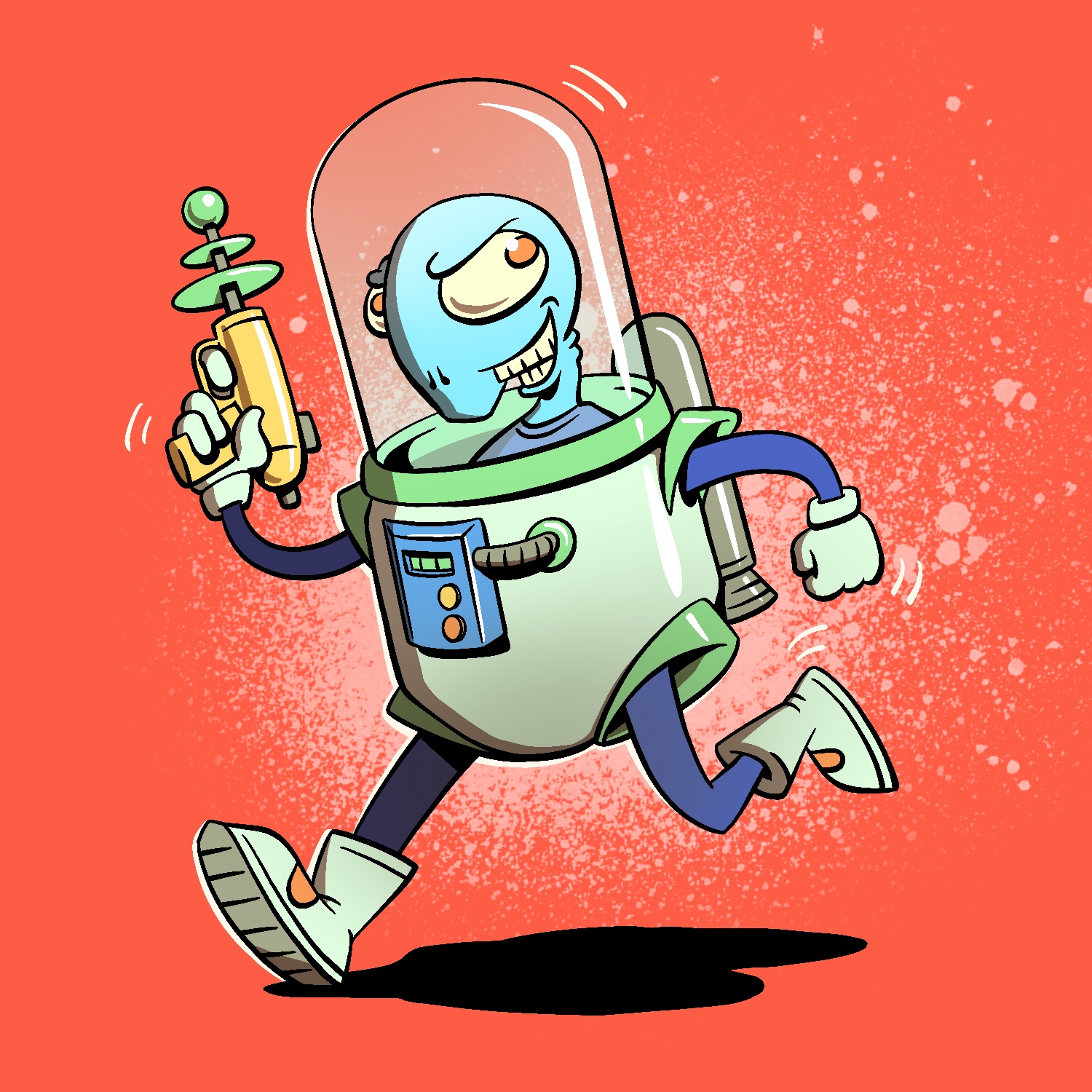
Today's June Toons illustration is of a devious alien astronaut. What's he planning to do with that laser blaster? I'm not sure, but we can bet it won't be something good.
This was created in Procreate with an iPad Pro and Apple Pencil, using the Procreate Pencil brush for sketching, the Syrup brush for linework, the Soft air brush for shading, and the Fat Nozzle spray paint brush for background texture.
If you'd like to see how I drew this one, you can watch the time-lapse below:
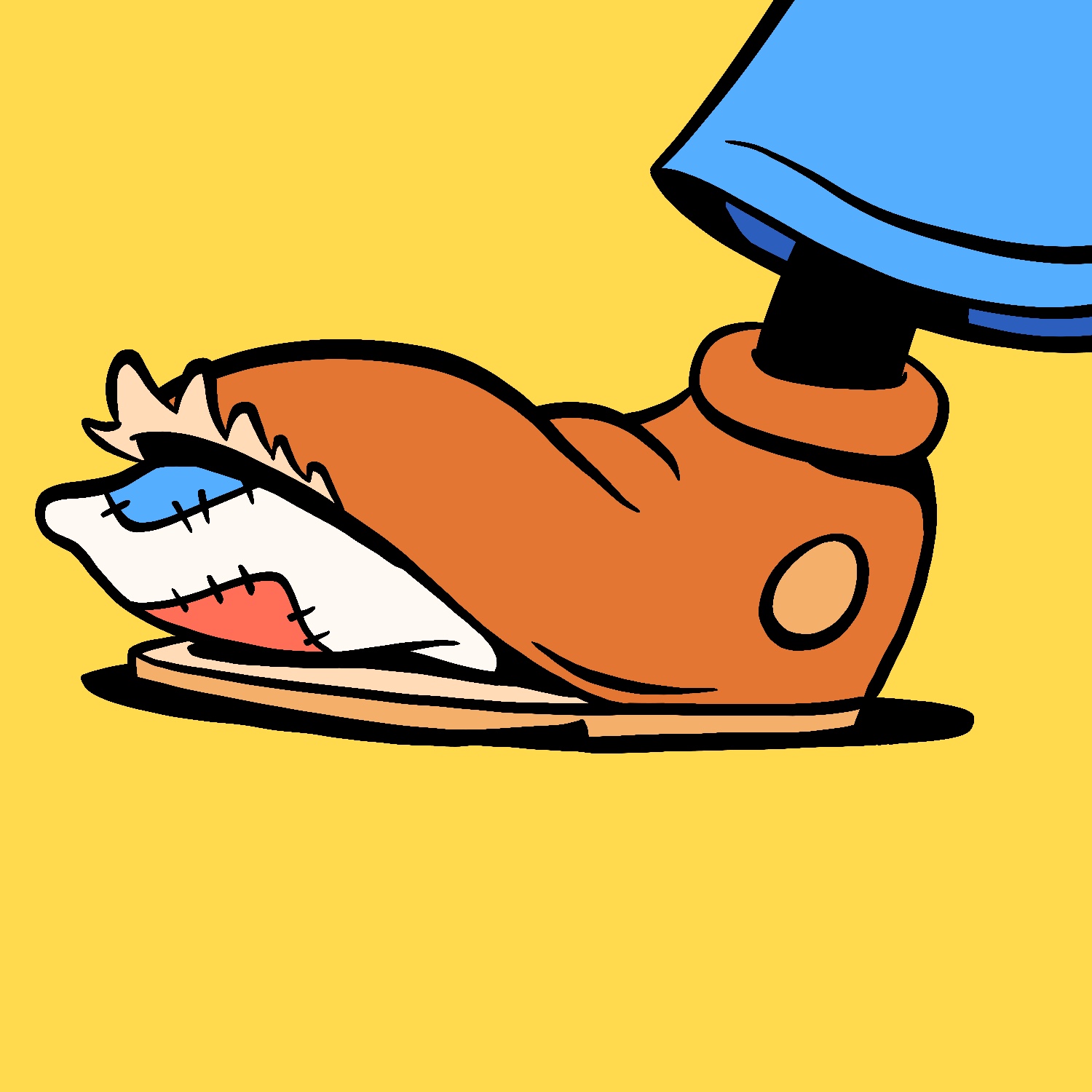
Today's June Toons illustration is of a busted shoe!
I don't know why this image popped into my head the other day, but I've been sort of mulling it over and wondering how it might come to be. It turned out mostly how I wanted it to, with bright colors and a sort-of-vintage look to the shape of the shoe. It's almost like a piece of pop art, and I could see it printed in a large format and looking pretty cool. 😎
This was created in Procreate with an iPad Pro and Apple Pencil, using the Procreate Pencil brush for sketching and the Syrup brush for everything else.
If you'd like to see how I drew this one, you can watch the time-lapse below:
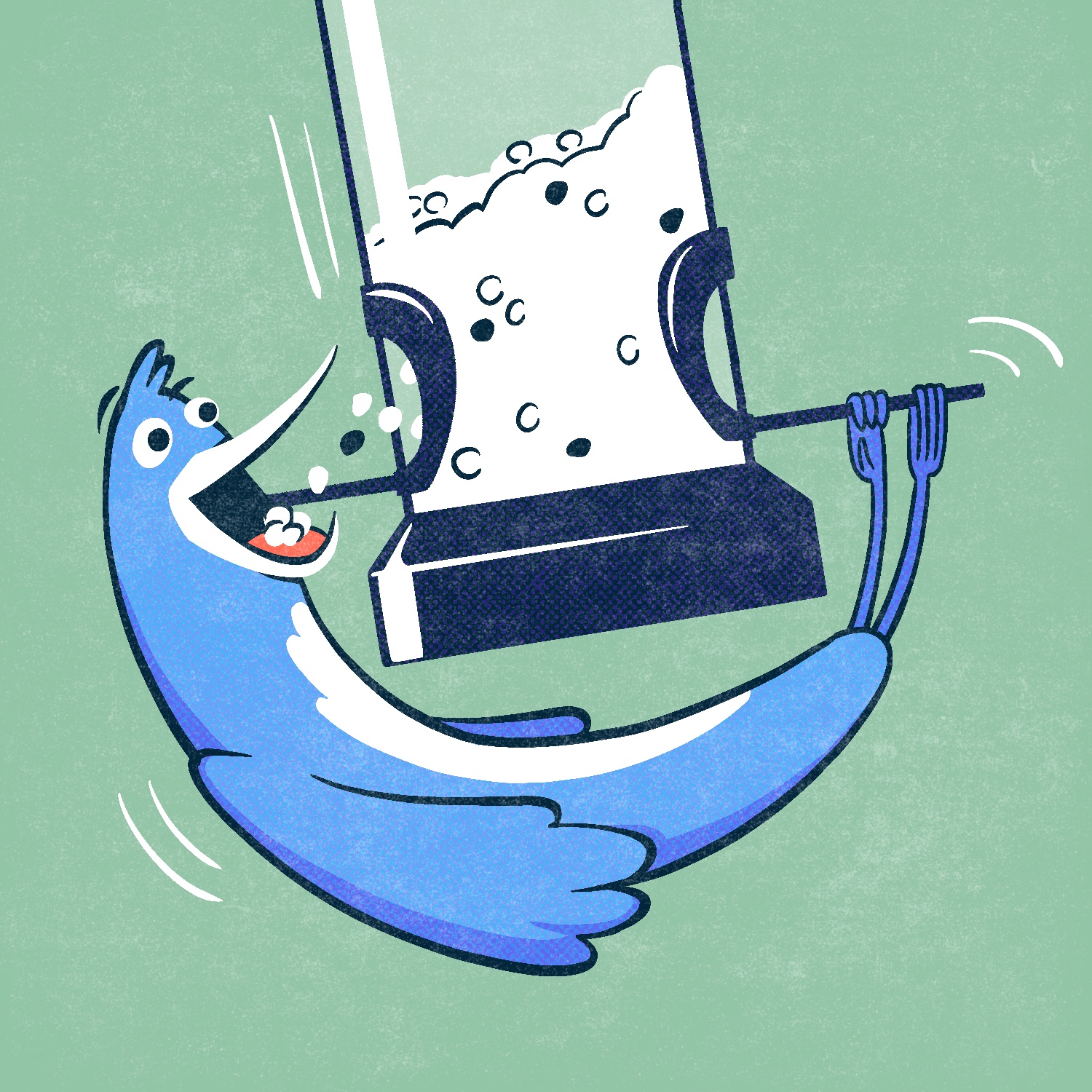
Today's June Toons illustration is of a bird feeding at a bird feeder. This was inspired by some of the moves I've seen real birds pull off on our backyard bird feeder, when they don't quite fit on its small perches.
This was created in Procreate with an iPad Pro and Apple Pencil, using the Procreate Pencil brush for sketching, the Syrup brush for linework, the Rough Dot Shader 45/Light for halftone effect and the Worn 4 Subtle brush for the distress effect.
The Dot Shader 45/Light brush is from the Beat Tones pack, and the Worn 4 Subtle brush is from the Fast Grit pack. Both of those are by True Grit Texture Supply.
If you'd like to see how I drew this one, you can watch the time-lapse below:
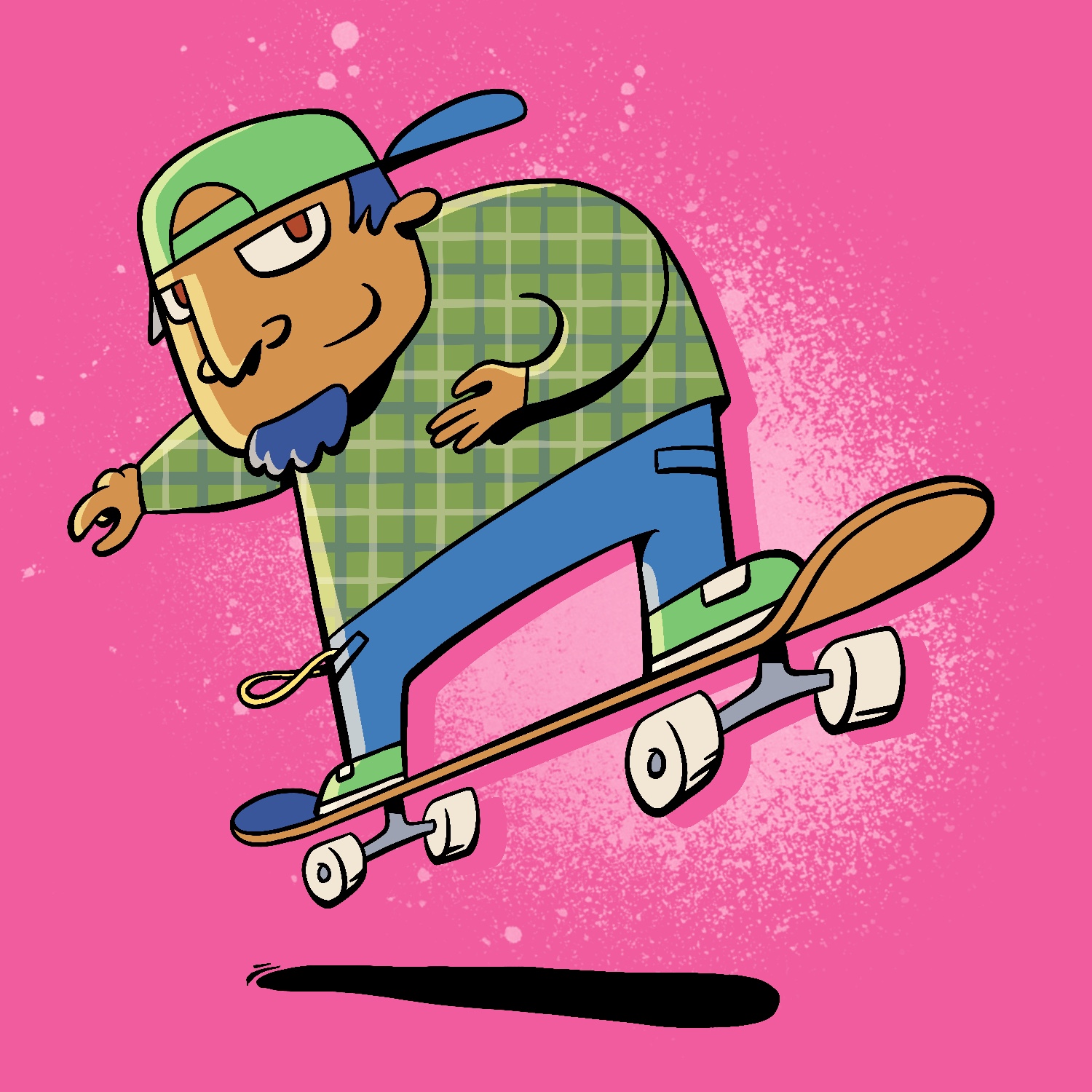
Today's June Toons cartoon is a skateboarder doing a jump.
It's not a particularly complex drawing, but it gave me the opportunity to add some loose details in and be precise with my line widths, which is something I feel like I'm constantly getting better at. The lines always seem to get thicker and more uniform the longer I draw, which is something I fight with a lot. Here, I think I did a pretty decent job not doing that.
As always, this was created in Procreate with an iPad Pro and Apple Pencil, using the Procreate Pencil brush for sketching, the Syrup brush for linework, and the Fat Nozzle spray paint brush for background texture.
If you'd like to see how I drew this one, you can watch the time-lapse below:
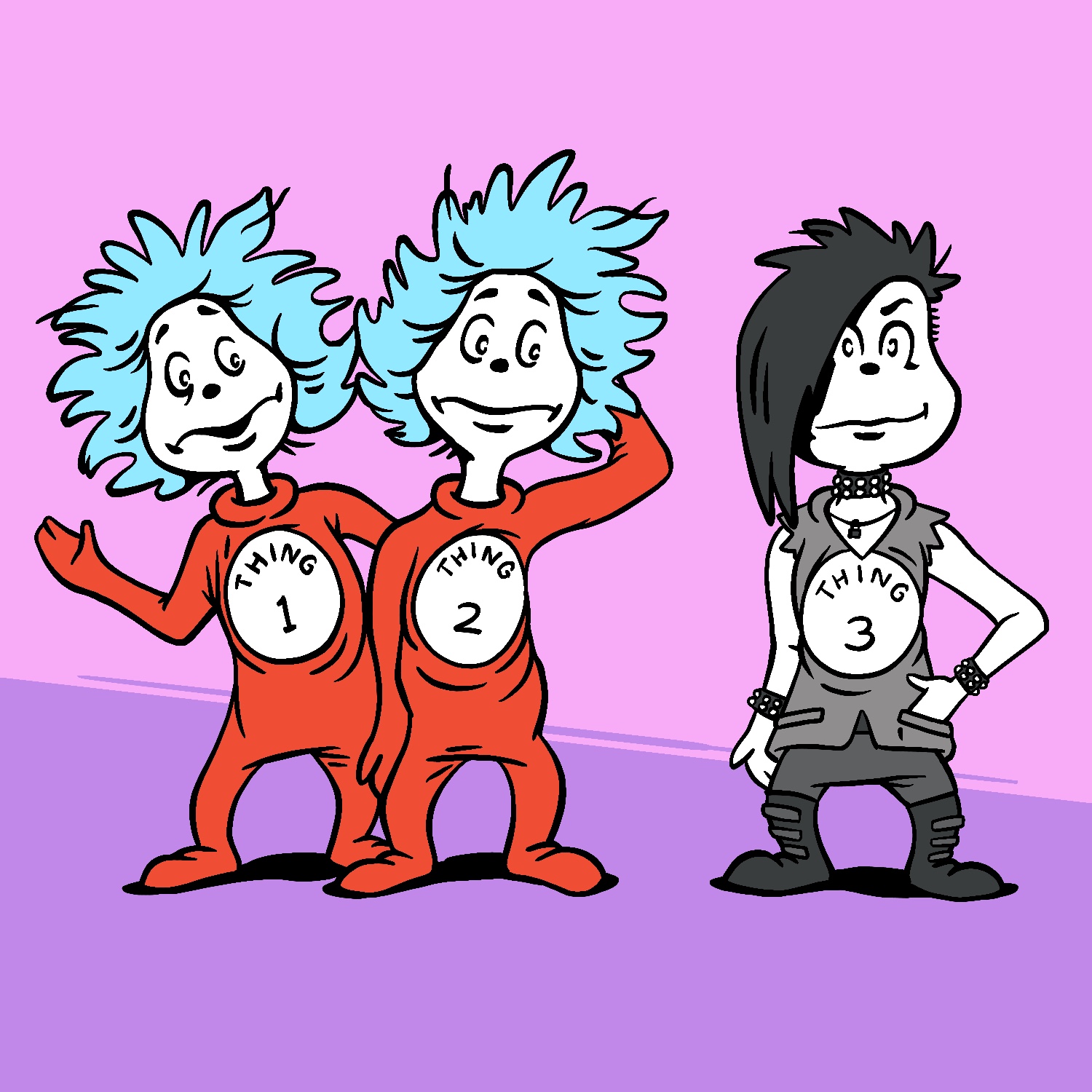
For today's June Toons cartoon, I got inspiration from some of my son's books, and tried to imagine what Thing 3 might look like.
Is there a Thing 3 already in the Dr. Seuss books? If there is, I'm not familiar with it. I just thought it'd be funny if Thing 3 wanted to take his look in a different direction than the other two Things. 😆
This was created in Procreate with an iPad Pro and Apple Pencil, using the Procreate Pencil brush for sketching and the Syrup brush for everything else.
If you'd like to see how I drew this one, you can watch the time-lapse below: