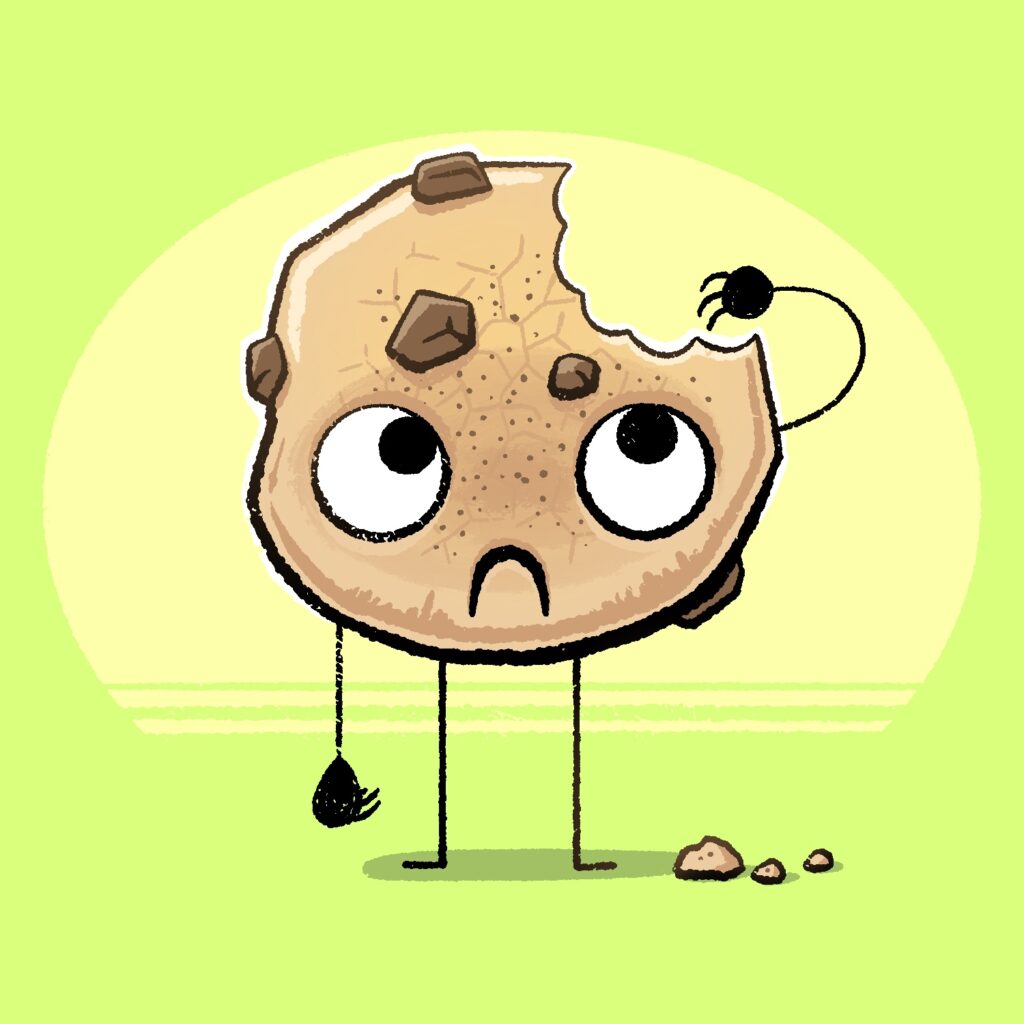
Today's Februdoodle illustration is of a cookie with a single bite taken out of it. And it's kinda sad about it, TBH.
This was created in Procreate with an iPad Pro and Apple Pencil, using the Procreate Pencil brush for sketching, the Rusty Nib 1 brush for linework, the Syrup brush for fills, and the Sassafras brush for some light shading.
The Rusty Nib brush is from the Rusty Nib pack, by True Grit Texture Supply.
If you'd like to see how I drew this one, you can watch the time-lapse below:
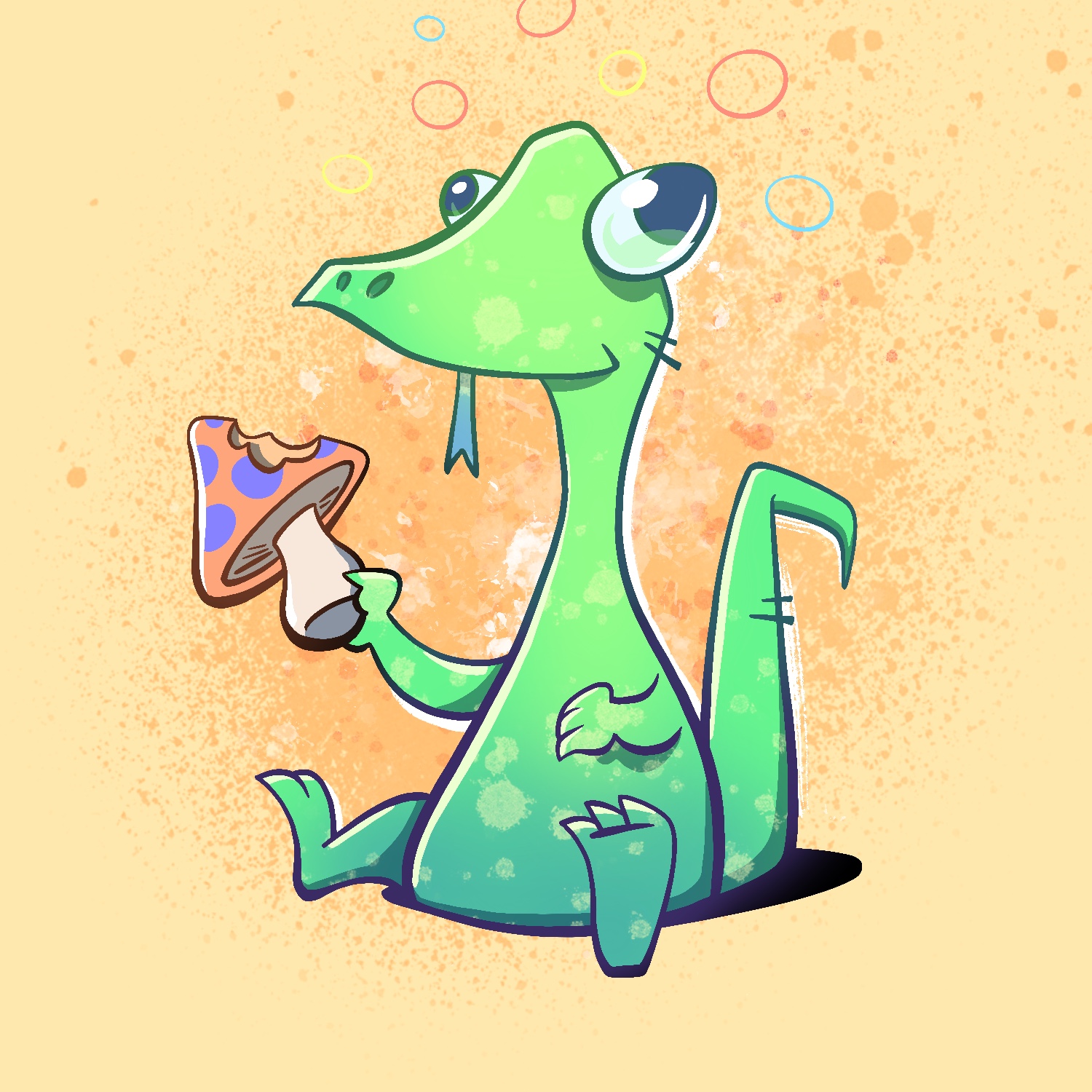
Today's Februdoodle illustration is of a lizard having a bite of mushroom and going on a trip.
This was created in Procreate with an iPad Pro and Apple Pencil, using the Procreate Pencil brush for sketching, the Syrup brush for linework, the Soft air brush for shading, and the Fat Nozzle, Splatter, and Flicks spray paint brushes for background texture.
If you'd like to see how I drew this one, you can watch the time-lapse below:
Today's Februdoodle illustration is of a fish frozen in a block of ice!
This was created in Procreate with an iPad Pro and Apple Pencil, using the Procreate Pencil brush for sketching, the Rusty Nib 1 brush for linework, the Syrup brush for fills, the Soft air brush for some light shading, and the Rough Dot Shader 45 Light brush for added texture.
The Rusty Nib brush is from the Rusty Nib pack, and the Dot Shader brush is from the Beat Tones pack, both by True Grit Texture Supply.
If you'd like to see how I drew this one, you can watch the time-lapse below:
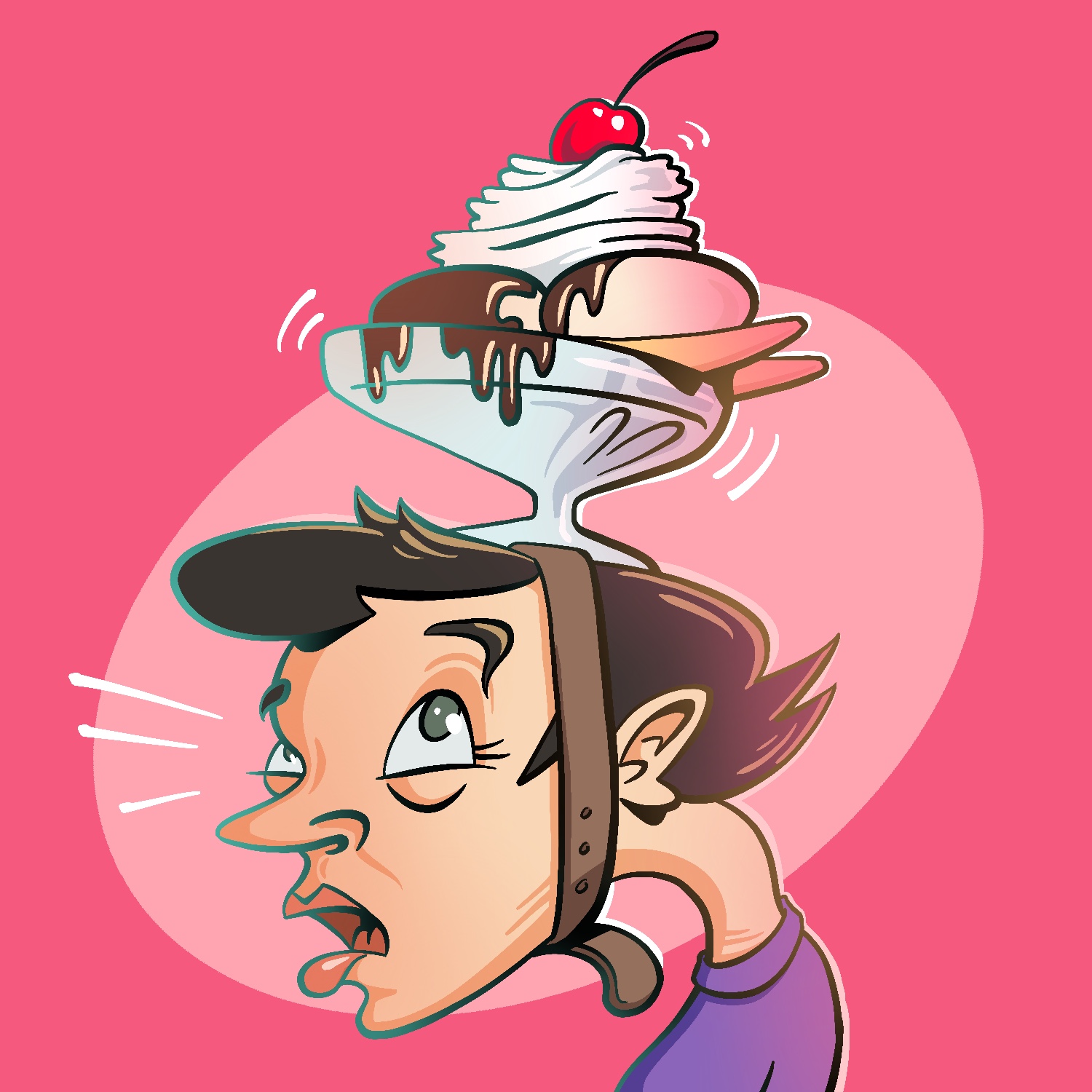
Today's Februdoodle illustration is a woman wearing an ice cream sundae as a hat.
This was created in Procreate with an iPad Pro and Apple Pencil, using the Procreate Pencil brush for sketching, the Syrup brush for linework, and the Soft air brush for shading.
If you'd like to see how I drew this one, you can watch the time-lapse below:
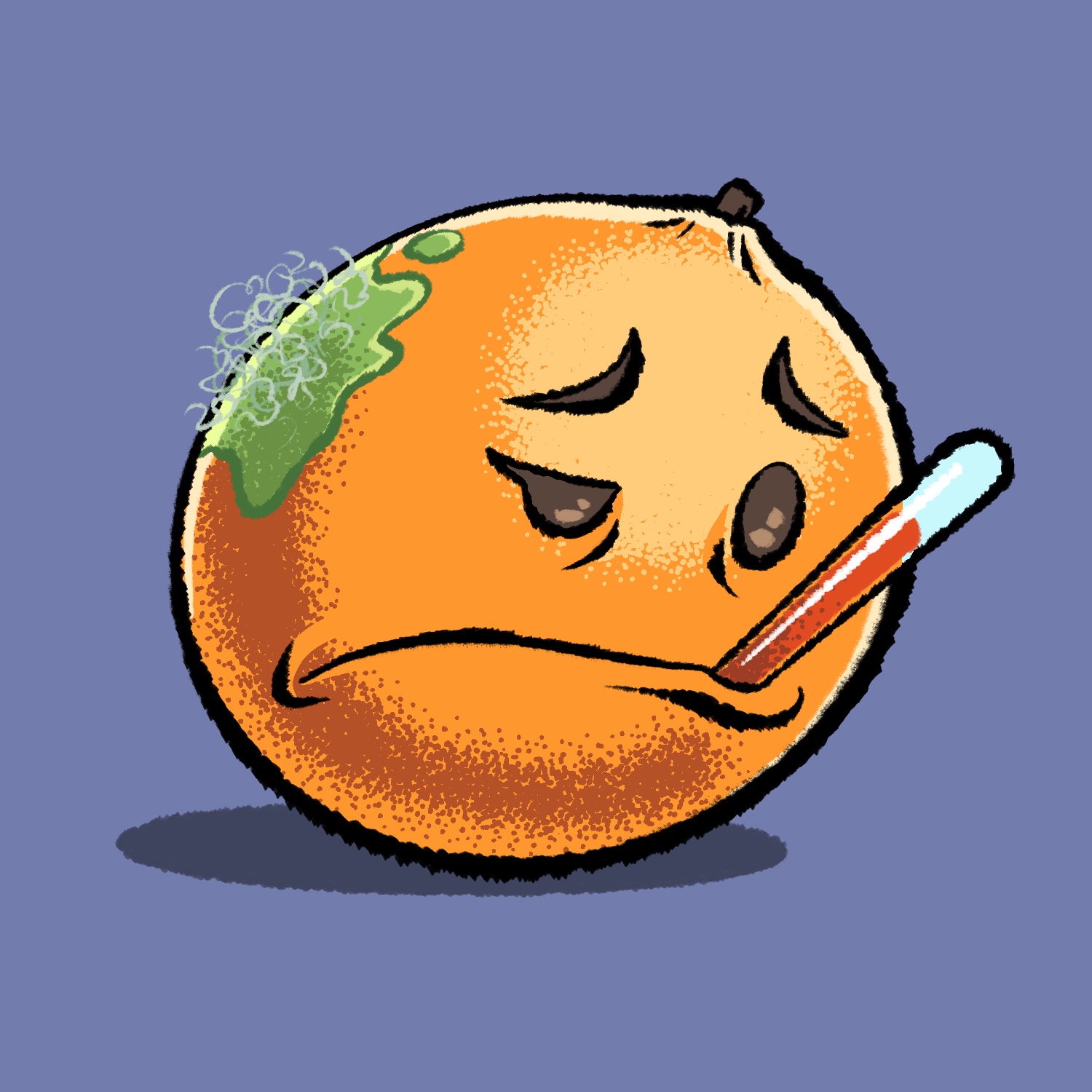
I wanted to try out some different brushes for today's Februdoodle and thought an orange would be the perfect subject for some stippling. But sometimes oranges get sick with hairy mold! 🤒
This was created in Procreate with an iPad Pro and Apple Pencil, using the Procreate Pencil brush for sketching, the Chisel Nib Cleaner brush for linework, the Syrup brush for fills, and the Sharpee Spray Regular brush for stippling/shading.
The Chisel Nib brush is from the Rusty Nib pack, and the Sharpee Spray brush is from the Stipple Studio pack, both by True Grit Texture Supply.
If you'd like to see how I drew this one, you can watch the time-lapse below:
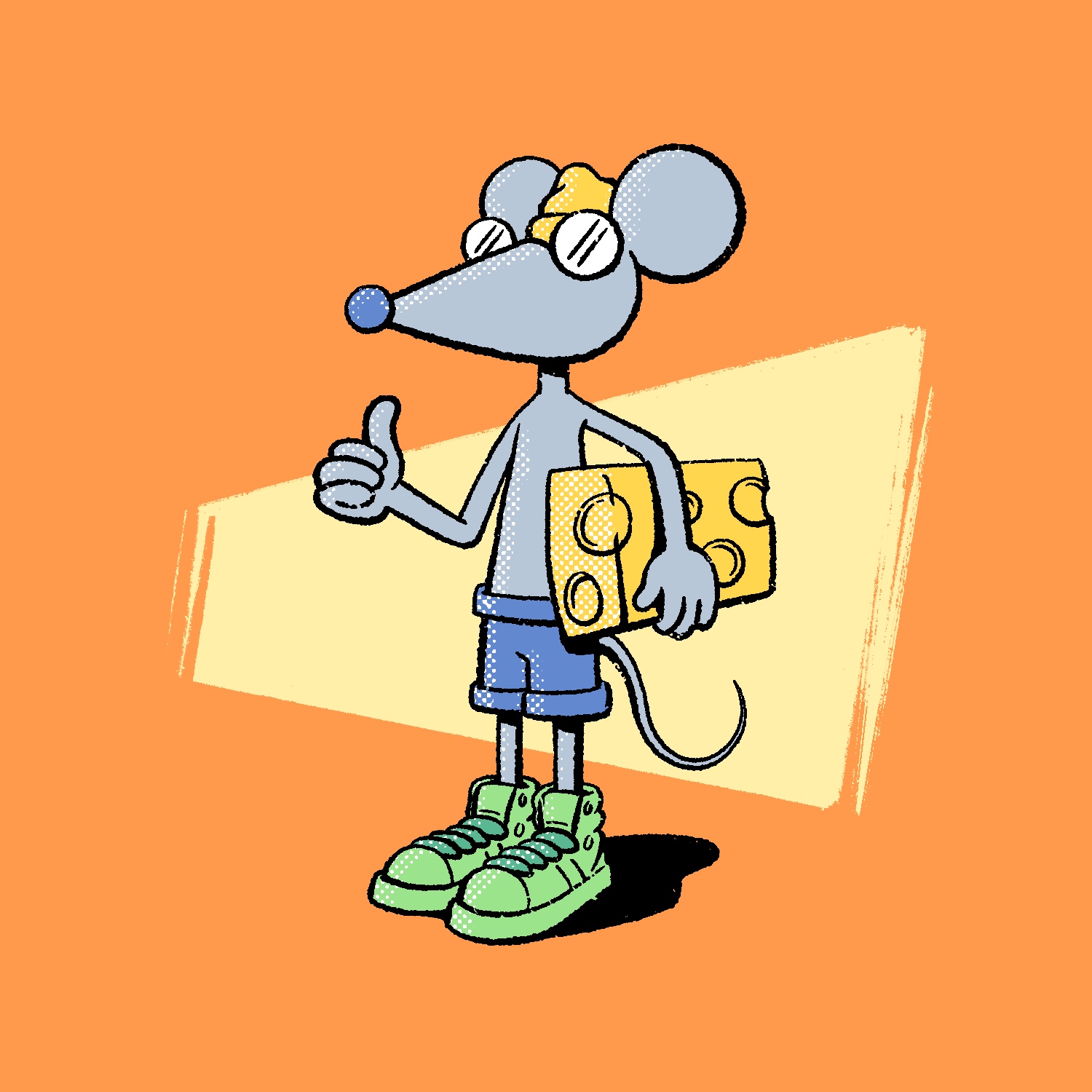
Today's Februdoodle was inspired by a book that my kid loves reading, Time To Pee!, by Mo Willems. There are hundreds of little mice doing all sorts of things in that book, and I was thinking about them when I sat down to draw tonight. It's a silly book about an important subject and I sorta love it.
This was created in Procreate with an iPad Pro and Apple Pencil, using the Procreate Pencil brush for sketching, the Rusty Nib 1 brush for linework, the Inka brush for background texture, and the Rough Dot Shader 45 Light brush for the halftone shading.
The Rusty Nib brush is from the Rusty Nib pack, and the Rough Dot Shader is from the Beat Tones pack. Both of those are by True Grit Texture supply.
If you'd like to see how I drew this one, you can watch the time-lapse below:
For today's Februdoodle illustration, my wife and I asked our son to see what he thought I should draw, and he suggested Punxsutawney Phil. So here it is!
Originally, I intended to draw him in a top hat, but then I felt like that's too many top hats to start Februdoodle with. 😆
This was created in Procreate with an iPad Pro and Apple Pencil, using the Procreate Pencil brush for sketching, the Syrup brush for linework, and the Soft Air Brush for shading.
If you'd like to see how I drew this one, you can watch the time-lapse below:
I'm kicking off this year's Februdoodle a day late - yahoo!
I had a busy day yesterday and just totally forgot to start the project. I didn't remember it until I was getting ready for bed! That's fine though, it happens. I will catch up soon!
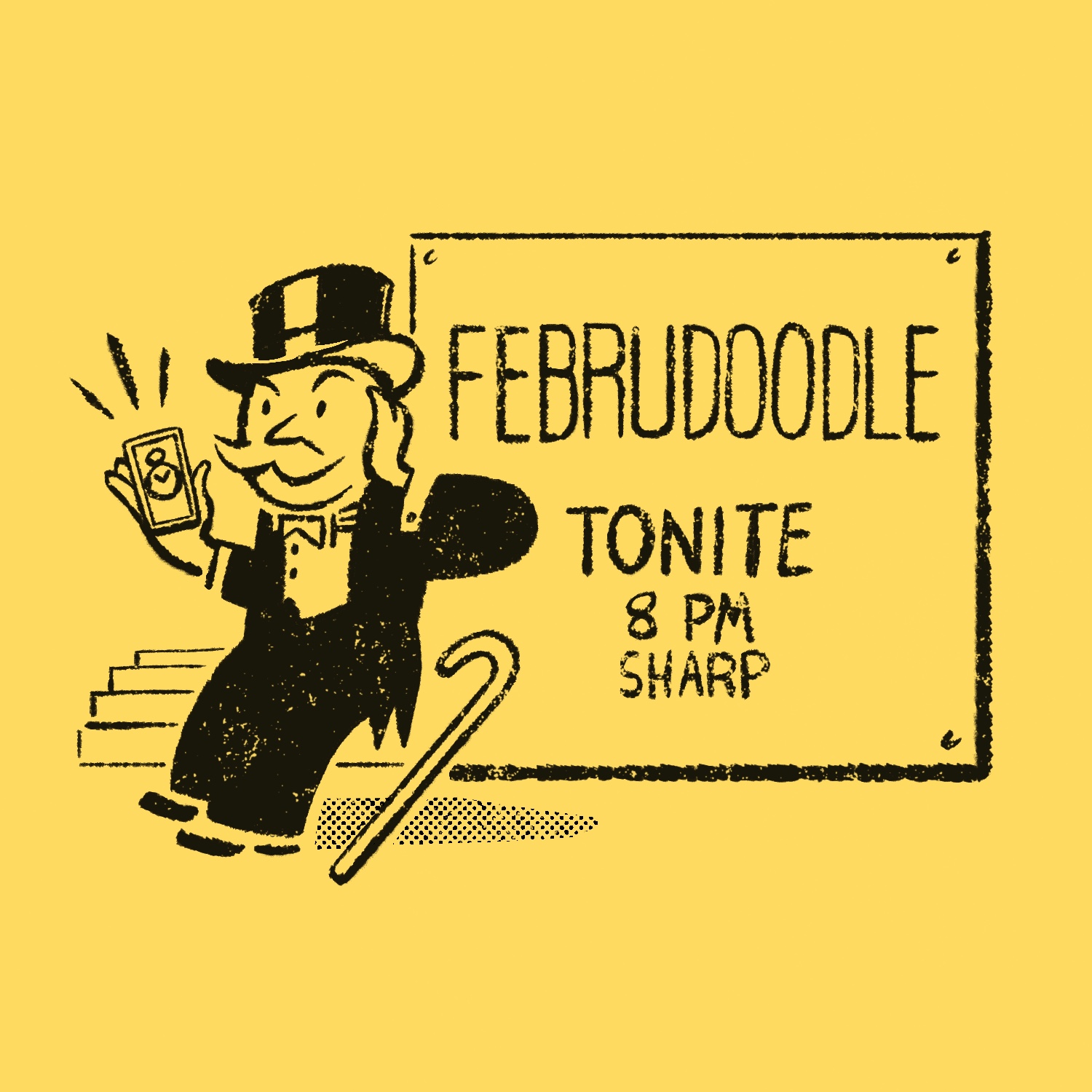
Today's drawing is in the style of a Monopoly Community Chest card. It's almost identical to the "Opera Opening Night" card, except this one features a cell phone with a stopwatch app instead of a stopwatch, and a large billboard introducing Februdoodle.
This was created in Procreate with an iPad Pro and Apple Pencil, using the Procreate Pencil brush for sketching, Chisel Nib Cleaner brush for linework, the Drrrty 1 and Grainy 1 Dense Fine Grain brushes for the grit, and the Rough Dot Shader 45 Light brush for the halftone pattern.
The Drrrty and Grainy brushes are from the Fast Grit pack, and the Rough Dot Shader is from the Beat Tones pack, both by True Git Texture Supply.
If you'd like to see how I drew this one, you can watch the time-lapse below:
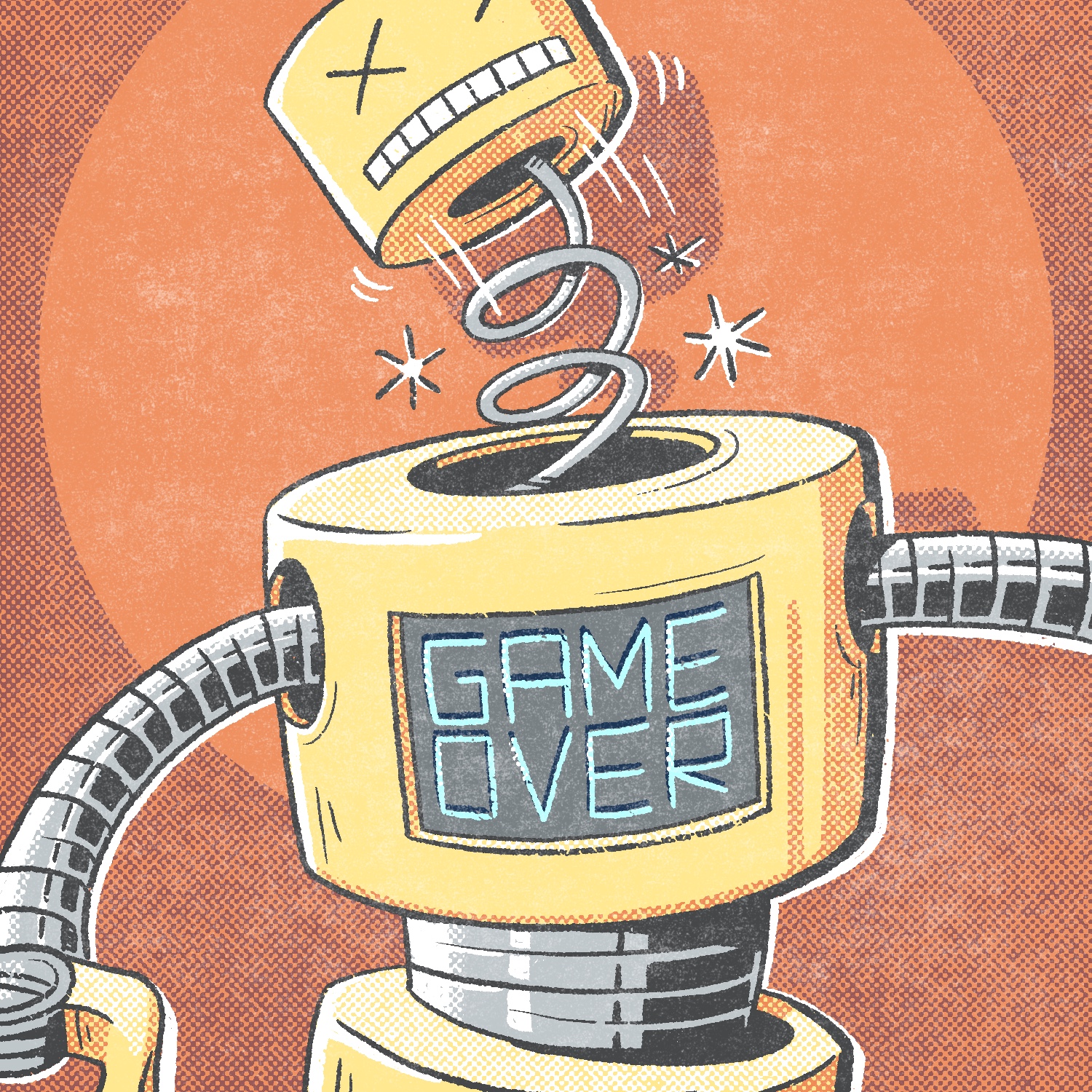
On that last day of this year's Februdoodle, I realized that I hadn't done a robot drawing yet, so here it is!
I had the idea of doing a robot with his head flying off pretty early in my brainstorming, so I thought it might be fun to draw Rock 'Em Sock 'Em Robots. The problem is, I never owned those as a kid, so that felt a little inauthentic, and the thought of drawing two robots and then coloring them in monochrome felt boring.
So, I made up a robot instead! You can't see a lot of him, but just enough to get an idea for what the rest of him might look like, I think. In any case, I think he's a fitting end to this year's project!
This was created in Procreate with an iPad Pro and Apple Pencil, using the Procreate Pencil brush for sketching, the Rusty Nib 1 brush for linework, the Rough Dot Shader 45/Light brush for shading, the Worn 4 Subtle brush for adding distress. And although you can't really tell that I used it, I used the Syrup brush for a lot of the fills where I wanted to make sure the color was solid.
The Rusty Nib 1, Rough Dot Shader 45/Light, and Worn 4 Subtle brushes are part of the Rusty Nib pack, the Beat Tones pack, and the Fast Grit pack respectively, all by True Grit Texture Supply.
If you'd like to see how I drew this one, you can watch the time-lapse below:
And you can watch all of the drawings in this series be created on this YouTube playlist.
This project flew by, and as always, I had fun doing it! I hope you enjoyed seeing each illustration and perhaps even watching them get made. I'll be back tomorrow for another project: Drawrch.
Today's Februdoodle illustration is something I was thinking about earlier today: an unexpected situation drawn in the style of the old iPod commercials from the 2000's.
Initially, I thought it might be a cool idea to draw a person doing something deranged, like burying a body or something, late in the evening I had this idea and knew it would be more fun to draw, so I ran with it. I spent a lot of time learning to draw Sonic the Hedgehog back when we got a Sega Genesis for Christmas one year, so it was nice to find some of that old muscle memory and flex it for just a moment.
This was created in Procreate with an iPad Pro and Apple Pencil, using the Procreate Pencil brush for sketching, the Syrup brush for linework, the Studio Pen brush for the more uniform linework, and the Soft air brush for some very faint shading in the background.
If you'd like to see how I drew this one, you can watch the time-lapse below: